Video Lip Sync
Change the words.
Bring a take you already shot and the line you wish it said. The mouth is matched to the new audio; framing, lighting and performance stay as recorded.
A single-speaker video + replacement audio
Change a lineAI video creation
Recast the star, change the words, or give a pet a voice. Use the video or photo you already have.
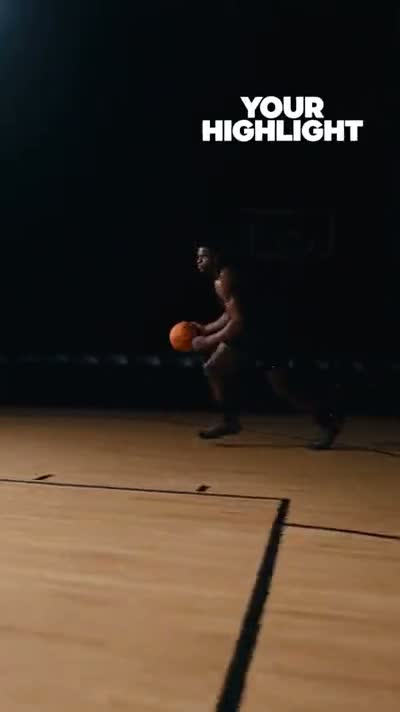 Tomahawk DunkSelected template · 6 seconds
Watch the reference and result move together.
Real outputs
Every tile below came out of the product — no stock footage, and no reference clips standing in for results.
Three workflows
One account, one credit balance, one Library. Recreate is billed per second of output at 1,350 credits.
Video Lip Sync
Bring a take you already shot and the line you wish it said. The mouth is matched to the new audio; framing, lighting and performance stay as recorded.
A single-speaker video + replacement audio
Change a lineAI Video Character Swap
Pick a reference performance — one of eight templates or your own clip — and cast a character into it from one image. Motion, camera and timing are driven by the reference.
One character image + a 3–15 second reference
Recast a performanceAI Pet Podcast
One clear photo of a pet becomes a host. Write the line or bring your own audio, pick a voice, and get a talking clip back.
One pet photo + a line or audio
Make a pet talkTutorials
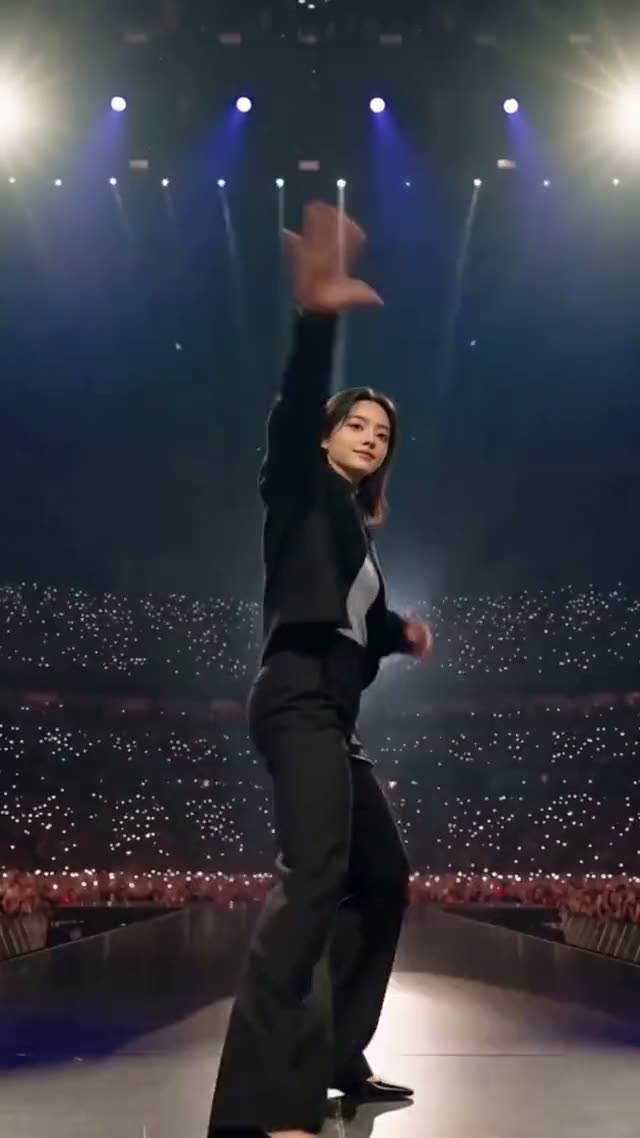 Recreate · 4 minRecreate a video with your characterBring a character you own — a mascot, an AI character, an illustration — and have it perform an existing clip instead of shooting anything.
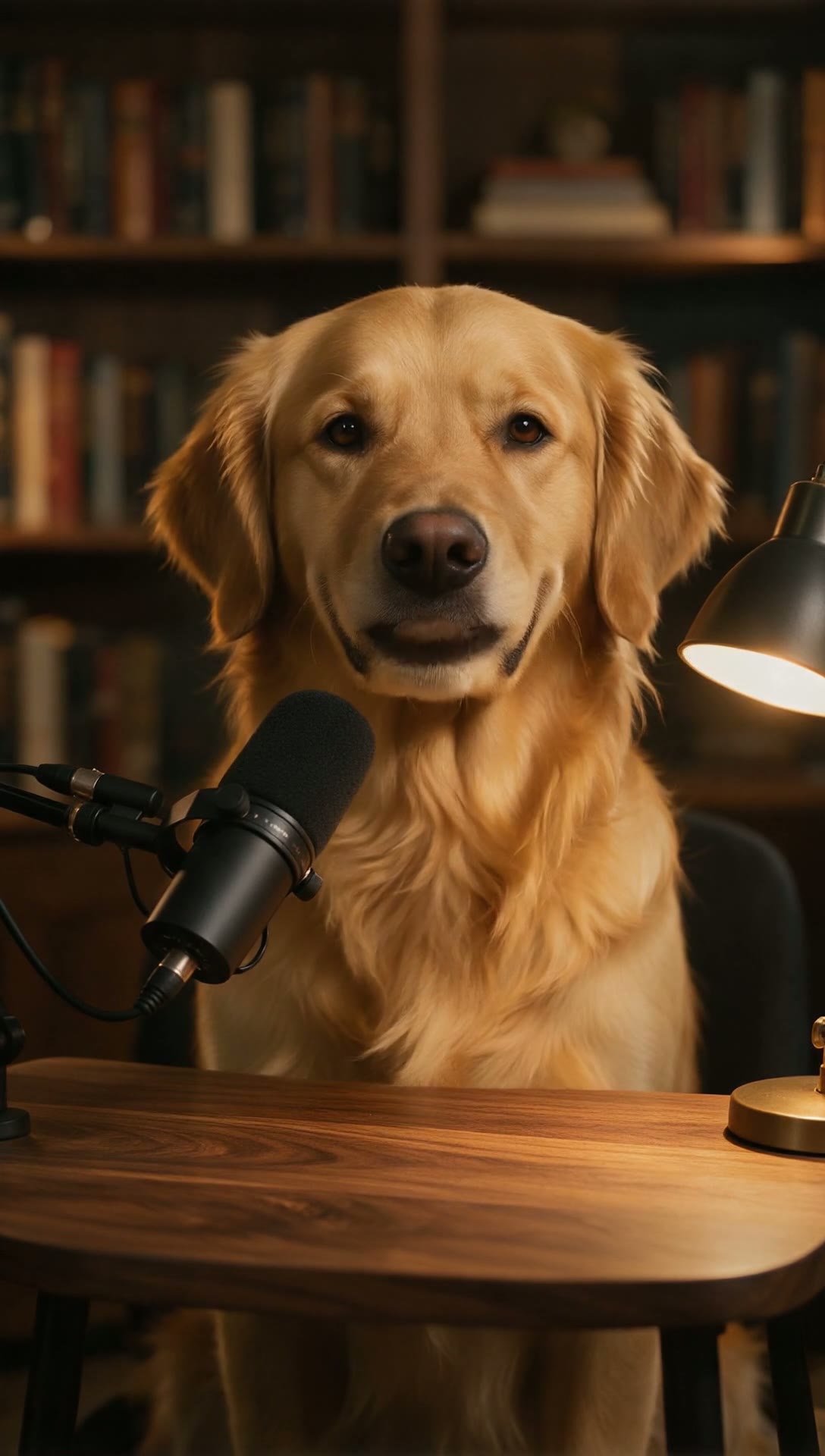 AI Pet Podcast · 4 minMake an AI pet podcastTurn one photo of your dog or cat into a talking podcast host — write the line, pick a voice, and get a video back.
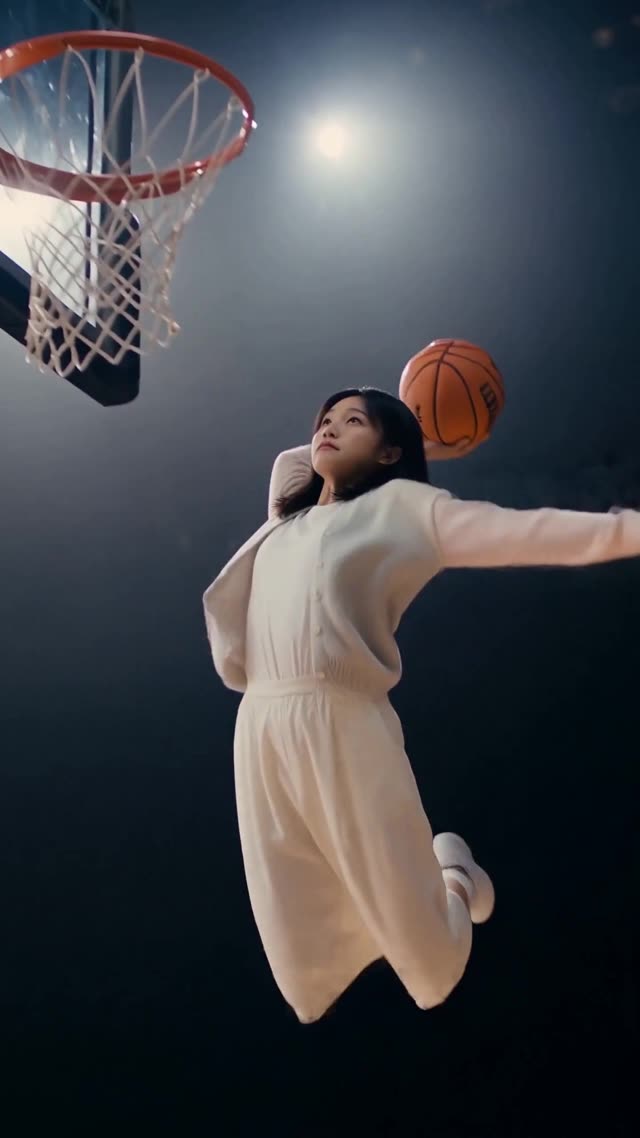 Creative Templates · 3 minMake an AI dunk videoPut yourself, your pet or your mascot in a packed-arena slam without touching a basketball — one photo is the only input.
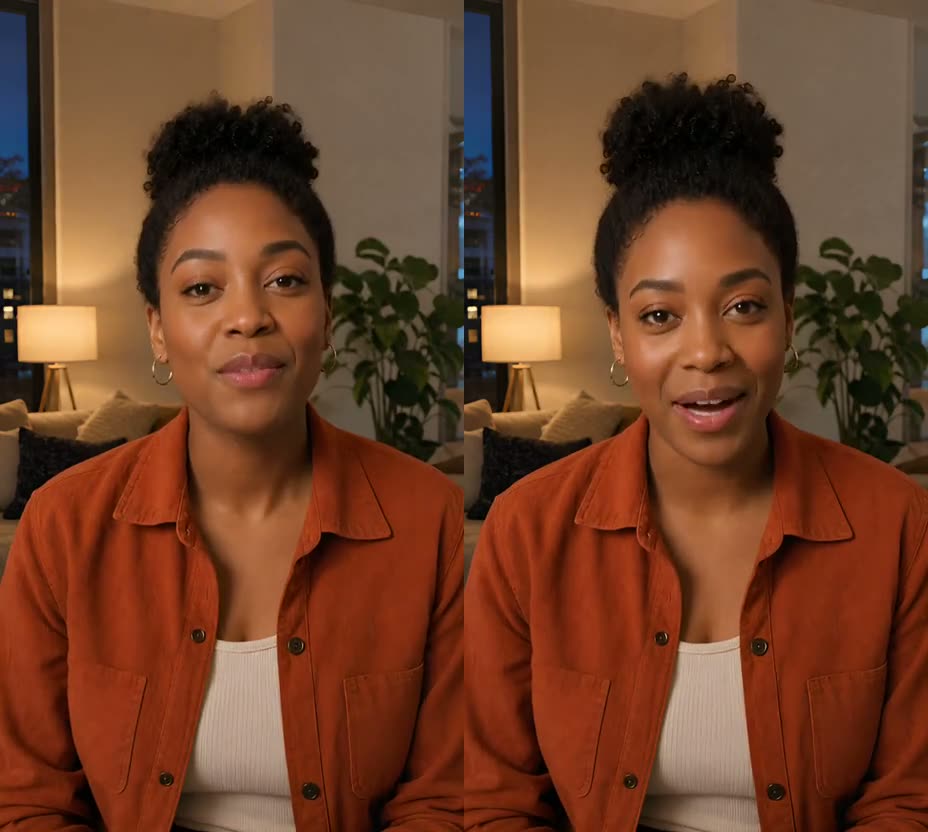 Video Lip Sync · 4 minLip sync a video to new audioKeep the footage you already shot and match the visible mouth to a new spoken line — typed, uploaded or recorded.
Use cases
These focused guides cover the Video Lip Sync workflow in depth. Character swap and pet videos have their own entry points above.
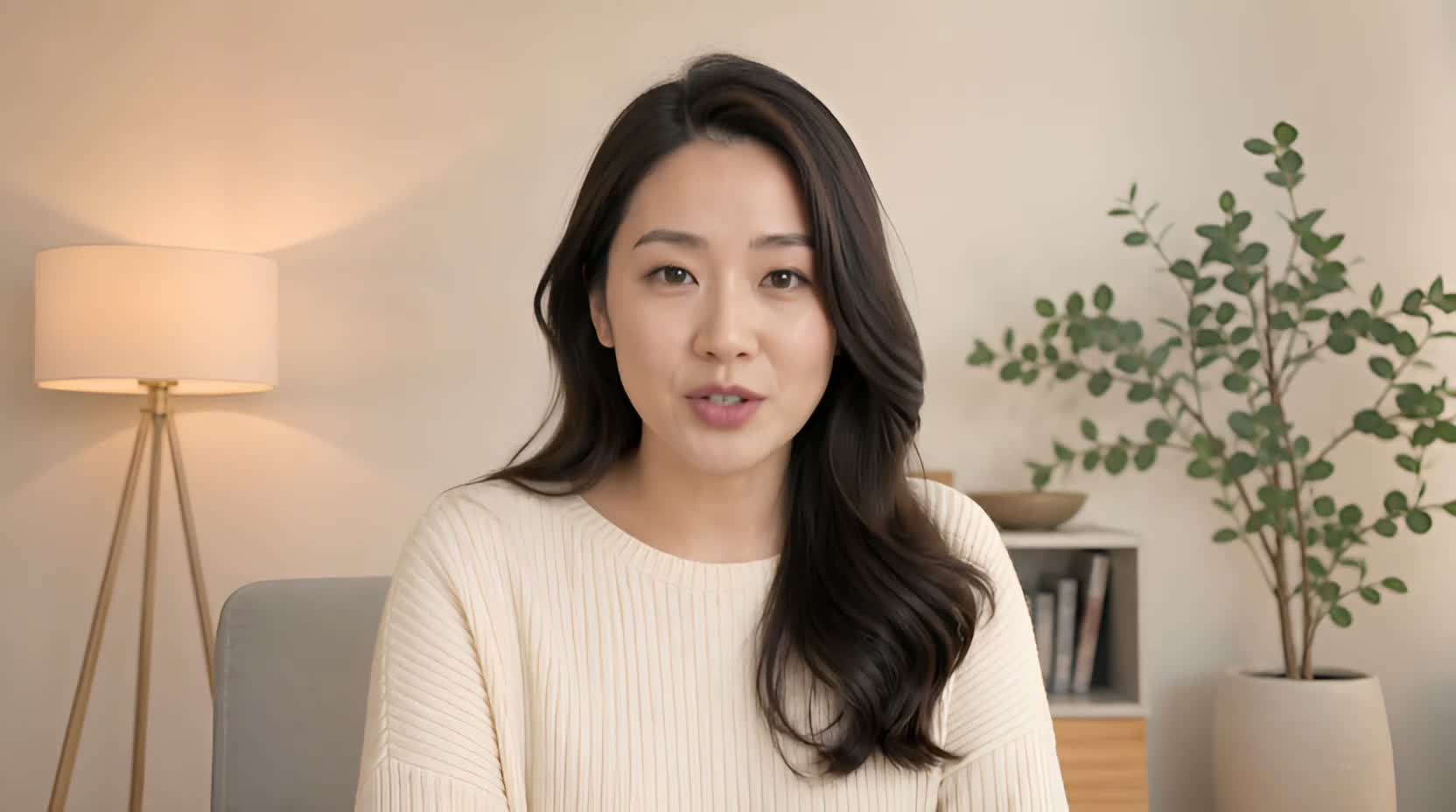 Use case
Got one outdated number, name, date, or sentence in an otherwise good recording? Type the corrected line, upload it, or record it — then match the mouth to it.
See the guide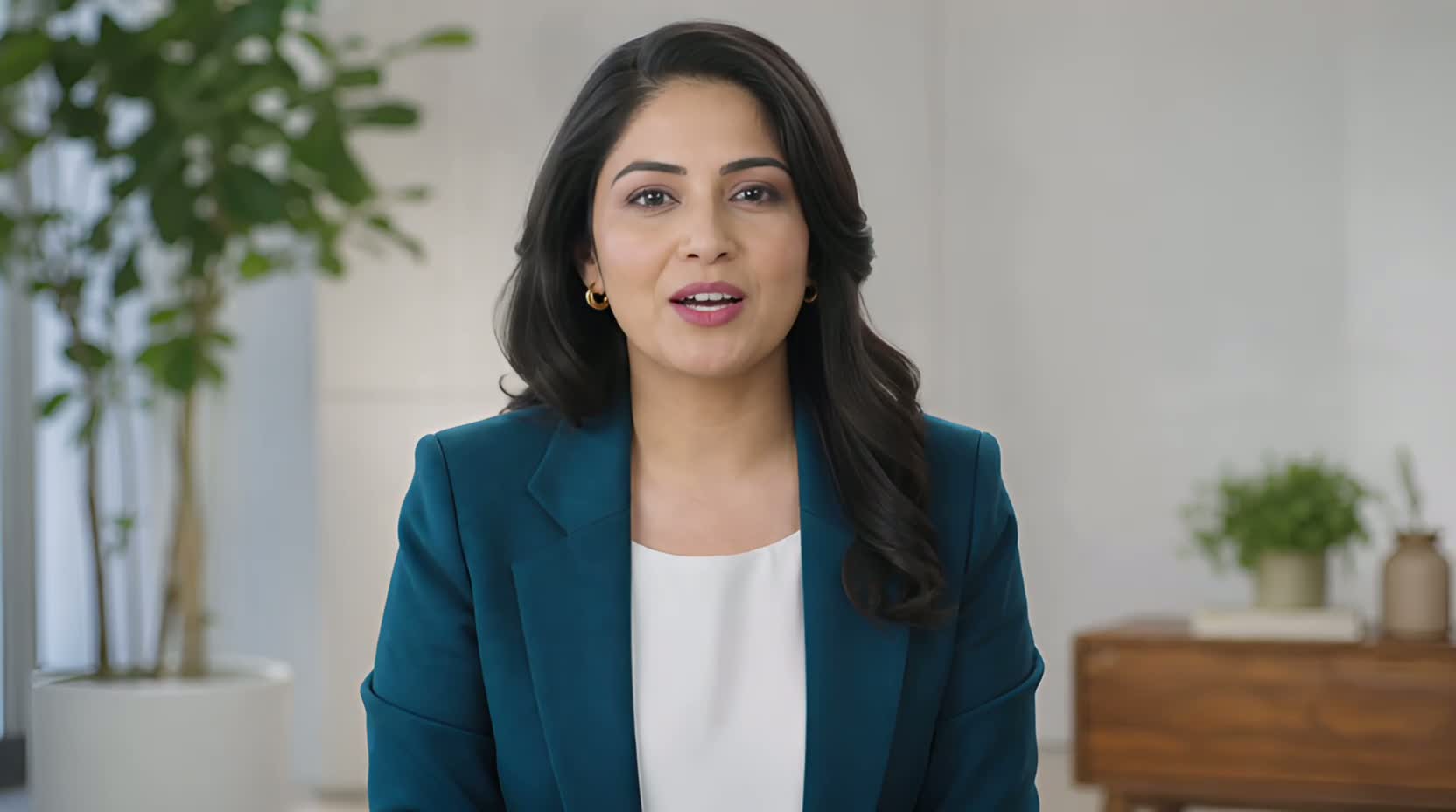 Use case
When a launch date, product name, or offer changes after filming, a new line you type, upload, or record can keep a usable presenter segment from becoming outdated.
See the guide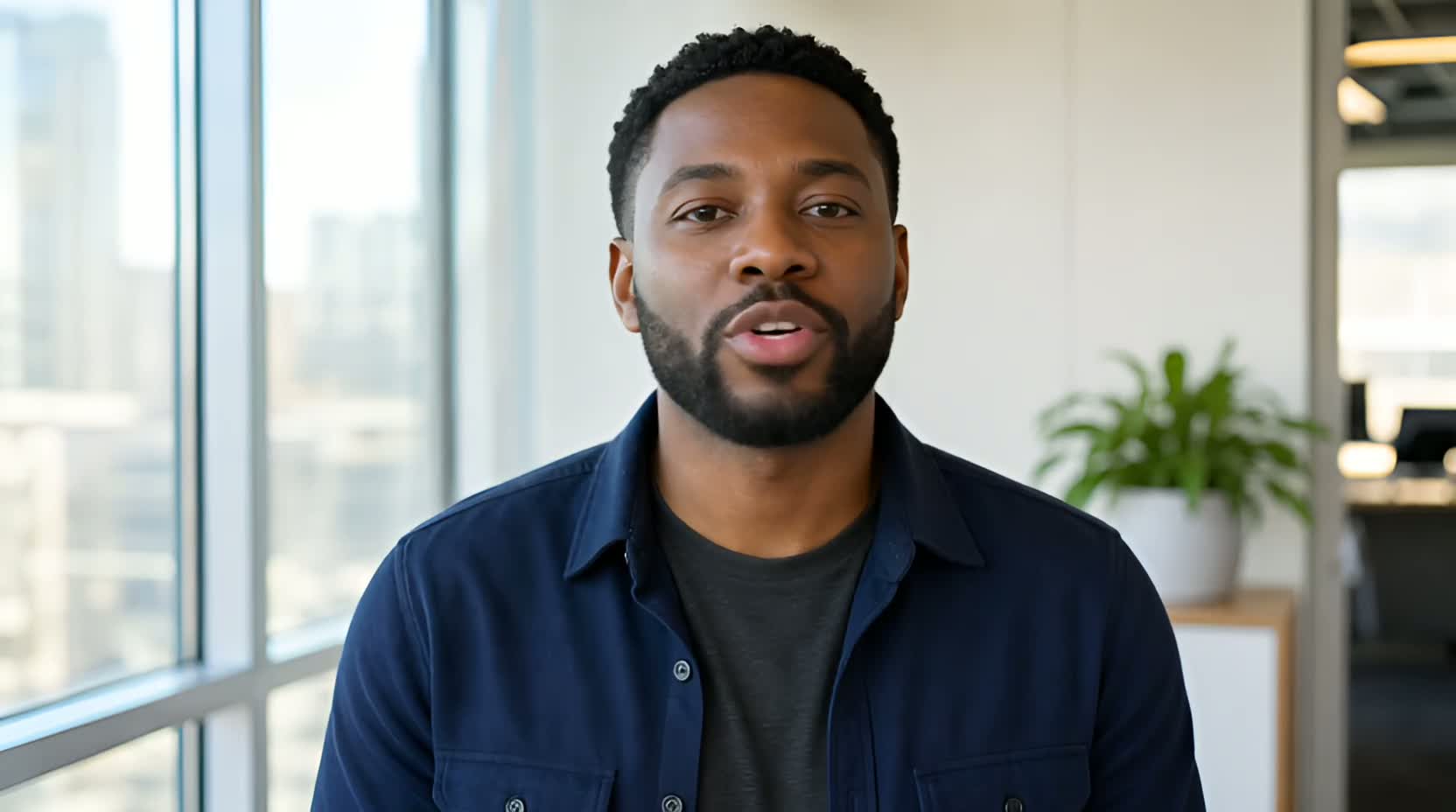 Use case
UseLipSync starts with an existing talking video, then lets you supply new speech by typing with a selected or cloned voice, uploading audio, or recording it to appear spoken on camera.
See the guide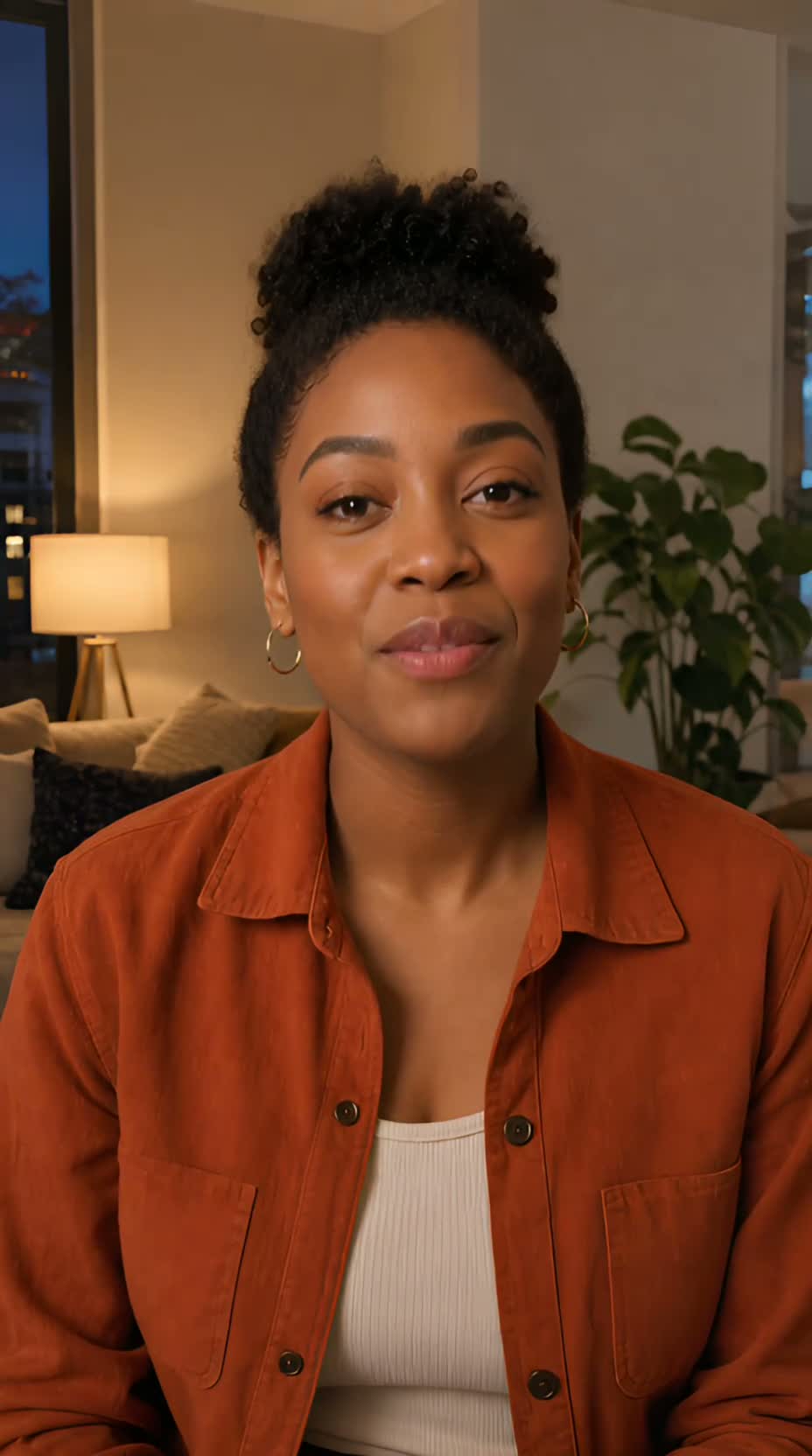 Use case
If you already have a clean, single-speaker AI presenter video, give it new speech by typing with a selected or cloned voice, uploading authorized audio, or recording it. UseLipSync does not create the presenter itself.
See the guideThe presenters in these examples are AI-generated. The guides show lip matching, not avatar creation.
Resources
Credits, explained before you start
Eligible new visitors receive a one-time 500-credit starter balance. Choose a monthly credit plan or a one-time pack when you need more.
Questions
Use Video Lip Sync to match a single-speaker video to replacement audio. Use AI Pet Podcast to animate one clear pet photo. Use Recreate to cast an authorized character in a 3–15 second reference performance.
They cover about two 8-second Video Lip Sync previews, or five AI Pet Podcast scene images. Talking pet video is billed at 500 credits per generated second, up to 4,000 credits for 8 seconds, so it is not included in the starter balance. Recreate also requires additional credits.
You can start Video Lip Sync and create Pet Podcast studio scenes as a guest. Sign in with Google before submitting a final Pet Podcast video or buying credits. Signed-in finished outputs stay in your Library for 30 days and can be saved for longer.
Raw photos, video, audio, text, and voice samples expire after 24 hours. Guest results also expire after 24 hours. Signed-in finished outputs stay for 30 days; saved creations and pet scenes remain until you delete them or reach the current storage limits.
Only when you have the necessary rights and permission. UseLipSync does not support unauthorized impersonation, public-figure templates, or content involving minors.
Choose your starting point