Use Concert MV. It creates the whole performance from your photo: stage, shots and camera moves, with your mouth following the vocal.
Concert MV · 4 min read
How to make an AI video of yourself singing
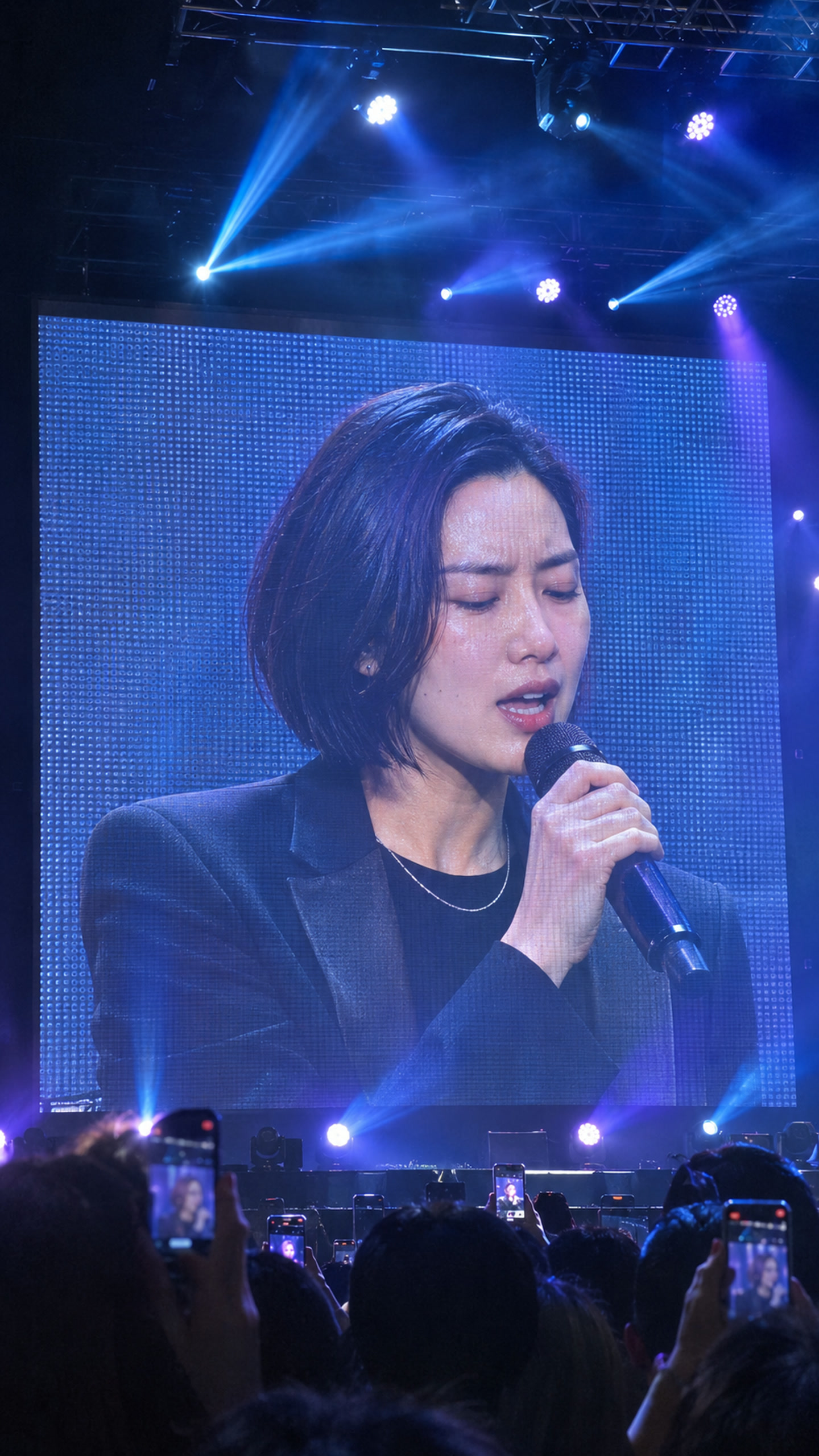
One clear photo and a recording of the song become a vertical video of you performing it on a giant concert screen.
Make my singing videoUpdated Nov 8, 2026
Start with your best 10–30 seconds
Launch offer: 300 credits per finished second until .
10 seconds
3,000 credits
30 seconds
9,000 credits
60 seconds
18,000 credits
3-minute song
54,000 credits
Cost uses the exact audio length, rounded up to the nearest credit. Poses, shots and final editing are included. Review your quote and balance before confirming.
Trim your audio before uploading if you want a shorter video.
On this page
Short answer
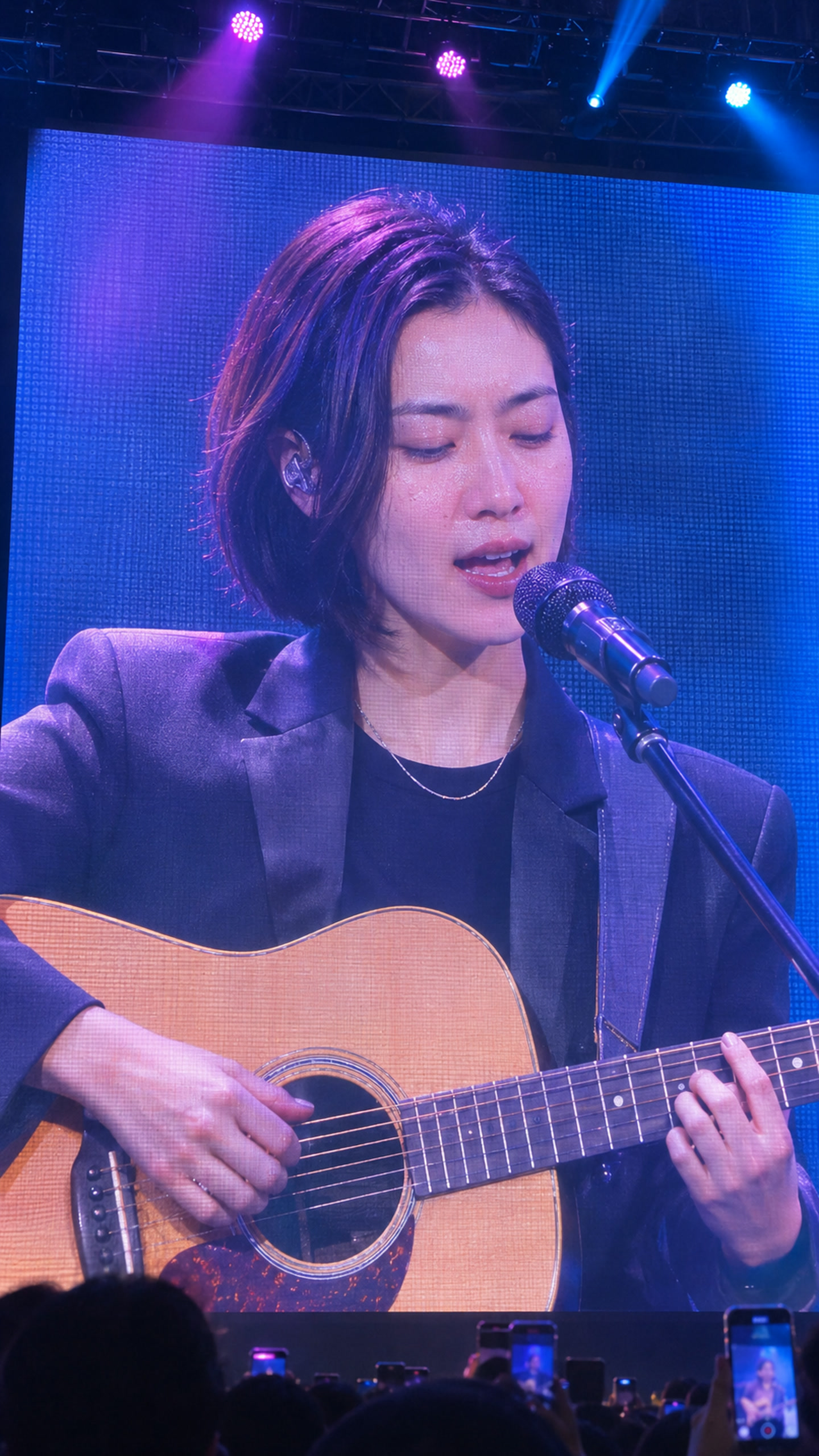
Yes, AI can make a video of you singing from one photo and a recording of the song. Upload a clear photo of yourself and an MP3, WAV or M4A of a song you have the rights to use, from 4 seconds to 10 minutes. UseLipSync Concert MV puts you on a giant concert screen, lip-synced to the vocal, with your track as the audio, in vertical 9:16. If you already have a video of yourself, use Video Lip Sync for music to match your mouth to the track instead. You see the exact credit cost before you generate.
Pick the route that matches what you have
Use Video Lip Sync for music to keep your real footage and match the visible mouth to the track.
Follow the Suno song guide. It covers exporting and checking the rights for Suno downloads.
Use AI Talking Photo for a spoken line from a photo.
Step by step
- Choose the song and the part you want
Use a recording with a clear lead vocal that you made, licensed or have permission to use. Concert MV accepts MP3, WAV or M4A from 4 seconds to 10 minutes, up to 50 MB. Start with your best 10–30 seconds: trim it in any audio editor before uploading, because the tool uses the whole file.
- Pick one photo of yourself
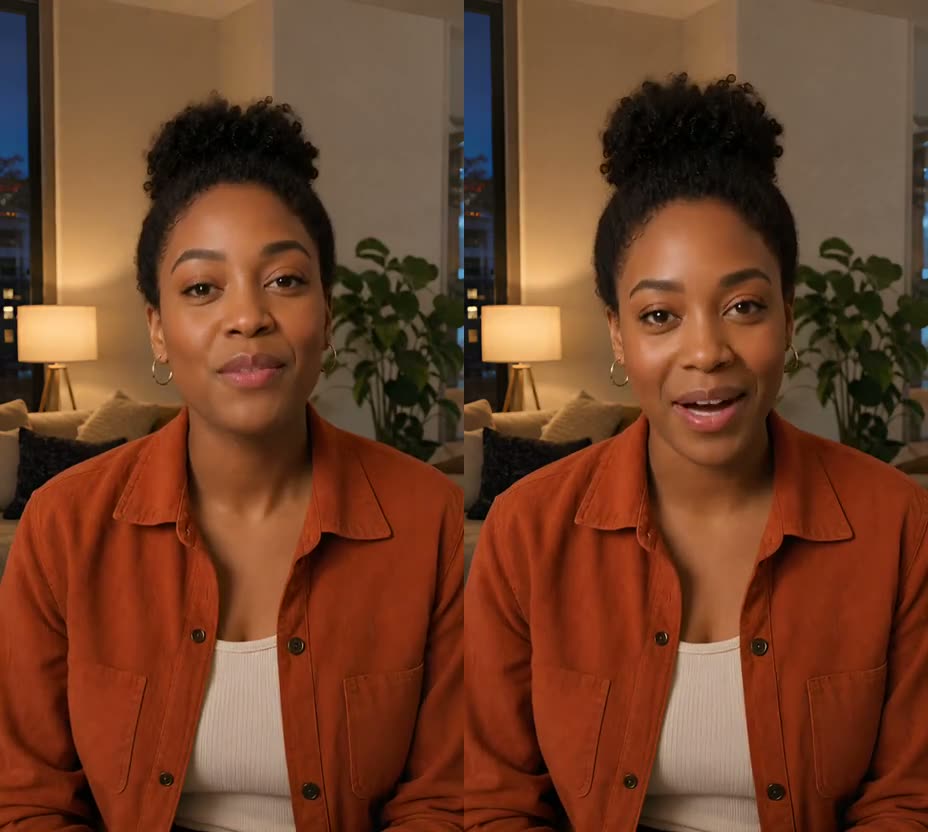
One person, face clearly visible and well lit, looking roughly toward the camera, with nothing covering the mouth. JPG or PNG up to 5 MB. Your face, hair and outfit come from this photo.
- Choose a stage
Blue concert screen with a handheld mic, Violet vocal close-up, Guitar on the big screen or Piano on the big screen. Pick the one that fits how the song is performed.
- Check the price and generate
The exact credit cost is shown before anything starts, based on the length of your audio. After you confirm the rights statement, Concert MV plans the poses, shots and camera movement and assembles the full video with your song as the soundtrack. It can take a while; your project stays in your Library.
- Watch it all before you post
Check the face, hands, instrument and mouth timing in every shot. The video is 9:16 for Shorts, Reels or TikTok. Say it is AI-generated when you post.
What comes from your inputs
The uploaded song is the video's audio from start to finish, and the mouth follows its lead vocal.
Face, hair and outfit are guided by your photo. Details can drift between shots, so review the whole result.
The stage you pick sets the venue and lighting for every shot of the video.
What actually makes a difference
The mouth timing follows the vocal. A lead vocal buried under a loud mix gives the model less to follow.
Duets and choirs are performed by the one person in your photo.
A 10–30 second clip shows how your photo and song come out before you pay for a full song.
A front-facing, evenly lit photo without sunglasses or a hand near the mouth keeps your face more consistent across shots.
Questions
Can AI make a video of me singing?
Yes. With one photo of you and a recording of the song, Concert MV makes a vertical video of you singing it on a concert screen, lip-synced to the vocal.
Do I need to sing on the recording myself?
No. The mouth follows whatever lead vocal is in your audio file. If the voice is not yours, such as an AI vocal, you still need the rights to the track, and you should say the performance is AI-generated when you post.
Can I make a video of me singing Happy Birthday?
Yes, with a recording of the song that you made or have permission to use. Anything from 4 seconds up works, so a short birthday clip is fine.
Can I use a photo of a friend?
Only if they agreed to appear. You confirm permission for the person's likeness and the audio before you generate. Don't use photos of anyone under 18.
Is there a free version?
No. The price is per finished second; check the current offer and your exact quote before you generate. Short clips cost less.
What if generation fails?
If a confirmed technical failure means you don't get a complete video, all the reserved credits go back to your balance.
Related tutorials
Ready to try it?
One clear photo and a recording of the song become a vertical video of you performing it on a giant concert screen.
Make my singing video