AI LIP SYNC GENERATOR
Change the words. Keep the take.
Upload a video and give it new speech with text, your own audio, or a recording. No reshoot required.
Use the finished take as-is. Start with your own video or try a ready-made sample.
MP4 / MOV · one clear face · current production limits applyNEW SPEECH
What should they say?
Type text, upload your own audio, or record. Try different lines anytime.Real result
See the change after the tool.
Compare the same take with two different lines. The proof is here to build confidence; the Builder stays the first useful action.
Switch Line A and Line B while it plays. Captions show the exact change before you turn sound on.
How it works
One take. New speech. Iterate in place.
Choose the take
Use one visible speaker in an MP4 or MOV you are allowed to edit.
Define the new speech
Type a line with a selected or cloned voice, upload audio you own, or record it in your browser.
Generate and refine
Review the result, then keep the same take and adjust the speech to generate again.
Input guide
What works best
- One person facing the camera, with a clearly visible and evenly lit face.
- A source clip at least as long as the new speech. Shorter clips are looped.
- For Upload audio or Record, use clean speech without music, overlapping speakers, or heavy background noise.
Current limits
- UseLipSync matches the mouth. Type text uses your current selected or cloned voice; Upload audio and Record use the speech you provide directly.
- It does not support multiple speakers, animals, hidden faces, or identity replacement.
- The starter workflow accepts up to 8 seconds of speech, however you supply it.
Your files and permission
Raw uploads stay in private storage and expire after 24 hours. Guest results also expire after 24 hours; signed-in finished outputs stay in your Library for 30 days and saved creations remain until deletion or the current storage limit. We do not use your footage to train models. You must own the rights or have permission for the face, footage, and voice. See our acceptable use policy.
Questions
Before you upload
What do I need to start?
A MP4 or MOV with one clearly visible speaker, plus one way to supply new speech: type text with a selected or cloned voice, upload MP3/WAV/M4A audio you have the right to use, or record in your browser.
Can I type a script instead of uploading audio?
Yes. Choose Type text and UseLipSync synthesises your script with the current selected TTS voice, a saved My Voice, or a Quick Clone you have permission to use. Upload audio and Record remain available when you want to provide the speech directly.
Does it translate a video?
No. LipSync matches mouth movement to the new speech you provide through Type text, Upload audio, or Record. It does not translate or write the script for you.
What footage works best?
One front-facing speaker with a clear, evenly lit face. Avoid multiple speakers, obscured faces, and clips shorter than the new speech. For uploaded or recorded audio, avoid music and overlapping speakers.
Use cases
Start with the exact update you need
Each guide explains suitable inputs, shows an approved A/B example, and links back to this uploader.
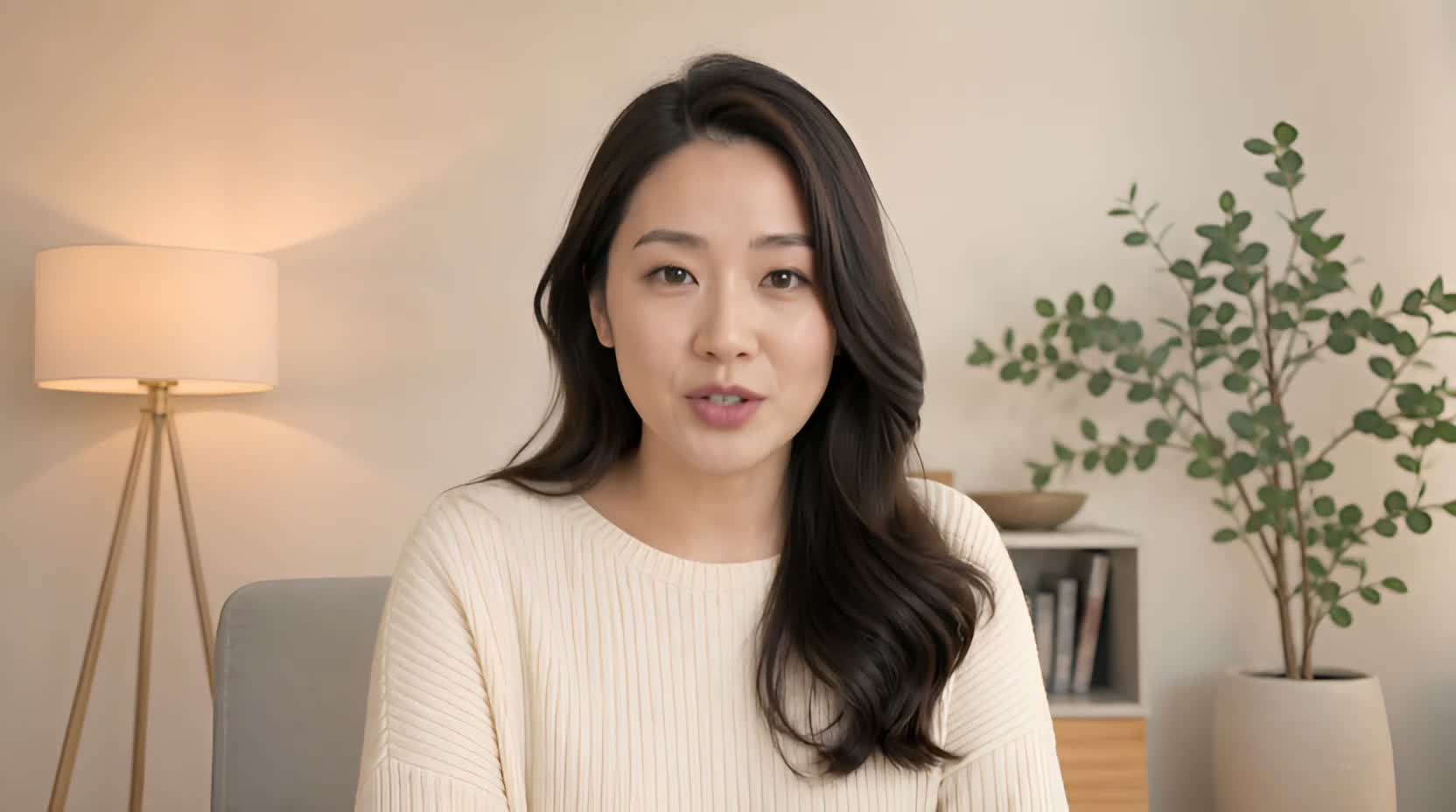 Use case
Change words in a video
Got one outdated number, name, date, or sentence in an otherwise good recording? Type the corrected line, upload it, or record it — then match the mouth to it.
See the guide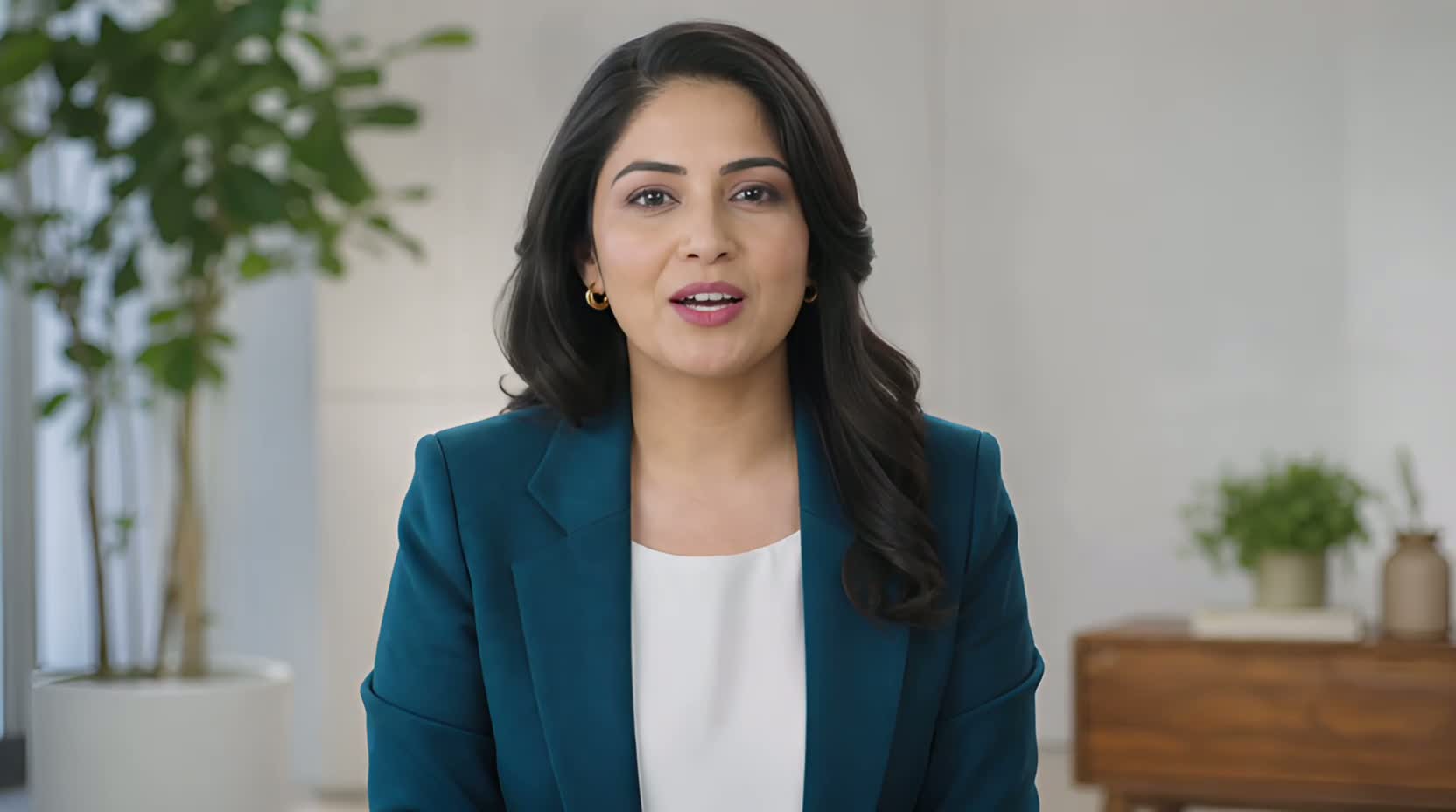 Use case
Update a product demo video
When a launch date, product name, or offer changes after filming, a new line you type, upload, or record can keep a usable presenter segment from becoming outdated.
See the guide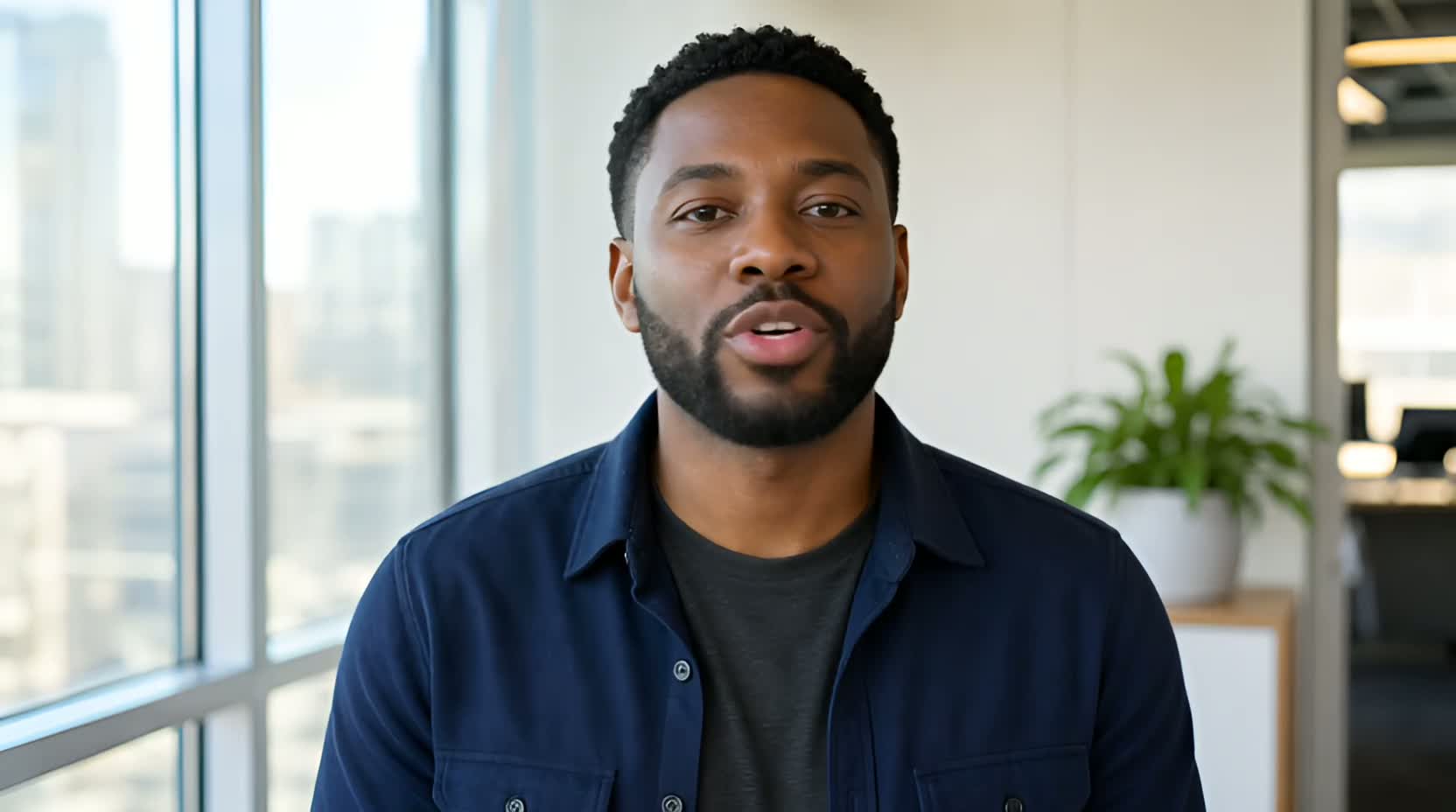 Use case
Replace a video voiceover
UseLipSync starts with an existing talking video, then lets you supply new speech by typing with a selected or cloned voice, uploading audio, or recording it to appear spoken on camera.
See the guide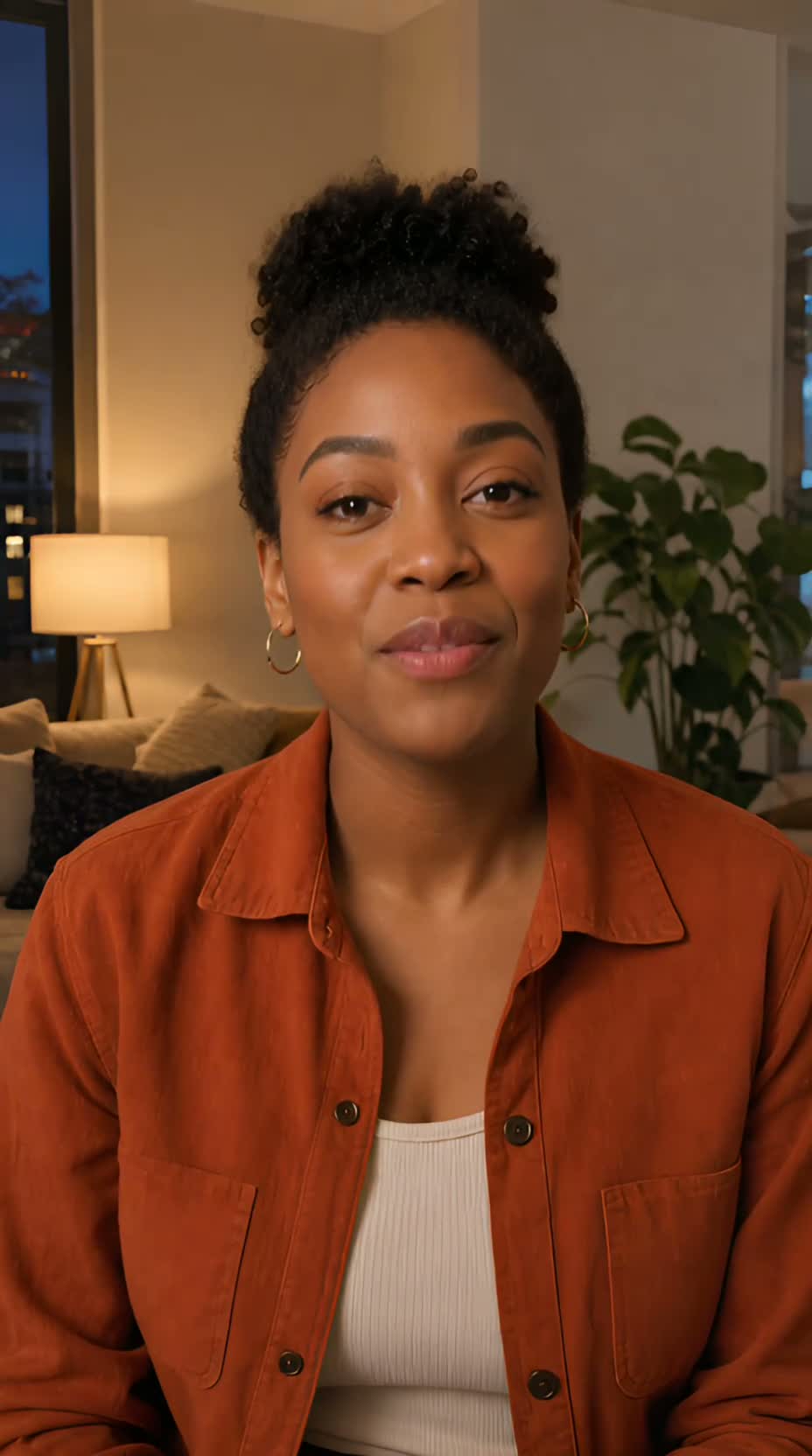 Use case
Lip sync an AI presenter video
If you already have a clean, single-speaker AI presenter video, give it new speech by typing with a selected or cloned voice, uploading authorized audio, or recording it. UseLipSync does not create the presenter itself.
See the guideThe presenters in these examples are AI-generated. The guides show lip matching, not avatar creation.