AI lip sync for a corrected line
Change words in a video — without changing the take.
Got one outdated number, name, date, or sentence in an otherwise good recording? Type the corrected line, upload it, or record it — then match the mouth to it.
Open Video Lip SyncBring an audio track you own. New sessions start with 500 credits; no account is required.
What the sample proves
A one-word change should be obvious.
Switch between the two finished versions. The on-screen captions show the exact word that changed, even with sound off.
Three steps
Bring the inputs. Keep control of the words.
Keep the usable take
Choose a clear, single-speaker clip you have the right to use.
Supply the new line
Type it and pick a voice, upload a clean MP3, WAV or M4A, or record it in the browser.
Generate and check
Preview the matching mouth movement, then download the MP4.
A good fit
Use it when
- Correcting a version number, date, name, or short statement
- A clear face looking toward camera
- A corrected line you can type, upload or record
Keep in mind
Not the right tool for
- Translating or dubbing into another language
- Multiple people speaking in one clip
- Changing someone’s words without permission
Use cases
Find the right starting point
Every workflow starts with the same two inputs: one clear speaker and audio you are authorized to use.
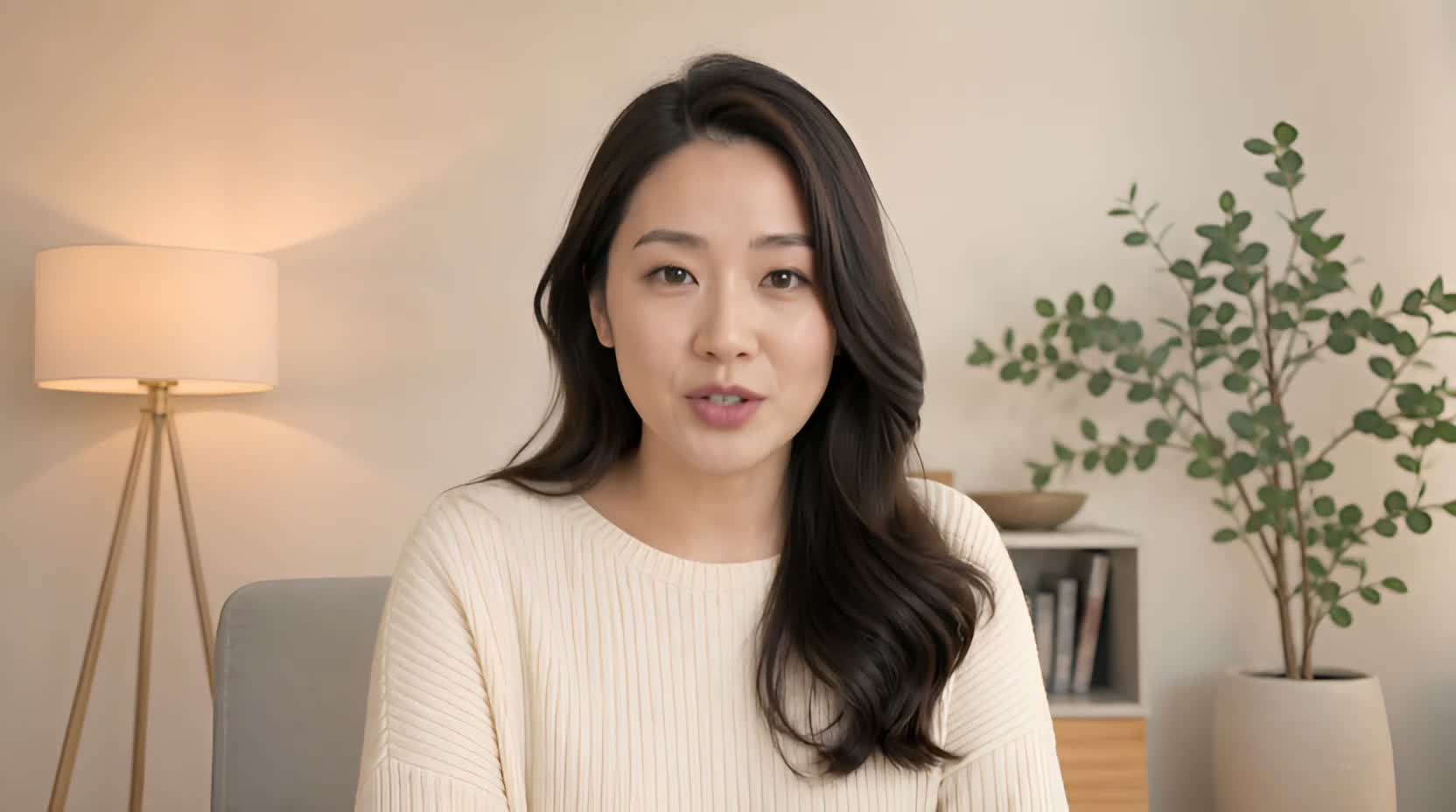 Use case
Change words in a video
Got one outdated number, name, date, or sentence in an otherwise good recording? Type the corrected line, upload it, or record it — then match the mouth to it.
See the guide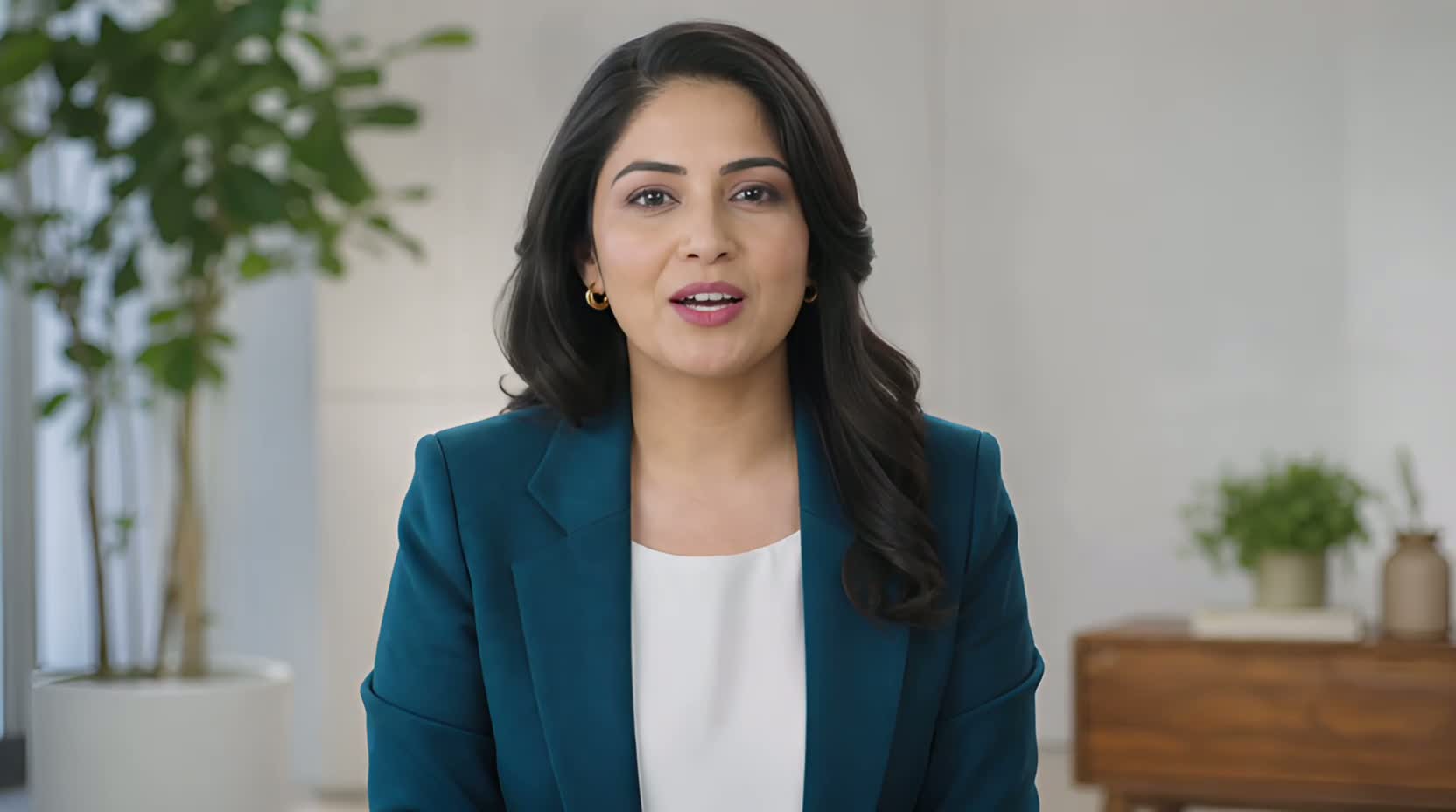 Use case
Update a product demo video
When a launch date, product name, or offer changes after filming, a new line you type, upload, or record can keep a usable presenter segment from becoming outdated.
See the guide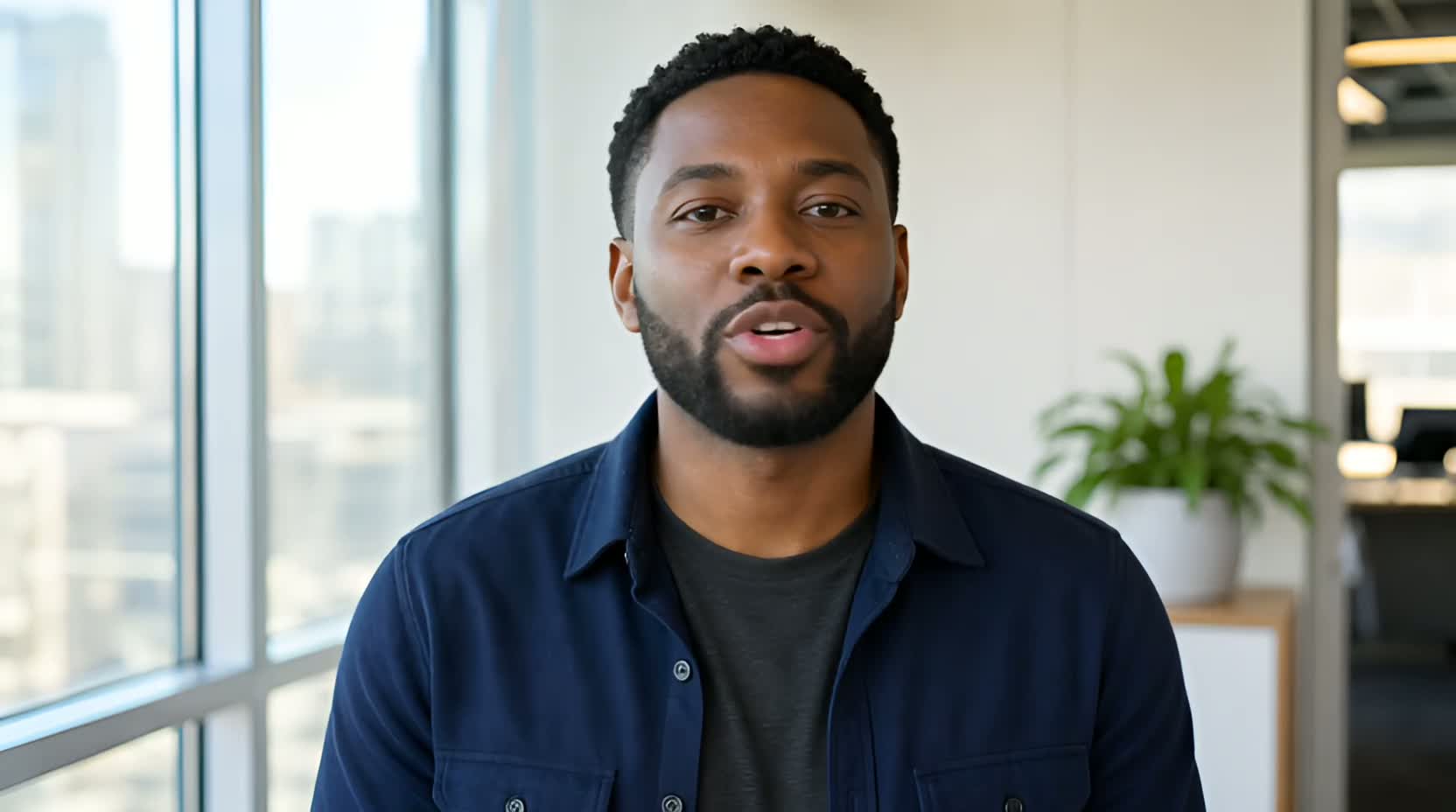 Use case
Replace a video voiceover
UseLipSync starts with an existing talking video, then lets you supply new speech by typing with a selected or cloned voice, uploading audio, or recording it to appear spoken on camera.
See the guide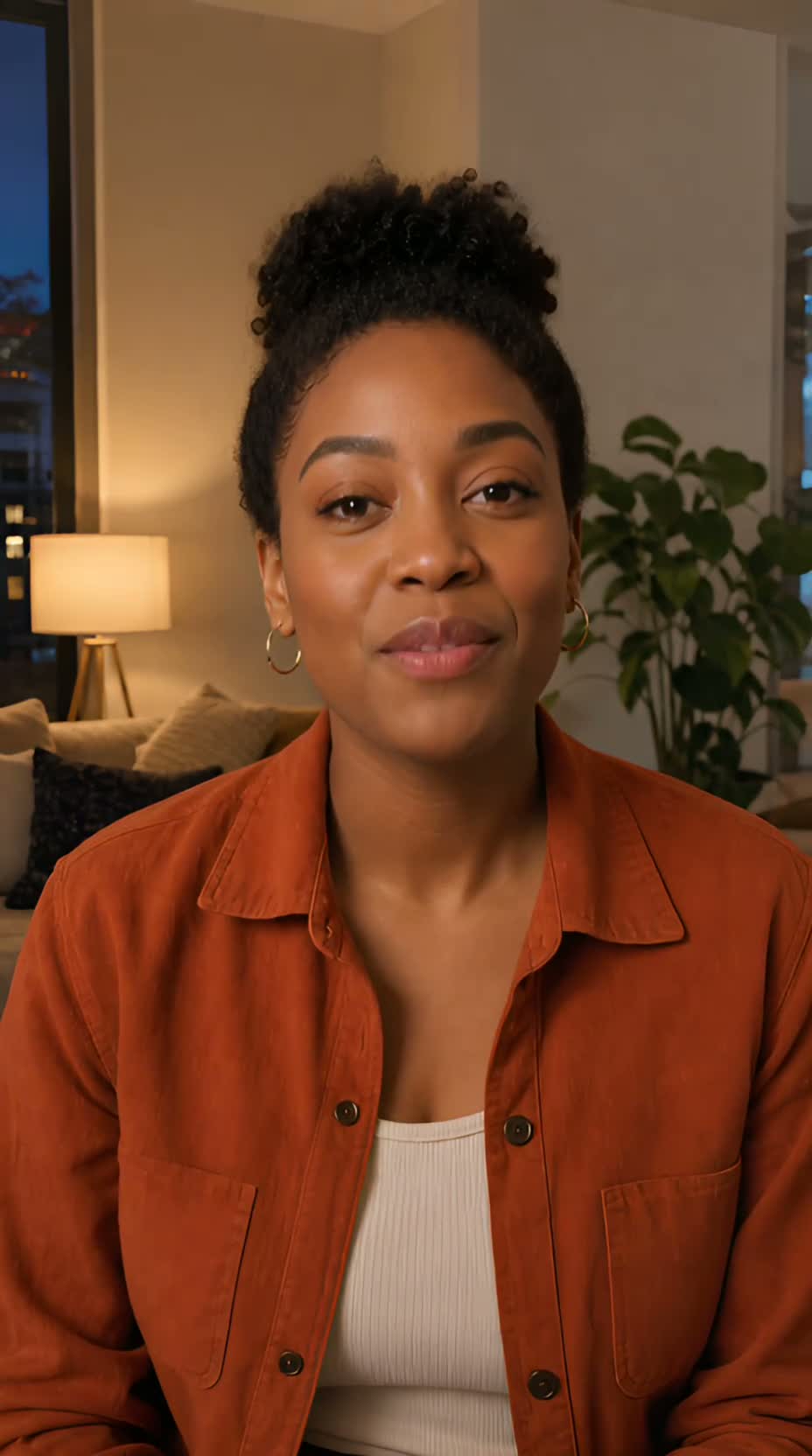 Use case
Lip sync an AI presenter video
If you already have a clean, single-speaker AI presenter video, give it new speech by typing with a selected or cloned voice, uploading authorized audio, or recording it. UseLipSync does not create the presenter itself.
See the guideThe presenters in these examples are AI-generated. The guides show lip matching, not avatar creation.