Existing video, new speech
Replace a video voiceover and match the mouth to it.
UseLipSync starts with an existing talking video, then lets you supply new speech by typing with a selected or cloned voice, uploading audio, or recording it to appear spoken on camera.
Open Video Lip SyncBring an audio track you own. New sessions start with 500 credits; no account is required.
What the sample proves
The audio drives the new mouth movement.
Both versions use the same presenter footage. Switch the line to see how new speech can change while the take stays intact.
Three steps
Bring the inputs. Keep control of the words.
Choose a talking-head clip
Use an MP4 or MOV with one visible, evenly lit face.
Define the new speech
Type text with a selected or cloned voice, record it, or upload clean MP3, WAV, or M4A audio without music or overlapping voices.
Create a lip-synced MP4
Speech length is limited by your credit balance, not by your plan — the same in every input mode.
A good fit
Use it when
- An approved revised voice track
- Clear speech with no background music
- A source video at least as long as the new audio
Keep in mind
Not the right tool for
- Translating or writing a script for you
- Music videos, animals, or heavily hidden faces
- A source clip shorter than the needed performance
Use cases
Find the right starting point
Every workflow starts with the same two inputs: one clear speaker and audio you are authorized to use.
 Use case
Change words in a video
Got one outdated number, name, date, or sentence in an otherwise good recording? Type the corrected line, upload it, or record it — then match the mouth to it.
See the guide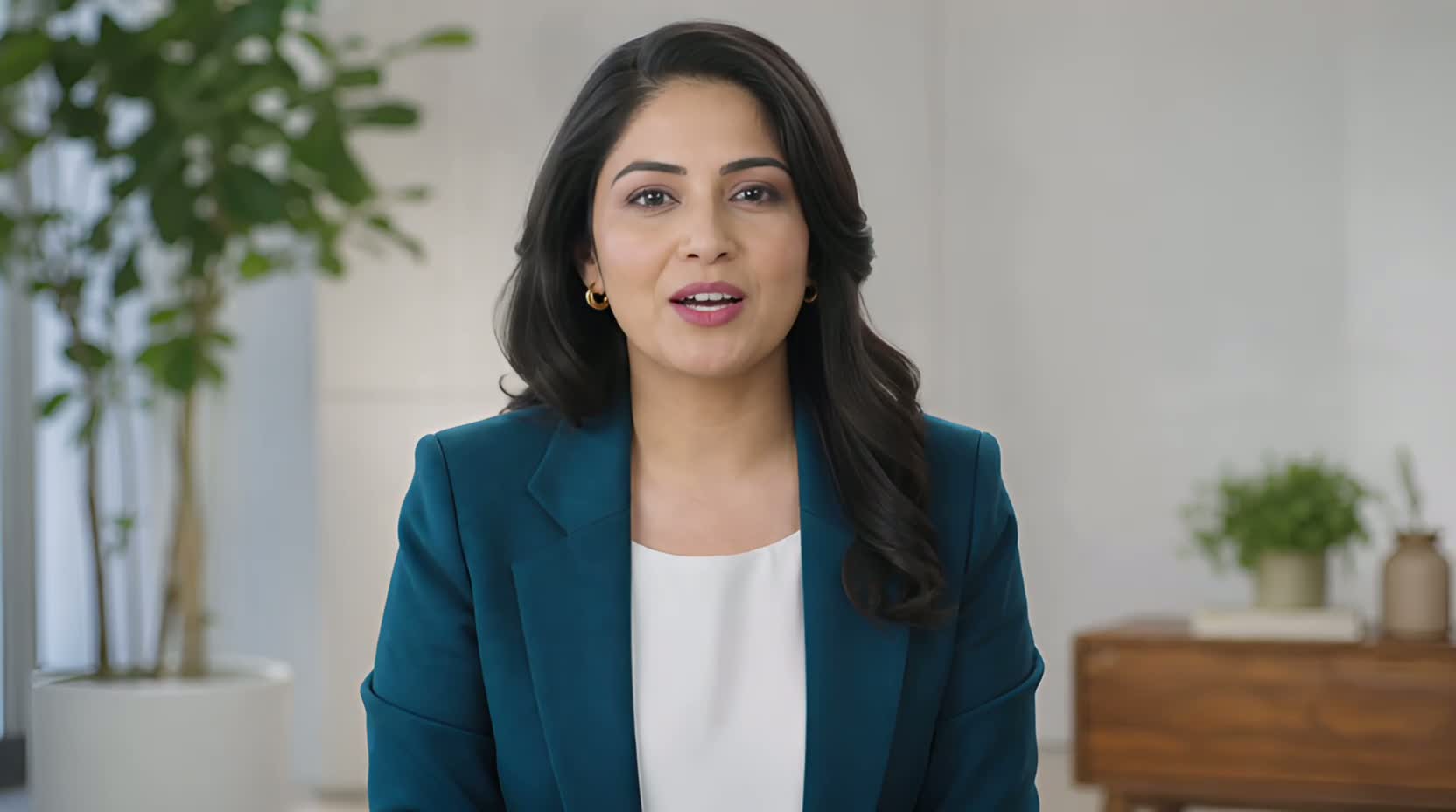 Use case
Update a product demo video
When a launch date, product name, or offer changes after filming, a new line you type, upload, or record can keep a usable presenter segment from becoming outdated.
See the guide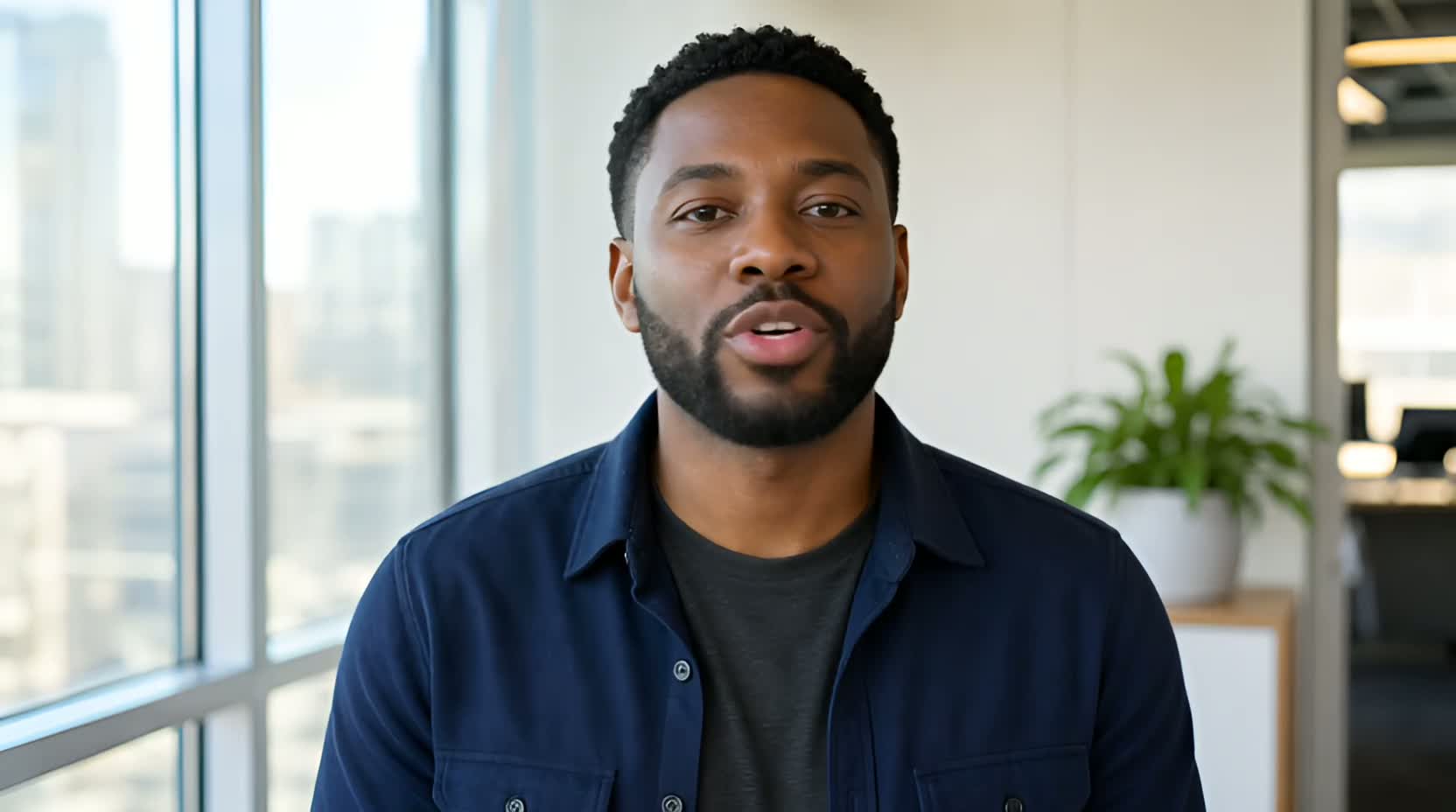 Use case
Replace a video voiceover
UseLipSync starts with an existing talking video, then lets you supply new speech by typing with a selected or cloned voice, uploading audio, or recording it to appear spoken on camera.
See the guide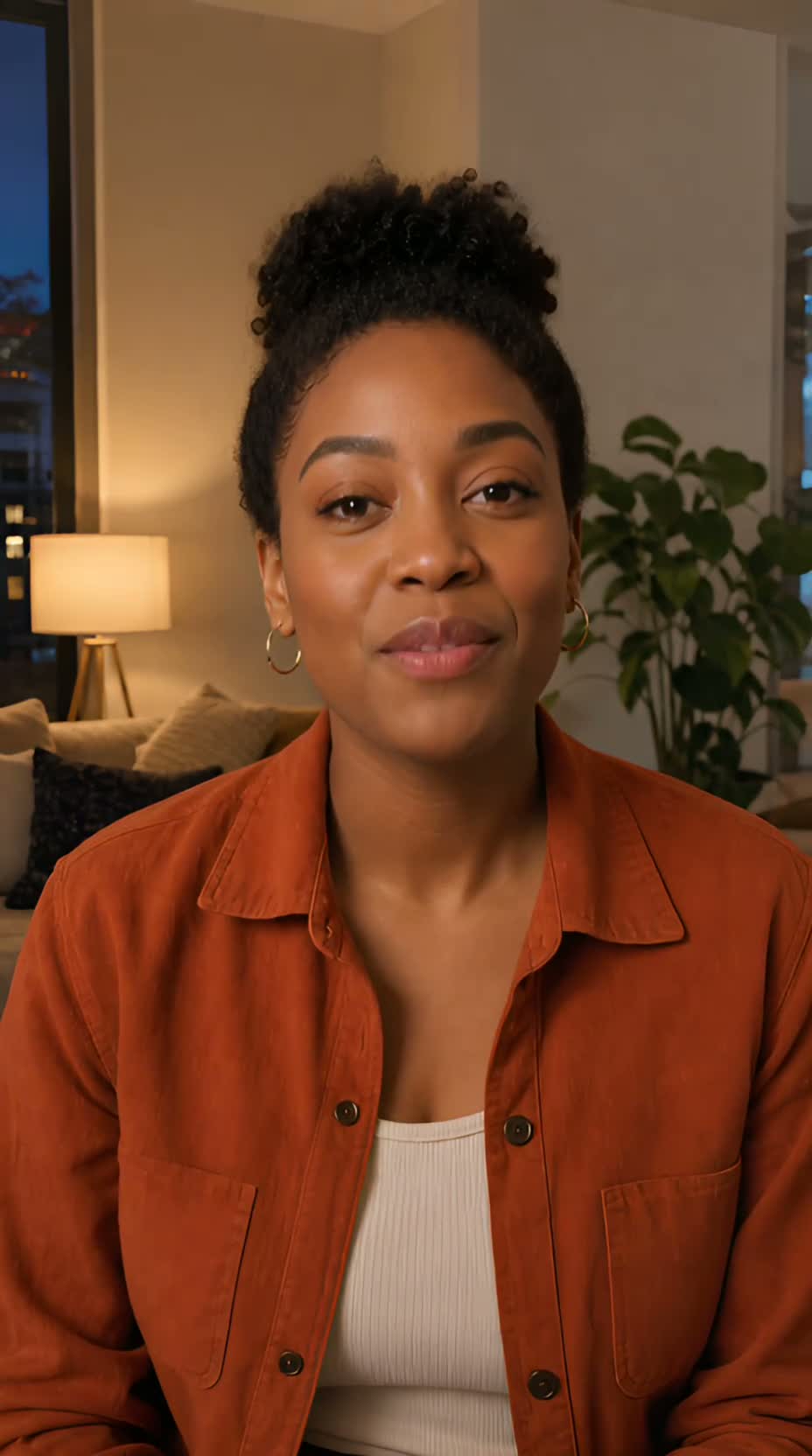 Use case
Lip sync an AI presenter video
If you already have a clean, single-speaker AI presenter video, give it new speech by typing with a selected or cloned voice, uploading authorized audio, or recording it. UseLipSync does not create the presenter itself.
See the guideThe presenters in these examples are AI-generated. The guides show lip matching, not avatar creation.