Video Lip Sync
Change the words
Keep a usable single-speaker take and match the mouth to a new line you type, upload or record.
Open Video Lip SyncUse cases
Change the words in a take, cast a new star into a reference performance, or give a pet photo a voice. Pick the job first; each workflow shows the inputs you need.
Three creation paths
Each path has its own inputs, pricing, examples, and creation tool.
Video Lip Sync
Keep a usable single-speaker take and match the mouth to a new line you type, upload or record.
Open Video Lip SyncRecreate
Use a reference performance as the direction, then cast a person, pet, mascot, or character from one image.
Open RecreateAI Pet Podcast
Turn one clear pet photo into a short talking host with typed dialogue, a selected voice, or audio you own.
Open AI Pet PodcastUse cases
Each guide shows a finished example, the right inputs, and the limits of this tool before you upload.
 Use case
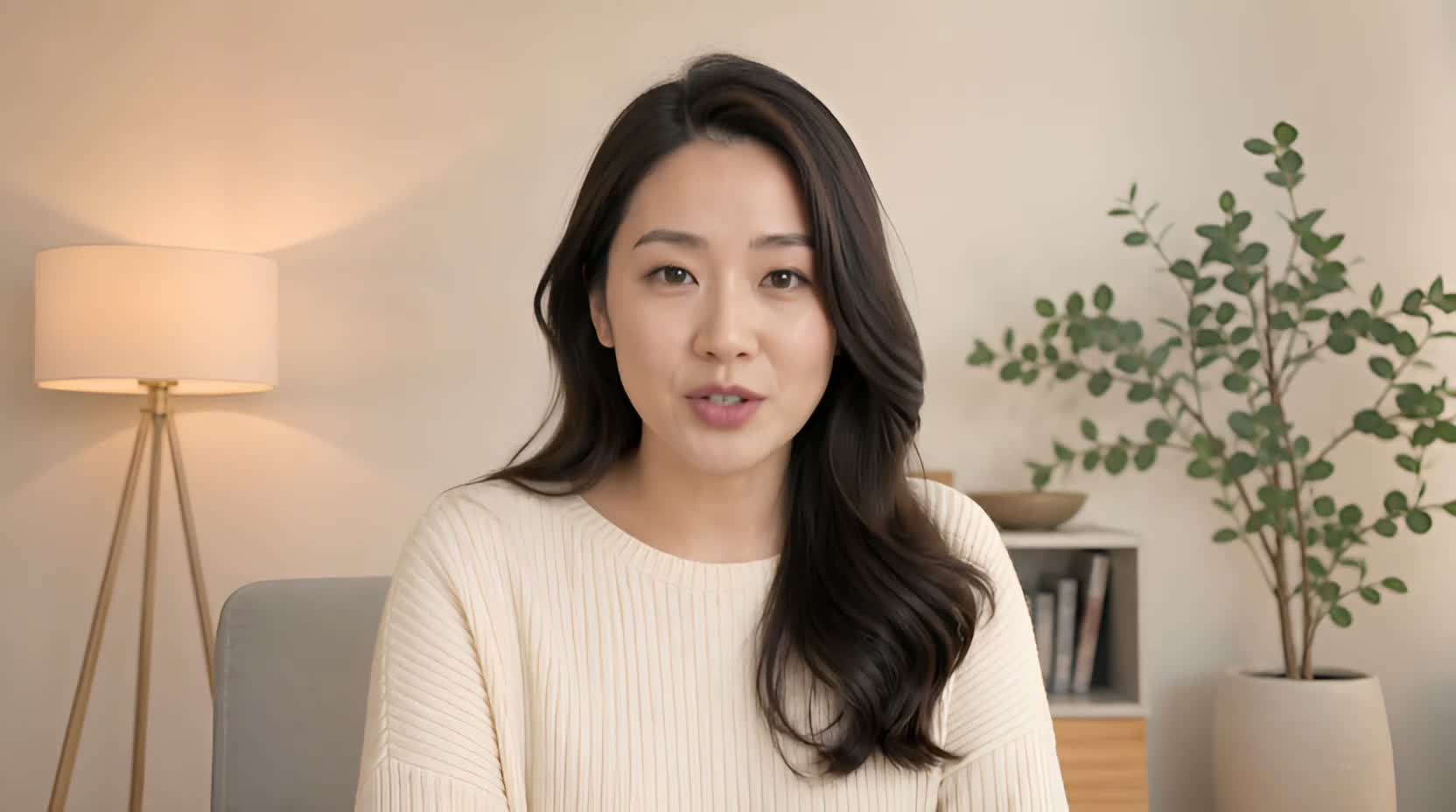
Got one outdated number, name, date, or sentence in an otherwise good recording? Type the corrected line, upload it, or record it — then match the mouth to it.
See the guide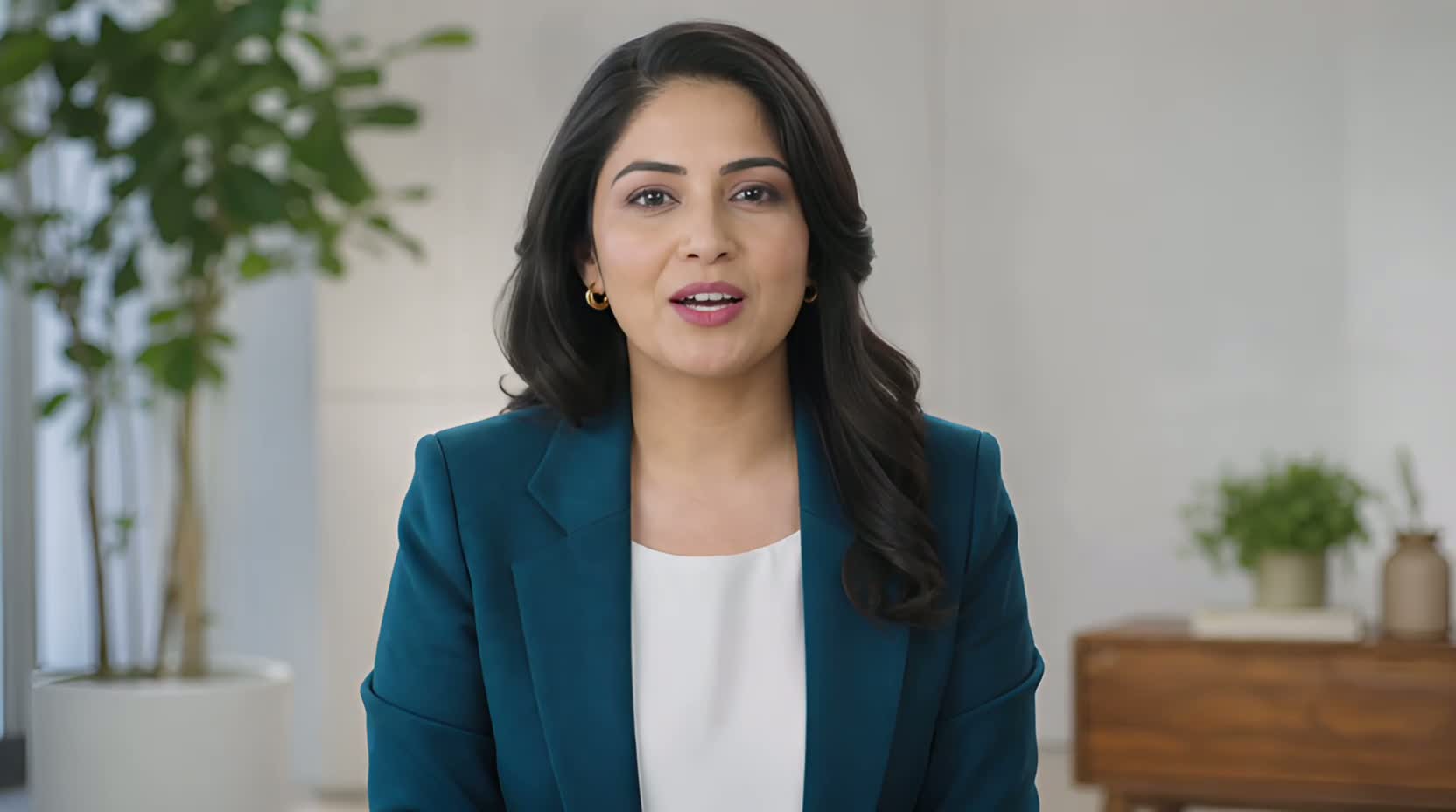 Use case
When a launch date, product name, or offer changes after filming, a new line you type, upload, or record can keep a usable presenter segment from becoming outdated.
See the guide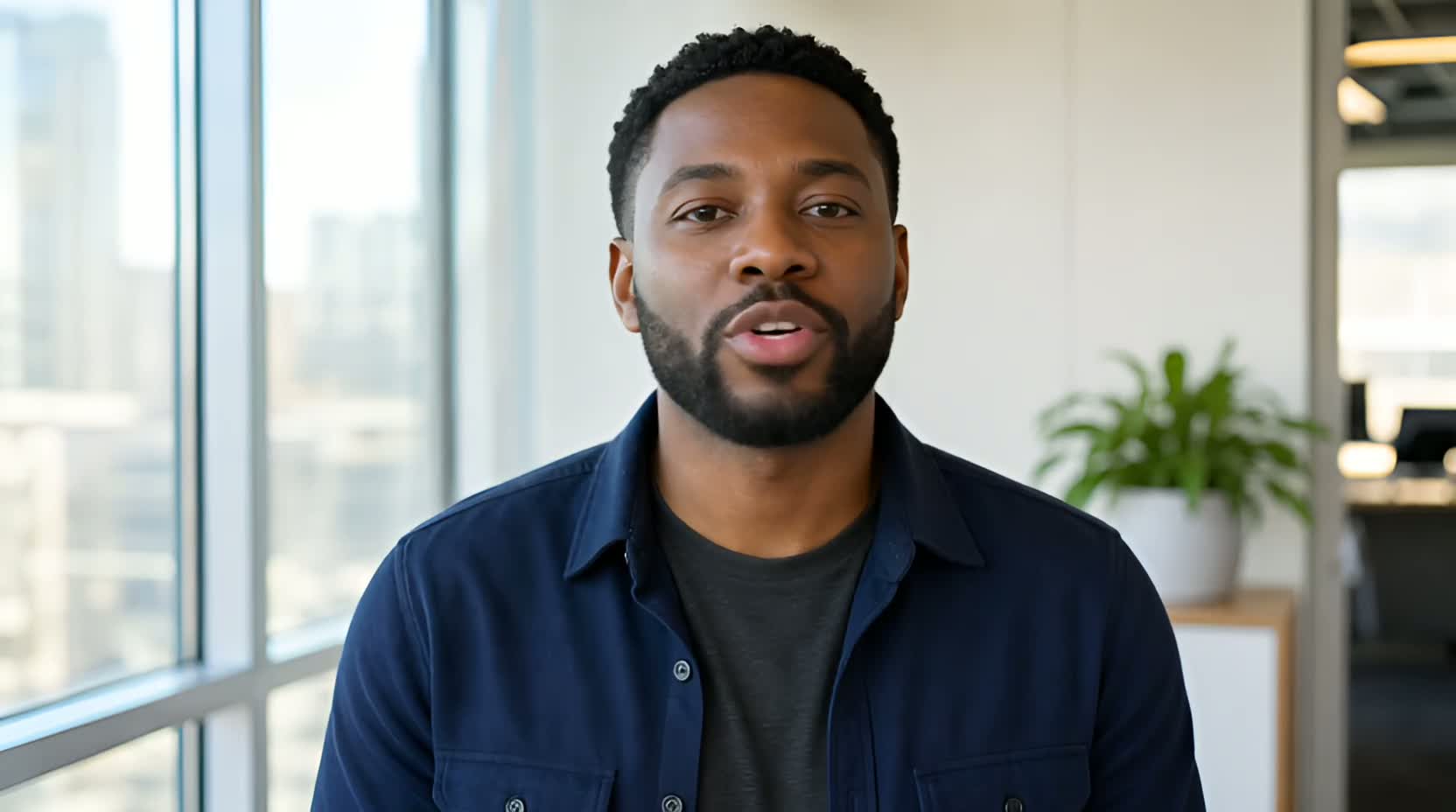 Use case
UseLipSync starts with an existing talking video, then lets you supply new speech by typing with a selected or cloned voice, uploading audio, or recording it to appear spoken on camera.
See the guide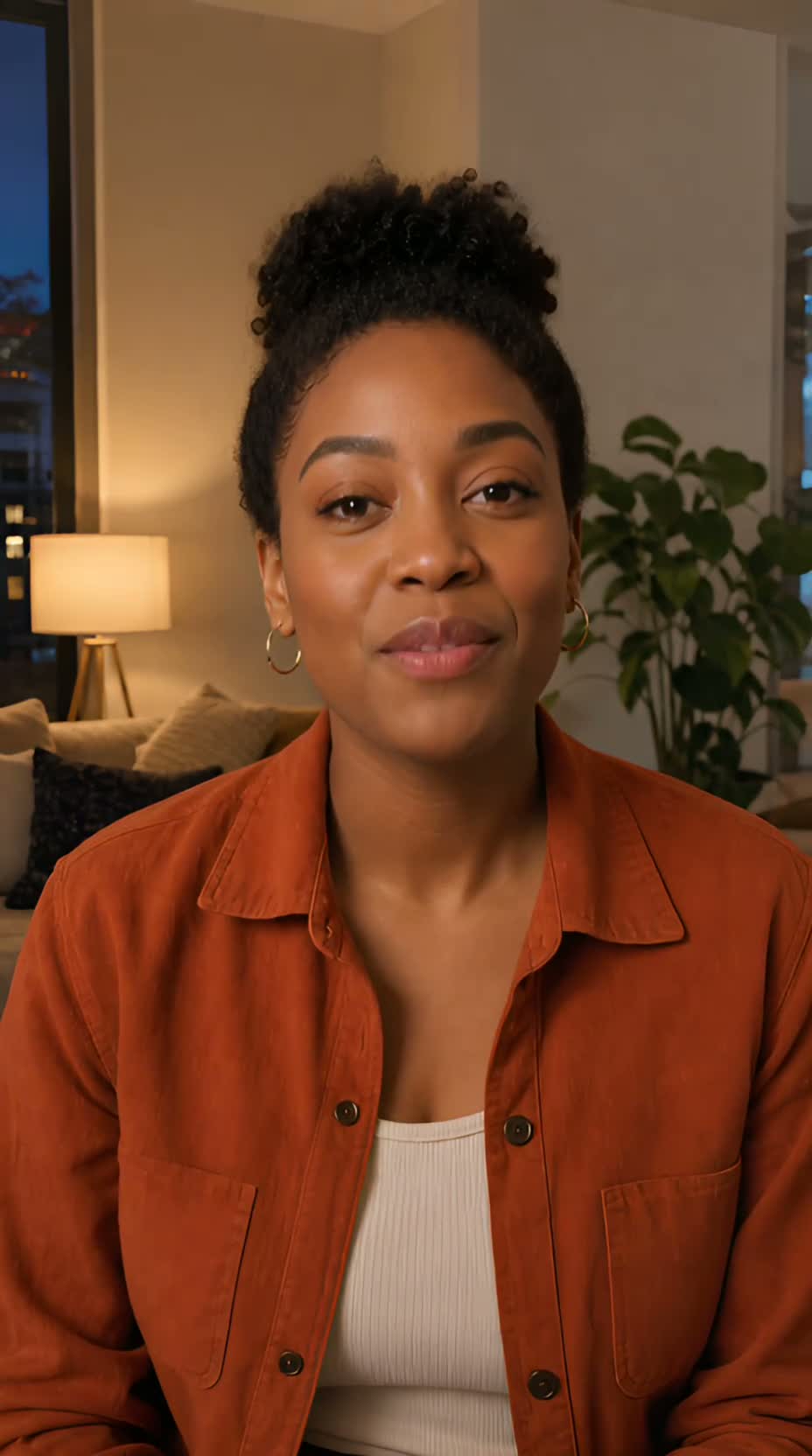 Use case
If you already have a clean, single-speaker AI presenter video, give it new speech by typing with a selected or cloned voice, uploading authorized audio, or recording it. UseLipSync does not create the presenter itself.
See the guideThe presenters in these examples are AI-generated. The guides show lip matching, not avatar creation.
Not sure which path fits?
See the inputs, outputs, and pricing side by side before you upload anything.