AI concert video
Your song. Your concert video.
One photo + your song → a vertical, lip-synced performance on a concert screen.
Launch offer: 300 credits per finished second until . A 10-second clip is 3,000 credits.
Check the current launch offer and clip costs. A free account is needed to generate.
The concert-screen trend, but you actually sing
Original soundtrack
Your uploaded song plays throughout.
Lip-synced vocals
Clear vocals work best. Check timing in your result.
4 seconds to 10 minutes
Start with a short clip.
Pick your stage
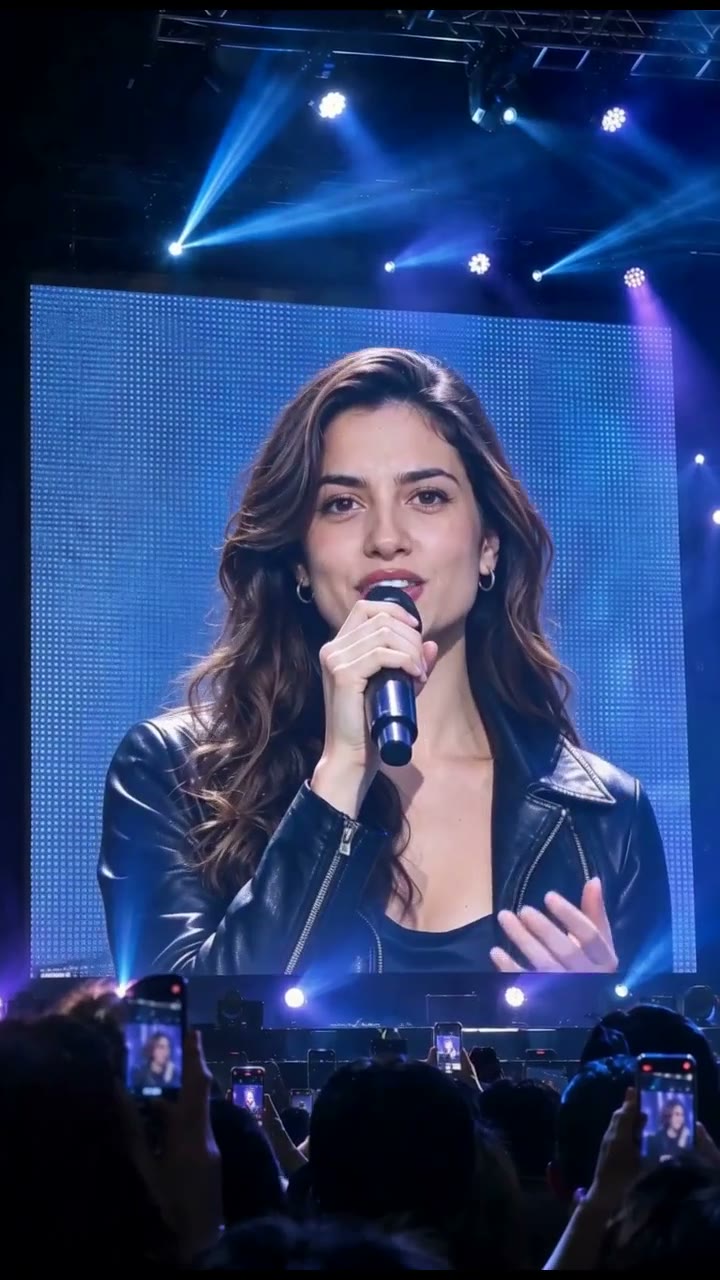
Handheld vocals, blue beams and a giant concert screen.
Generated example — watch above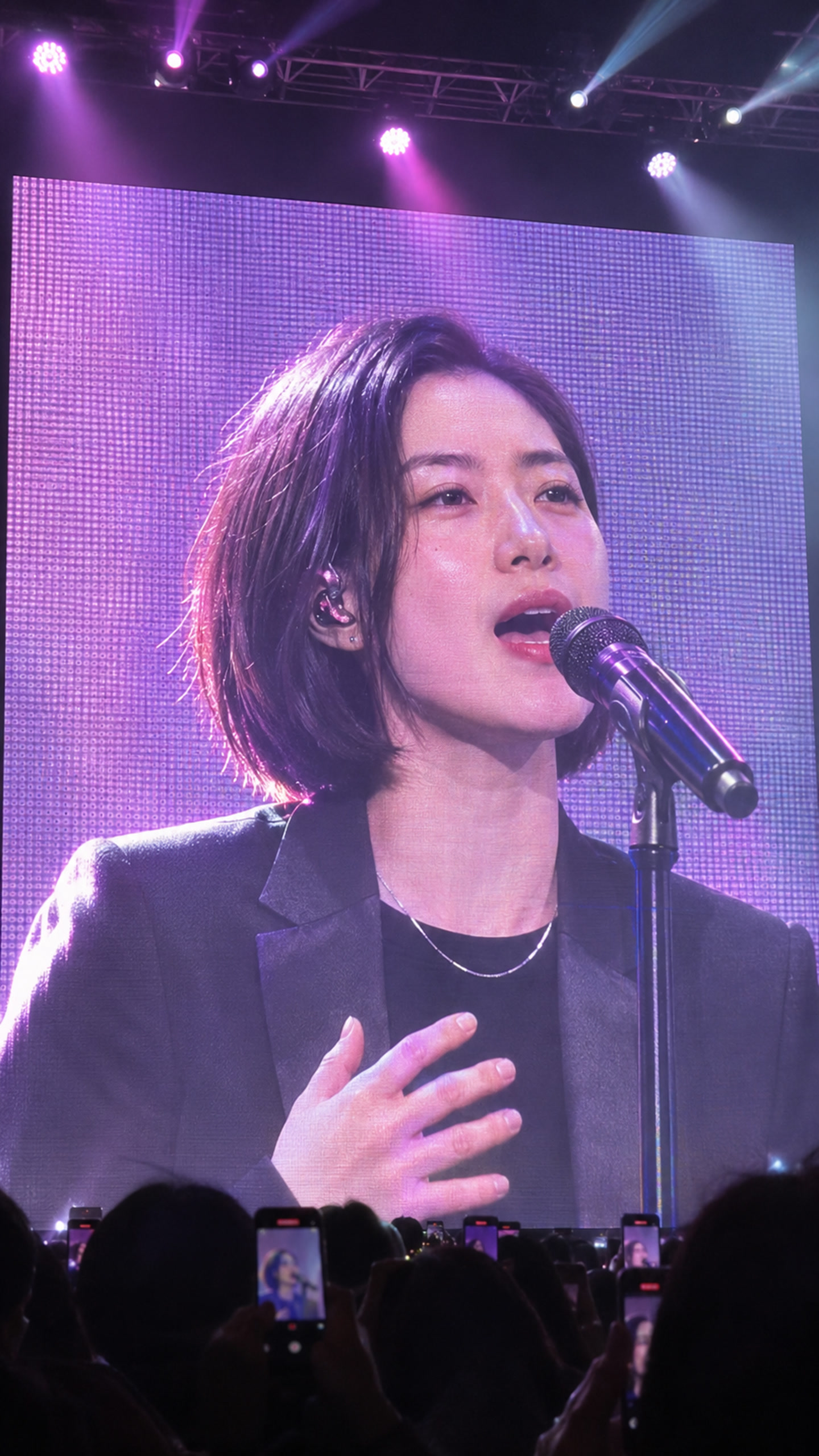
A close concert-screen portrait with violet and pink lights.
Scene preview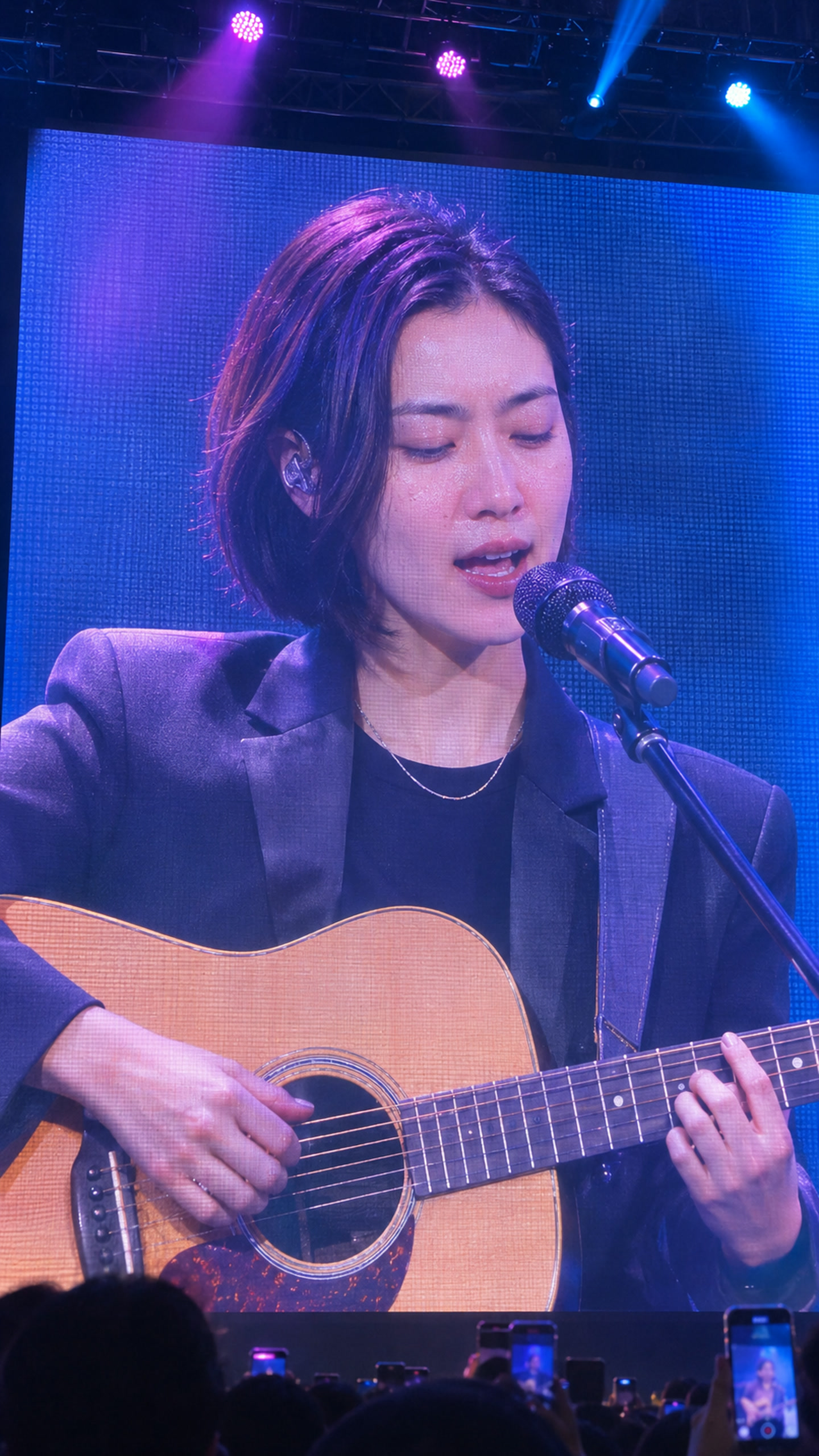
Acoustic guitar and vocals shown together on the concert screen.
Scene preview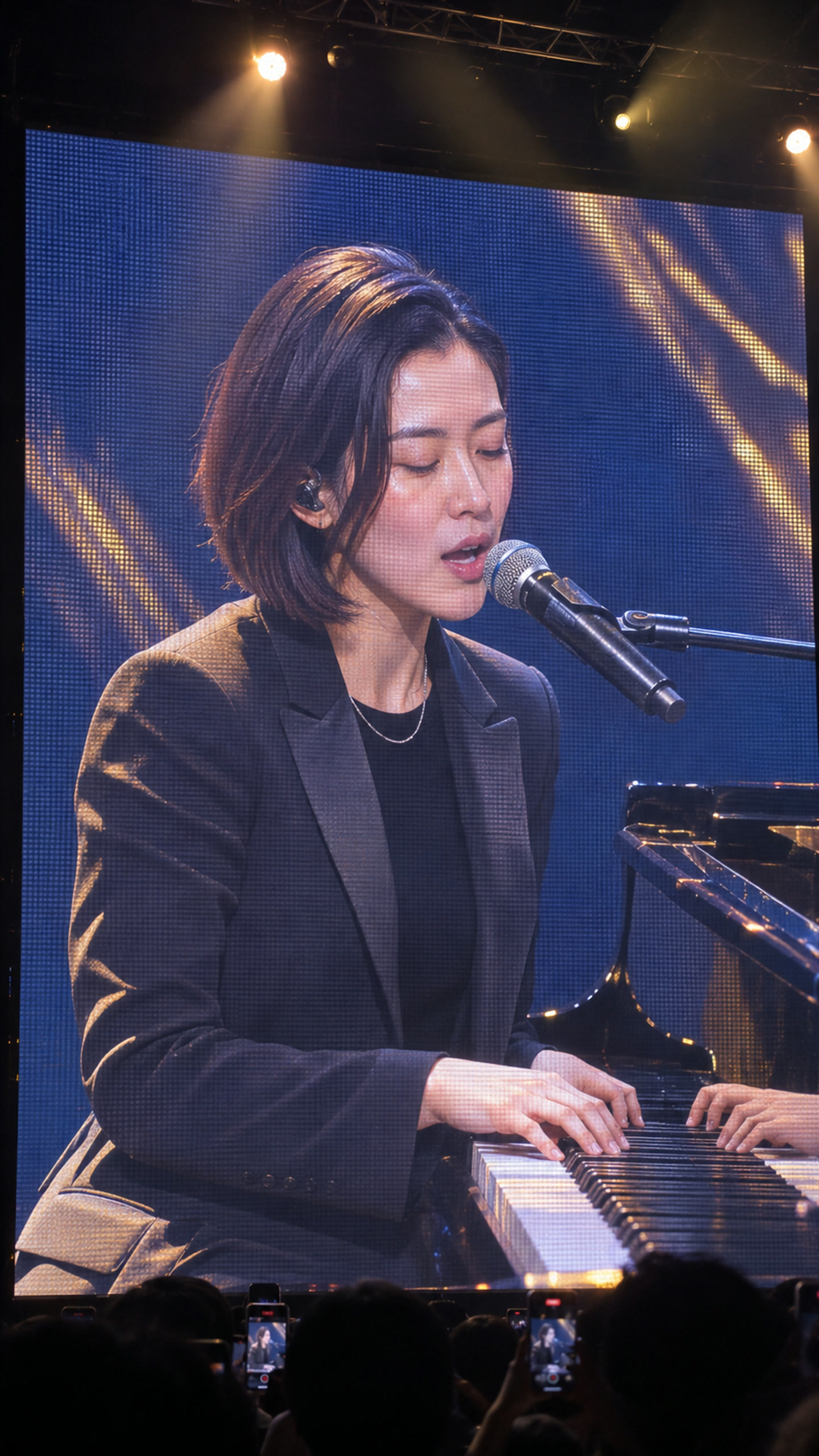
Piano and vocals in a close-up on the giant concert screen.
Scene previewThree steps, no editing
1. Upload one photo
One person, face clearly visible. JPG or PNG, up to 5 MB. Your face, hair and outfit come from this photo.
2. Add your song
MP3, WAV or M4A, from 4 seconds to 10 minutes, up to 50 MB. Use a track you made or have the rights to.
3. Choose a stage & review cost
Confirm the quote to generate. Follow progress here or in your Library.
Turn your Suno song into a music video: the step-by-step guide.
Start with your best 10–30 seconds
Launch offer: 300 credits per finished second until .
10 seconds
3,000 credits
30 seconds
9,000 credits
60 seconds
18,000 credits
3-minute song
54,000 credits
Cost uses the exact audio length, rounded up to the nearest credit. Poses, shots and final editing are included. Review your quote and balance before confirming.
Trim your audio before uploading if you want a shorter video.
What to expect
- Generated in stages; busy queues can delay the start.
- Face, hands and instrument details can drift between shots. Watch the whole result before you post it.
- One performer: the one in your photo. Clear vocals give the model a better signal for mouth timing.
- If a confirmed technical failure means you don't get a complete video, all the reserved credits go back to your balance.
Questions
Before you make your concert video
Can I use a song from Suno or another AI music app?
Yes, if you have the rights to use the exported track for your intended purpose. Check your music app’s current terms before posting or monetizing.
Can I use a famous song or someone else’s photo?
Only with permission. You confirm you have the rights to the song and that the person in the photo agreed, before you generate.
What format is the video?
Vertical 9:16, with your uploaded song as the audio. Watch the full result before sharing it to Shorts, Reels or TikTok.
Do I choose each shot?
No. You choose the stage; we plan the poses, shots and camera movement from your song.
Can I stop halfway?
You can pause the project’s remaining steps. Steps that already started aren’t cancelled. The reserved credits stay with the project until it finishes or is settled.
Is there a free trial?
No. You see the exact price before you generate, and short clips cost less.