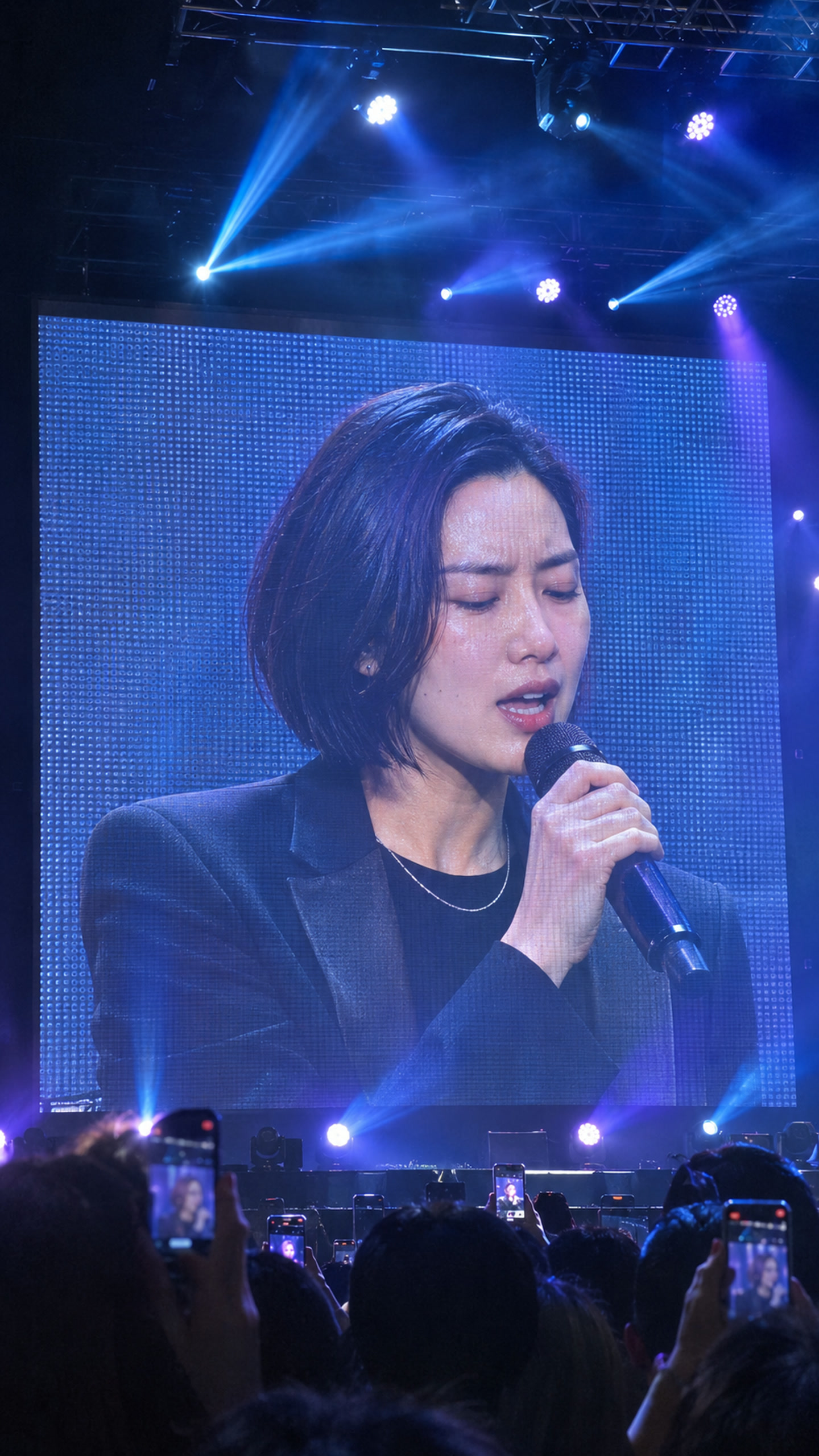
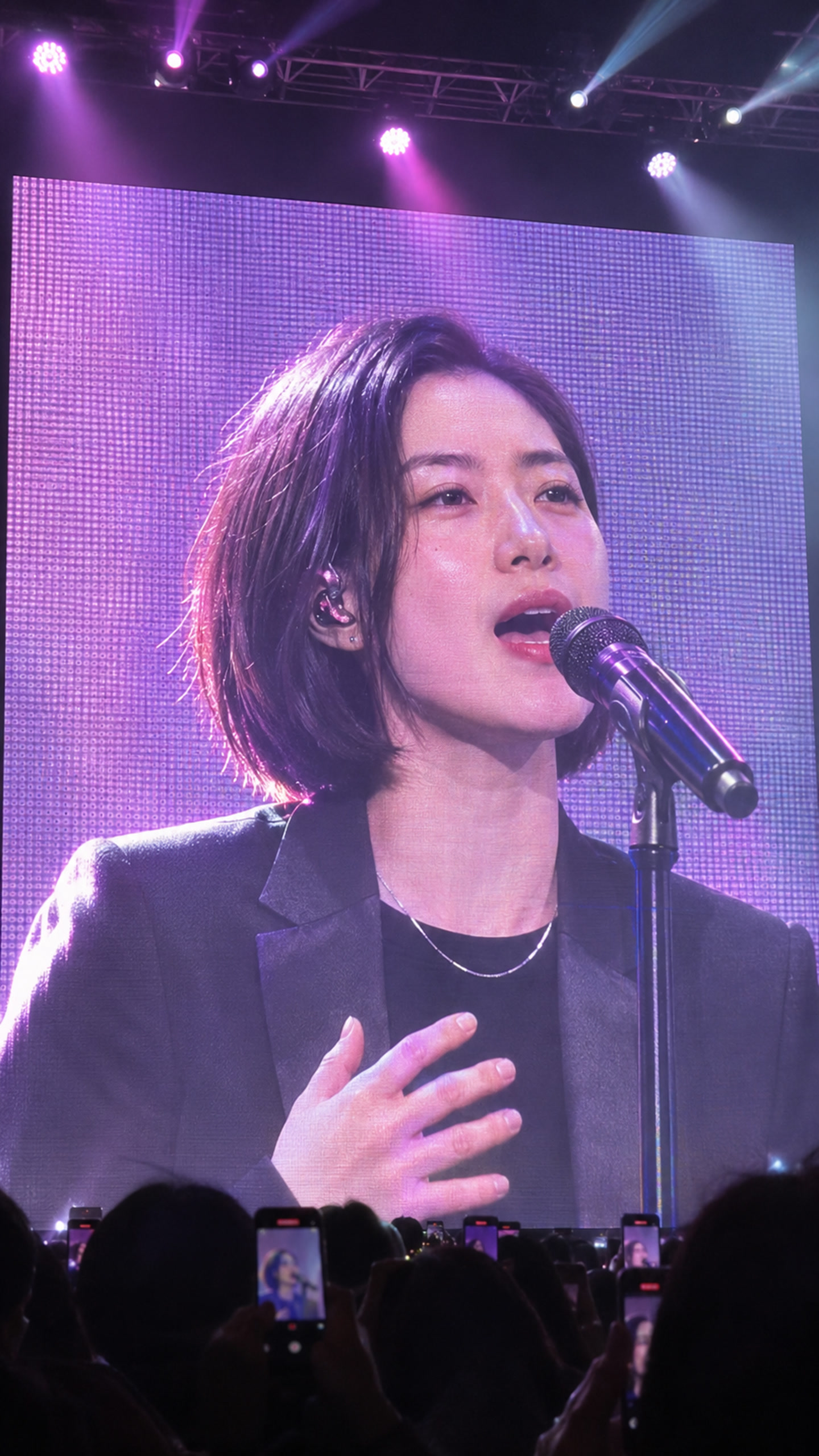
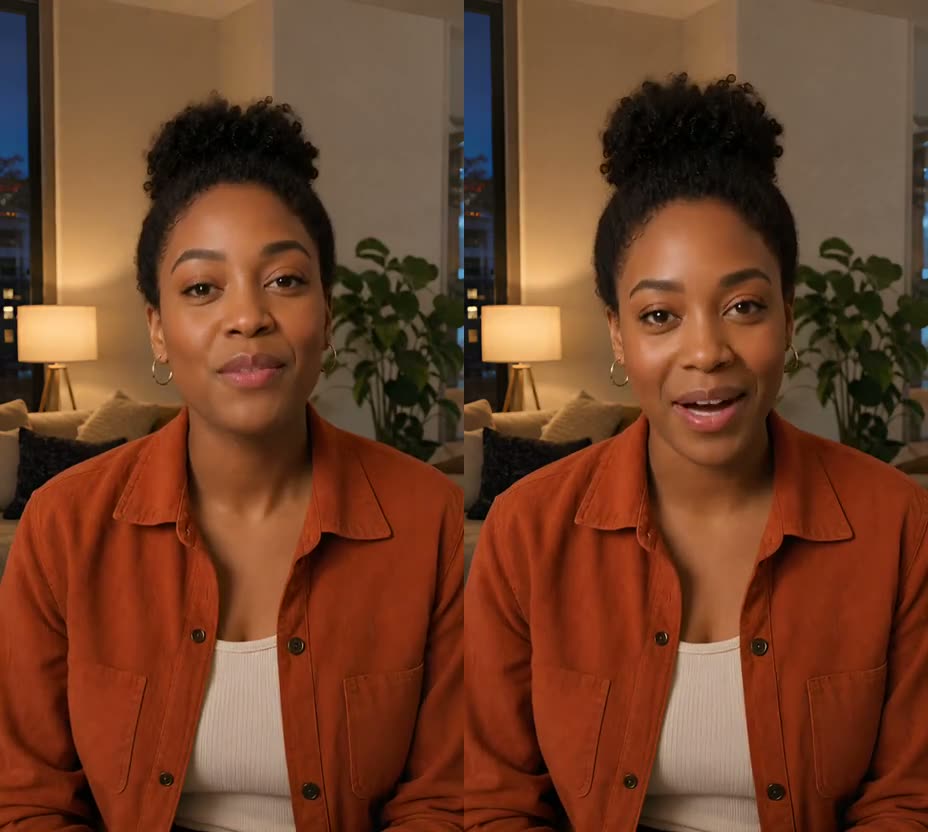
"AI concert video" can mean three different things: a stage-and-crowd scene, a photo of you on a stadium screen, or you actually singing your song. Most tools do one of these. If you want your face, your own track as the audio, and your mouth lip-synced to it on a concert screen, check for all three before you pay. As of 8 November 2026, the tools below state on their own pages which of these they do.
Short answer
- You on a concert screen, singing your own song: UseLipSync Concert MV. One photo and your track in; you get a vertical video lip-synced to the vocal.
- Photo-plus-song lip sync; a concert look is not stated on these pages: HeyGen Make Photo Sing or Freebeat's singing music video generator. Both take a photo and your audio and lip-sync to it.
- A concert or stadium look; own-song lip sync is not stated on these pages: Tunee Concert MV and Dreamina. AIREITER Arena Performer and Kling AI describe visual-only outputs on the cited pages.
Comparison table
Scroll sideways to compare every column.
AI concert video generators compared · Nov 8, 2026| Tool | What you put in | Lip-synced to your uploaded song | Concert / big-screen look | Format stated on the page |
|---|
| UseLipSync Concert MV | 1 photo + your song (4 s – 10 min) | Yes | Yes: giant LED screen, 4 stages | 9:16 |
|---|
| HeyGen Make Photo Sing | 1 photo + MP3/WAV (or lyrics/AI voice) | Yes | Not stated | 9:16, 1:1, 16:9 |
|---|
| Freebeat singing music video | 1 photo + song (up to 6 min) + description | Yes | Not stated | 5 ratios incl. 9:16, 16:9 |
|---|
| Tunee Concert MV | Audio + text description | Not stated on the concert page | Yes: stadium LED stage | 16:9, 9:16, 1:1 |
|---|
| AIREITER Arena Performer | 1 reference photo | No: output is "audio off" | Yes: stadium screens, fireworks | 4 s, 720p, 9:16 |
|---|
| Dreamina concert lip sync | Text prompt | Lip movement follows the prompt; uploading a song is not stated | Concert lighting | Not stated |
|---|
| Kling AI concert visuals | Text prompt | No: you add your track in an editor | Crowd and stage, no screen stated | Not stated |
|---|
"Not stated" means the tool's page doesn't say. It doesn't mean the tool can't do it. Features change, so check the tool's current page before you choose.
What each one is good for
UseLipSync Concert MV
- What it does: upload one photo of one person and a song you have the rights to. Pick one of four stages: blue concert screen, violet close-up, guitar or piano. We plan the shots and camera moves, and the finished video uses your song as the audio.
- Pricing: credits per finished second. A free account is needed to generate.
- Limits: you don't pick each shot. Face, hands and instrument details can drift between shots. There is one performer.
- See an unedited 30-second result.
HeyGen Make Photo Sing
- Good for: a simple singing-photo clip with almost no setup. Upload a photo and an MP3 or WAV.
- The page doesn't describe a concert or stage look.
- HeyGen says its free plan makes short clips with a watermark.
Freebeat singing music video
- Good for: a full-song music video starring you. The page says it handles songs up to 6 minutes, gives about 90% lip-sync accuracy, and offers 500 free credits on sign-up.
- The singing page doesn't mention a concert or stage setting.
Tunee Concert MV
- Good for: an arena-style visual for a track. You upload audio and describe the scene, with output up to 4K.
- The concert page doesn't mention using your photo or lip-syncing a singer to your track.
AIREITER Arena Performer
- Good for: a 4-second stadium entrance shot from one photo, with screens, lights and fireworks.
- This template takes a photo and lists the output as "audio off". It doesn't describe uploading your own song.
Dreamina concert video lip sync
- Good for: a prompt-made concert performance with concert lighting.
- Lip movement is described as prompt-led. The page doesn't say you can upload your own song.
Kling AI concert visuals
- Good for: crowd and stage B-roll from a text prompt.
- Kling says the result shows a generic crowd and stage, not a real artist, and that you add your own track in an editor.
How to choose
- Is your song the soundtrack? If yes, you need a tool that takes your audio and lip-syncs to it. Visual-only generators leave you syncing by hand.
- Do you need to look like you? Photo-based tools keep your face. Prompt-only tools make a new person.
- Do you want the concert-screen look specifically? Check that the page says so. A singing-photo tool won't add a stadium on its own.
- What does a test cost? Start with your best 10–30 seconds. Most tools charge by length or by credits, so a short test tells you a lot for little.
- Do you have the rights? Use a song you made or licensed, and a photo of yourself or of someone who agreed. AI music apps have their own terms for exported tracks.
FAQ
Can I make an AI concert video of myself singing my own song?
Yes. You need a tool that takes your photo and your audio and lip-syncs to the vocal. UseLipSync Concert MV does this on a concert-screen stage. HeyGen and Freebeat describe photo-plus-song lip sync; a concert look is not stated on those pages.
Can I use a Suno song?
Yes, if you have the rights to use the exported track for your intended purpose. Check your music app’s current terms before posting or monetizing. See how to turn a Suno song into a music video starring you.
Is the "AI stadium screen" trend the same thing?
Not quite. That trend usually puts you on a stadium screen as a fan in the crowd, often with no singing. A concert video built from your song shows you performing it.