The model matches the visible mouth. Hands, microphones and hard cuts across the face are the most common reason a result looks off.
Video Lip Sync · 4 min read
How to lip sync a video to new audio
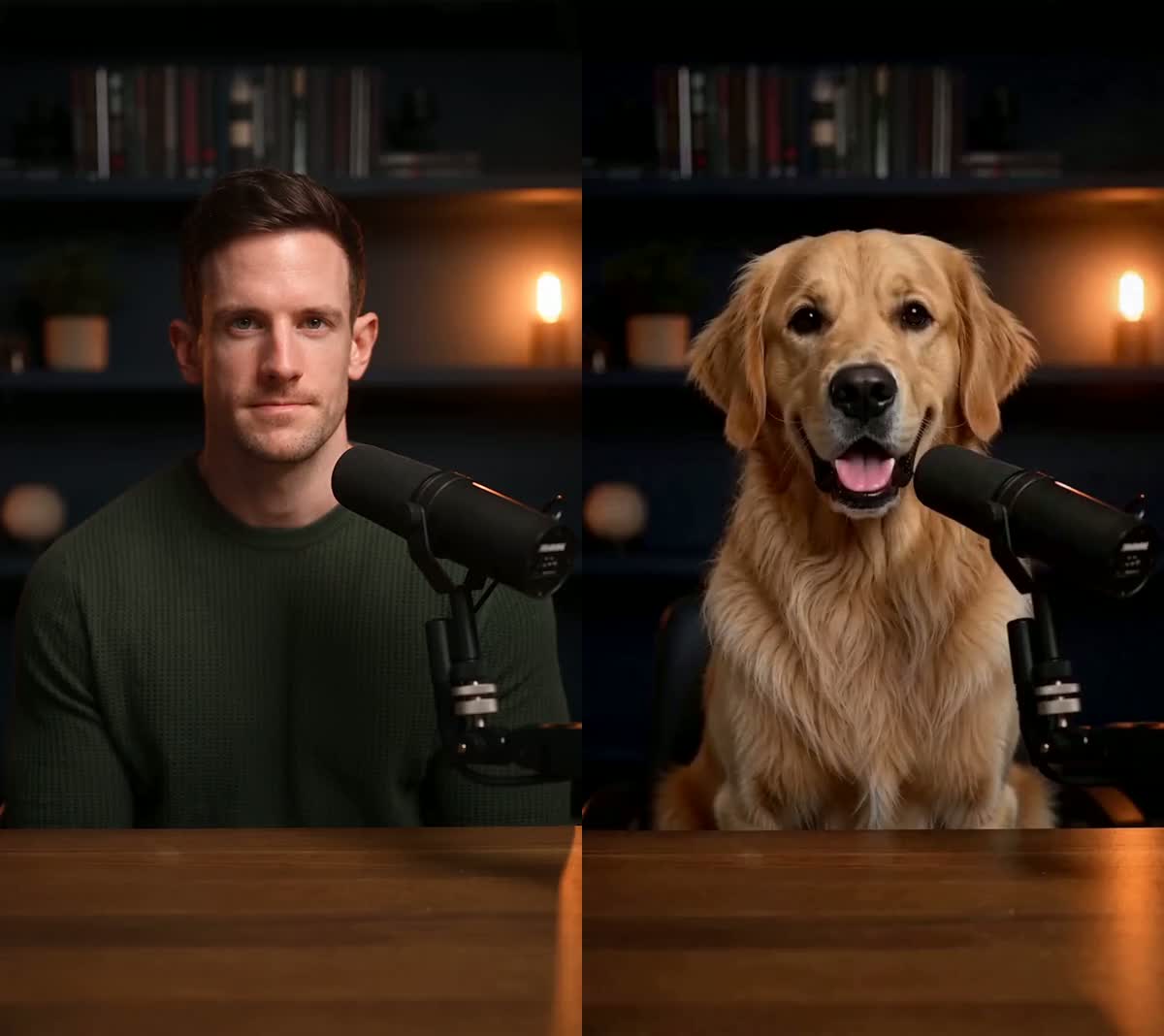
Keep the footage you already shot and match the visible mouth to a new spoken line — typed, uploaded or recorded.
Try Lip SyncUpdated 2026-09-06
ReferenceRecreated
The short answer
Open Video Lip Sync and upload a clip with one clear, visible speaker. Then choose how the new speech gets made: type the line and pick a voice, upload an audio file you own, or record it with your microphone. All three arrive at the same generation. Confirm you have the rights to the footage and the voice, then generate. The result keeps the original framing, lighting and performance — only the visible mouth follows the new line. An 8-second preview costs 240 credits.
Step by step
- Upload a video with one clear speaker
Front-facing works best: one person, mouth visible for the whole clip, no one else talking on camera. A clip that cuts away from the face mid-sentence has nothing to sync during that stretch.
- Choose how the new speech is made
Type text writes the line and synthesises it with a voice you pick. Upload audio uses a file you already have. Record audio captures it from your microphone. The voice picker only appears in Type text — the other two already contain the voice you want.
- Pick a voice, or clone your own
In Type text you can use one of the ready-made voices or clone your own once and reuse it across Lip Sync and AI Pet Podcast. Cloning is free and does not require a paid plan.
- Confirm rights and generate
Lip Sync reserves credits before it starts and refunds whatever the finished clip does not use. Length is limited by your credit balance, not by your plan.
What actually makes a difference
A line that is far longer than the original take has to be squeezed into the same footage. Writing close to the original length gives a calmer result.
A cloned voice keeps the clip sounding like you across every video you make, instead of switching presenter between takes.
Credits are billed by the second of speech. A two-second test on the same footage tells you whether the clip suits the model before you commit the full line.
Questions
Do I need to supply an audio file?
No. You can type the line and let UseLipSync synthesise it, or record it in the browser. Uploading a file is one of three routes, not a requirement.
Does it translate or dub into another language?
No. Lip Sync matches the mouth to speech you provide or write. It does not translate, and it does not handle multiple speakers in one clip.
What happens to the rest of the video?
Framing, lighting, background and body movement come from your original footage. The visible mouth is what follows the new line.
Do I have to pay to clone my voice?
No. Cloning a voice does not require a paid plan. Generating the finished video uses credits, the same as any other creation.
Related tutorials

Ready to try it?
Keep the footage you already shot and match the visible mouth to a new spoken line — typed, uploaded or recorded.
Try Lip Sync