A two-second line tells you whether the footage suits the model, at a fraction of the credits of a full take.
Video Lip Sync · 4 min read
AI lip sync video: best inputs, limits and examples
What kind of footage works, what does not, and exactly where the current limits are — before you spend credits finding out.
Try Lip SyncUpdated 2026-09-06
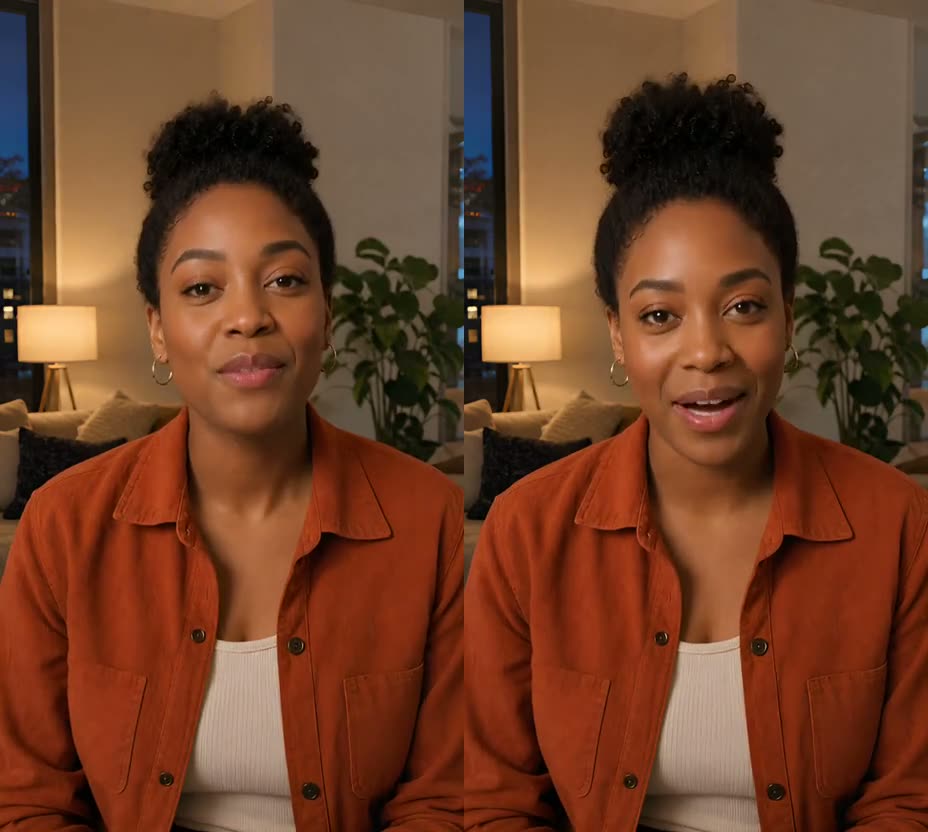
ReferenceRecreated
The short answer
The best input is a single speaker, facing the camera, mouth visible and unobstructed for the whole clip. Lip Sync replaces the visible mouth movement only — it does not translate, dub, handle two speakers, or make a still photo sing. Length is limited by your credit balance rather than your plan — an 8-second clip costs about 240 credits. Speech can be typed, uploaded or recorded; all three produce the same kind of result.
Step by step
- What works
One person on camera, front-facing or close to it, mouth visible from the first frame to the last. Talking-head footage — presenters, product explainers, pieces to camera — is the case this is built for.
- What does not work yet
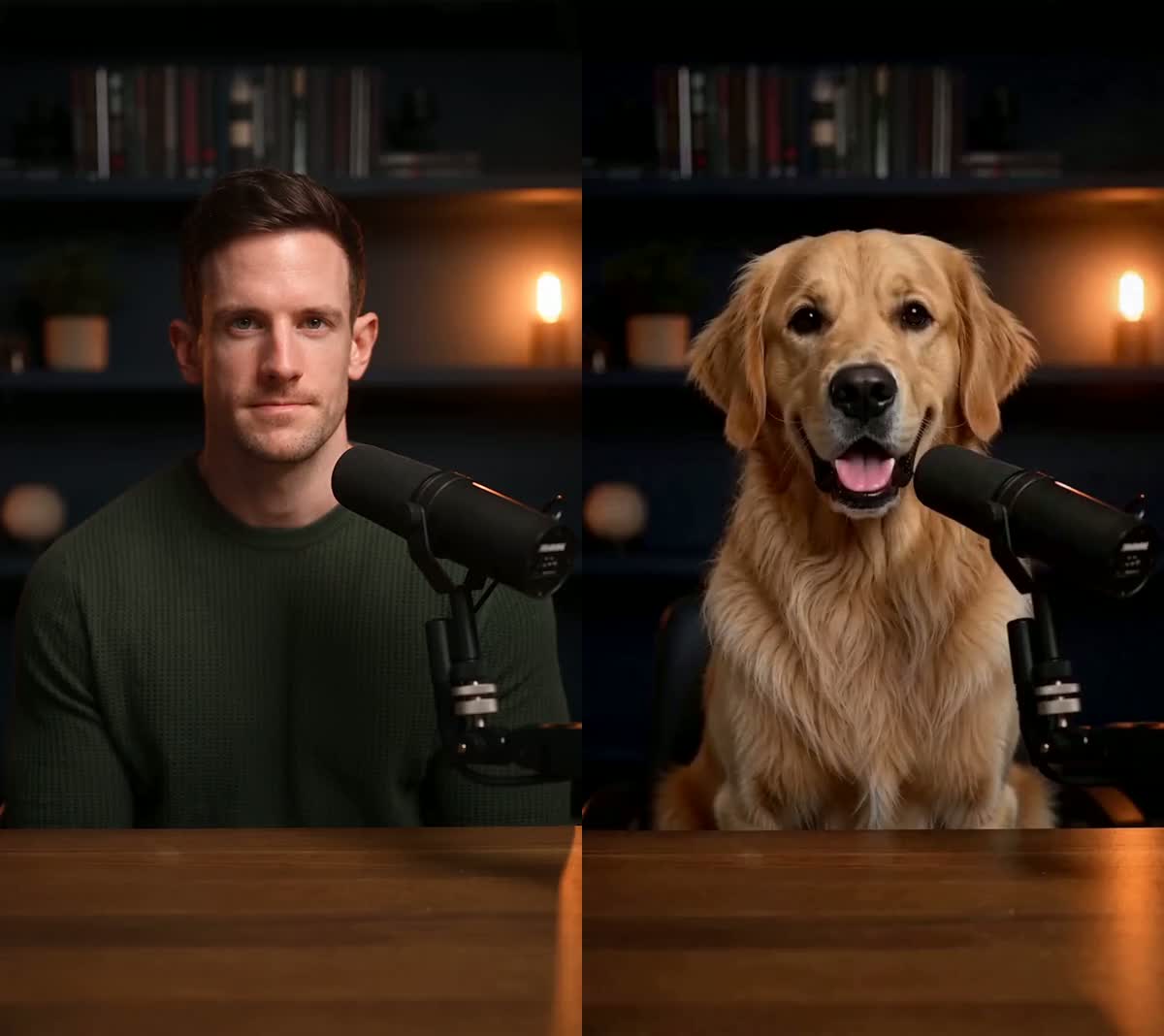
Two people talking in the same shot, a face that leaves frame mid-sentence, a mouth covered by a hand or microphone, or a still photo. A still photo is AI Pet Podcast or Recreate territory, not Lip Sync.
- The hard limits
There is no length cap tied to your plan — credits are the limit. A typed line is priced before anything is generated, so you are told the cost up front rather than being half-charged.
- What it costs
Lip Sync is billed by the second of speech. An 8-second preview is 240 credits. Typing the line, uploading audio and recording all cost the same; the exact number is shown on the generate button before you commit.
What actually makes a difference
Heavy side lighting and deep shadow around the mouth give the model less to work with than a flatly lit face.
The output is a person appearing to say words they did not say. Only do it with footage and a voice you have the right to use, and never to impersonate someone.
Shorter speech costs fewer credits and gives the model less opportunity to drift. Trim the clip to the sentence you actually want to change.
Questions
Can it sync two speakers in the same clip?
No. One visible speaker per clip. A second face on camera is not tracked.
Can it make a photo sing?
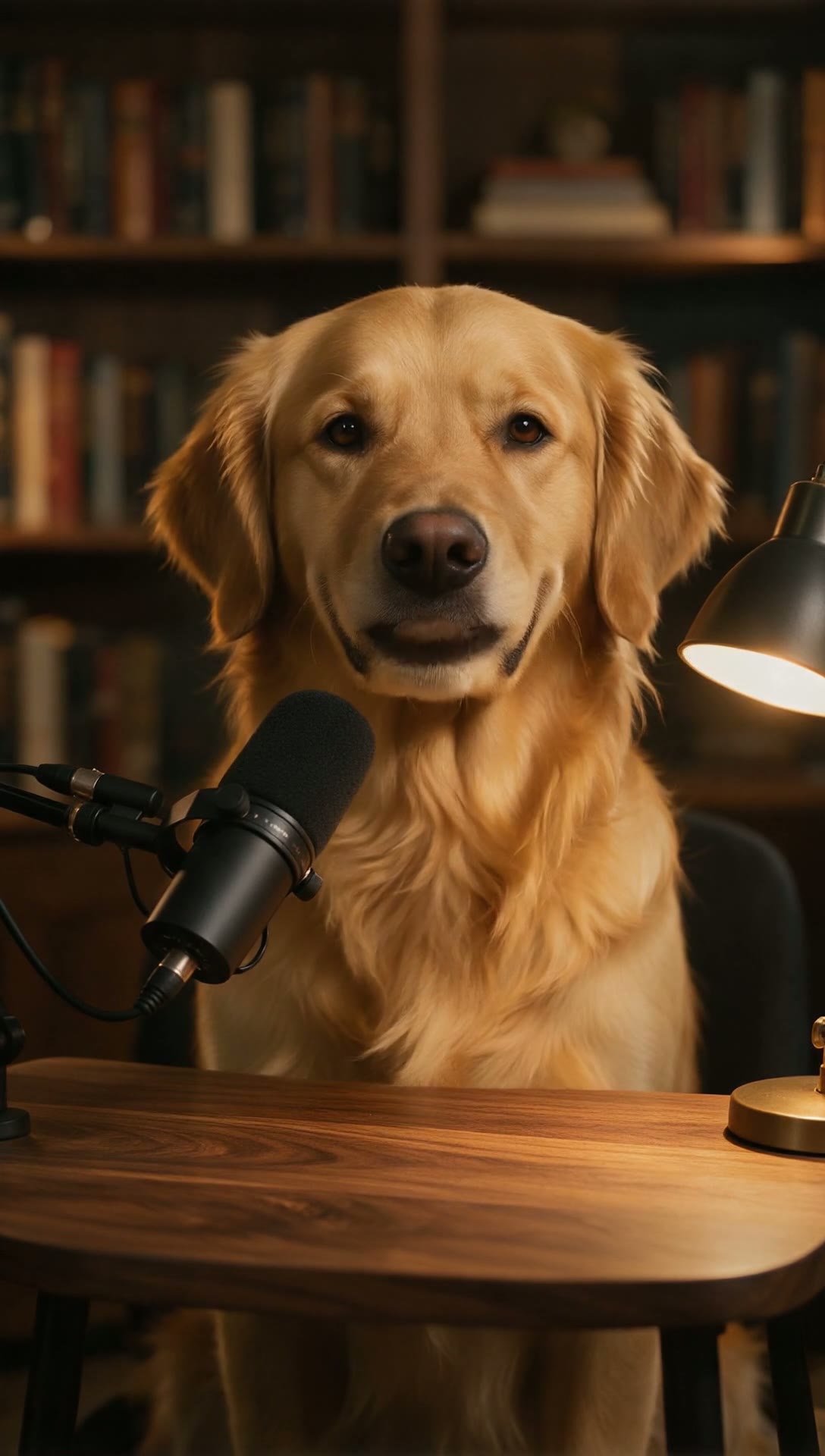
No. Lip Sync needs video. A single photo goes through AI Pet Podcast for pets, or Recreate to cast a character into an existing performance.
How long can the speech be?
Length is limited by credits, not by plan. Typed lines are measured and priced before generation, so you see the cost instead of being charged for a failure.
Does typing the line cost more than uploading audio?
Slightly. Typing adds a small speech-synthesis charge on top of the lip sync itself. The generate button shows the exact total before you commit.
Related tutorials
Ready to try it?
What kind of footage works, what does not, and exactly where the current limits are — before you spend credits finding out.
Try Lip Sync