Video dubbing
You bring the dubbed track. We match the mouth.
Dubbing has two halves: producing the new-language track, and making the speaker's mouth fit it. We do the second half. Bring a track from your translator, voice artist, or another tool, and this matches one visible speaker's mouth to it.
Prepare your video and speech first. A free account is needed only when you generate.
Start with this inputNeed another route? Compare all three speech inputs.
See a real video, uploaded audio and result. This English audio example demonstrates the upload workflow, not multilingual dubbing quality.
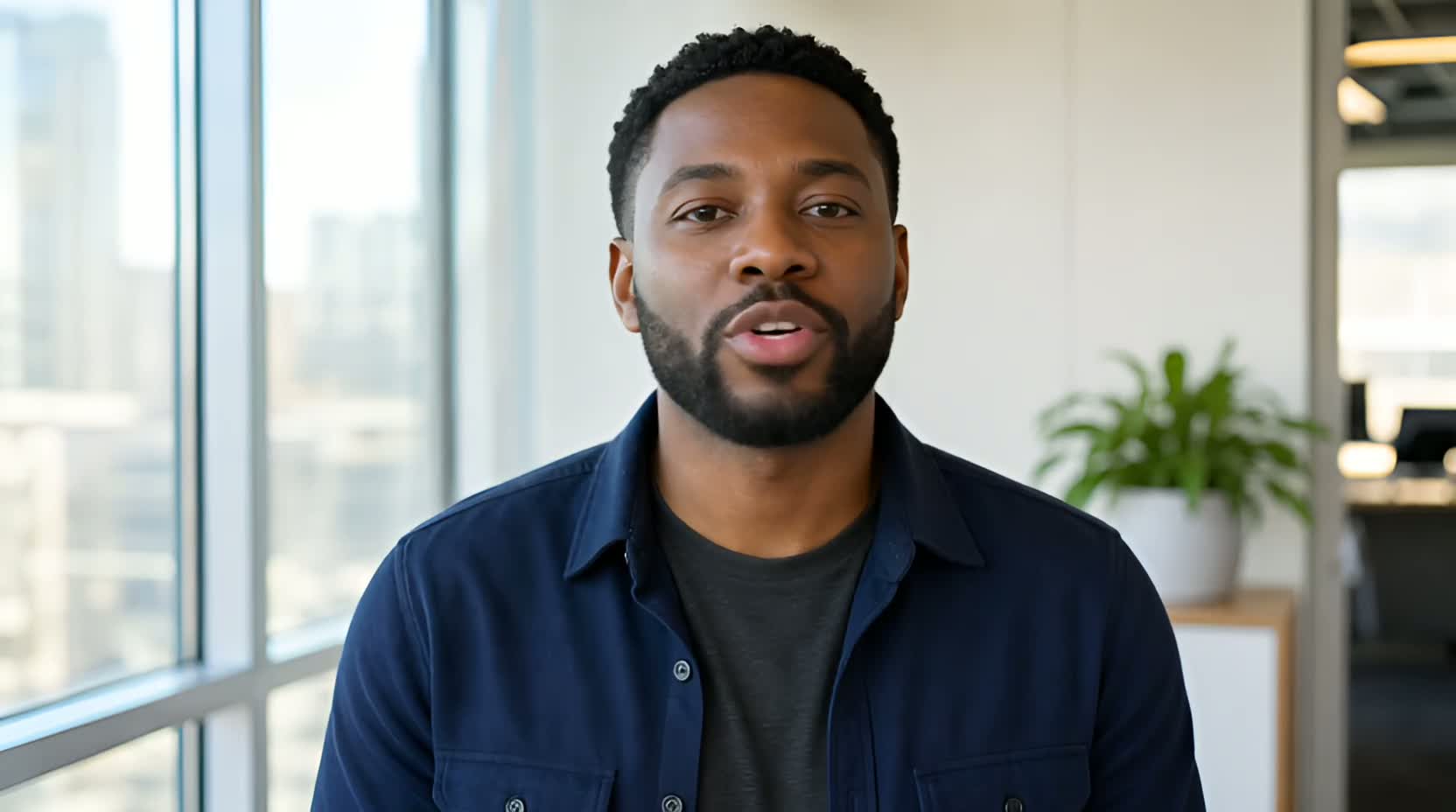
This approved A/B example uses English typed lines. It is not an uploaded dub or a multilingual quality test; use the separate uploaded-audio example to inspect that workflow.
Create
Bring one clear video. The matching speech mode is already selected.
You can switch modes at any time. The same price, consent, queue and result rules apply across all routes.
Use the finished take as-is. Start with your own video or try a ready-made sample.
MP4 / MOV · one clear face · current production limits applyNEW SPEECH
What should they say?
Type text, upload your own audio, or record. Try different lines anytime.Input guide
What this does and does not do
Bring the original video
Upload an MP4 or MOV with one clear, forward-facing speaker, 3 seconds to 5 minutes.
Upload the dubbed track
Add the finished MP3, WAV or M4A. Your track drives the result; review the finished audio, length and mouth alignment.
Check the fit, then publish
Watch the mouth against the new track in the finished MP4 before you use it.
- We do not translate, and we do not generate speech in languages other than English. Typed text uses English voices only.
- Bring the dubbed track as MP3, WAV or M4A — any language. The mouth is matched to whatever you upload.
- One clearly visible speaker per clip. Multi-speaker dubbing is not supported.
- Only use footage and audio you have permission to process.
Questions
Video dubbing questions
Can you dub my video into Hindi, Spanish or another language?
Not end to end. We do not translate and we do not generate speech in other languages — typed text uses English voices only. If you already have the dubbed track, upload it here and we match the mouth to it in any language.
Why not just overlay the new audio?
Overlaid audio leaves the original mouth movement, which is the thing viewers notice first. This re-times the mouth to the track you supply.
Does it handle two people talking?
No. One clearly visible speaker per clip. Split a multi-speaker scene into single-speaker segments first.
Do I need an account?
You can prepare your video and audio before signing in, but a free account is required to generate. Your prepared inputs stay ready through sign-in. Finished results appear in your Library, and the exact generation cost is shown before you submit.