you need to translate or dub a video into another language, work with long videos, call lip sync from your own code or an editor plugin, or choose between several lip sync models.
Video Lip Sync · 4 min read
A sync.so alternative for lip syncing a video to new audio
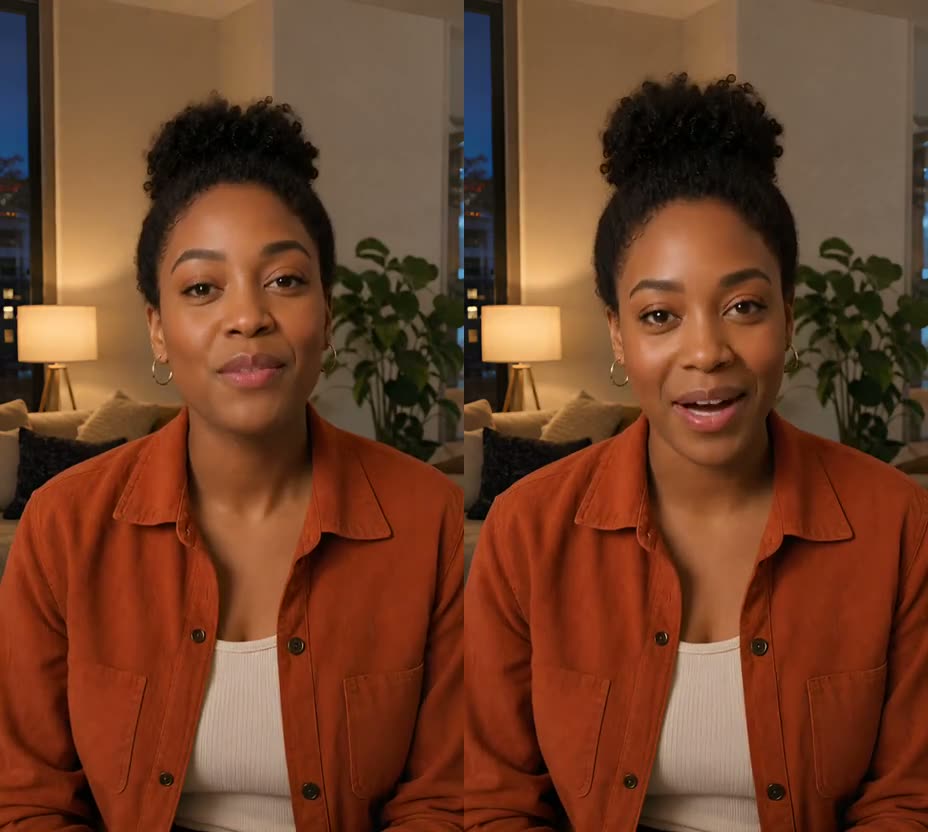
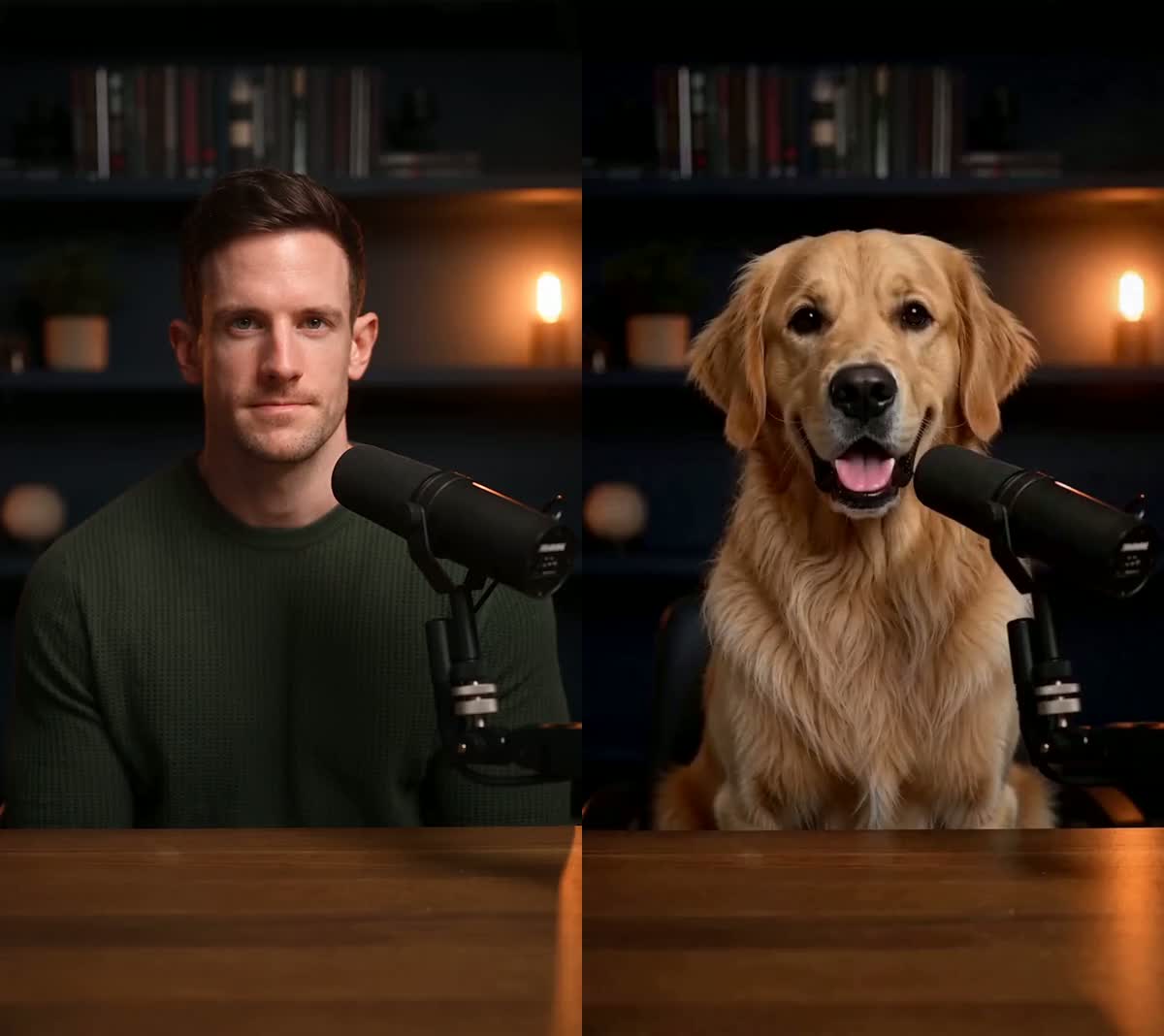
Both tools match a speaker's mouth to new speech in a video you already have. They differ in how you pay, how long a video can be, and what else is built in.
Try Video Lip SyncUpdated Nov 10, 2026
On this page
Short answer
If you want to change what one speaker says in a short video you already have, without a subscription, UseLipSync Video Lip Sync is a pay-as-you-go alternative to sync.so. sync.so offers several lip sync models, built-in dubbing into some languages, an API and editor plugins, and videos up to 30 minutes on its largest plan. Video Lip Sync takes a 3-second to 5-minute single-speaker clip, lets you type, upload or record the new line, costs 30 credits per output second, and sells credit packs that never expire. A free account starts with 1,800 credits, about 60 seconds. We have not run a side-by-side quality test, so compare real results on each site before you pay.
Which one fits your video
you have a short clip with one clear speaker, want to fix or replace a line without learning an API, and prefer to pay once for credits that never expire instead of a monthly plan.
See change words in a video: trim the clip to the sentence you are fixing, generate it, then put it back in your edit.
Step by step
- Upload a clip with one clear speaker
MP4 or MOV, 3 seconds to 5 minutes, with one face visible and turned toward the camera for the whole clip.
- Supply the new speech
Type the line and pick a ready-made or saved voice, upload a clean MP3, WAV or M4A you own, or record it in the browser. The result is as long as the speech you supply.
- Check the quote, then generate
The tool shows the exact credits and your balance before you generate — 30 credits per second of new speech, rounded up to a whole second, so an 8-second line is 240 credits.
- Review and download
Check the mouth movement and the audio in the finished MP4 before you publish it.
sync.so and Video Lip Sync side by side
sync.so: a browser studio, an API, and plugins for Premiere, DaVinci Resolve and ComfyUI. Video Lip Sync: in the browser, no API.
sync.so: clone or generate a voice, use the clip's own audio, or send WAV or MP3 through its API; built-in dubbing for some languages. Video Lip Sync: type it with a ready-made or saved voice, upload MP3, WAV or M4A, or record it. No translation.
sync.so: up to 1 minute on Hobbyist, 5 minutes on Creator and 30 minutes on Scale. Video Lip Sync: 3 seconds to 5 minutes, one speaker.
sync.so: a free trial of 3 shared generations a month, up to 15 seconds each, according to its docs. Video Lip Sync: a free account starts with 1,800 credits, about 60 seconds of output.
sync.so: a monthly plan from $5 (Hobbyist) or $19 (Creator), plus usage per second — for example $0.05 a second for lipsync-2 and $0.133 for sync-3 on those plans. Video Lip Sync: 30 credits a second, with one-time packs from $6.99 for 4,000 credits (about 133 seconds, $0.052 a second) to $15 for 11,000 (about 366 seconds, $0.041 a second).
sync.so lists five models, from lipsync-1.9 to sync-3, at different prices. Video Lip Sync has one. We have not compared output quality, so watch real results on both sites.
What actually makes a difference
Video Lip Sync does not handle several people talking in one clip. Pick a stretch where one face is clearly the speaker.
The result is as long as the new speech. To fix one line in a long video, cut out that part, generate it, and put it back in your edit.
Music or a second voice mixed over the line makes the mouth timing less accurate.
Only clone or upload a voice you have permission to use, and only change someone's words with their agreement.
Questions
Is UseLipSync free like sync.so's trial?
A free account starts with 1,800 credits, about 60 seconds of Video Lip Sync. After that you buy a credit pack or a monthly plan; credits never expire.
Can UseLipSync translate my video?
No. It matches the mouth to speech you type, upload or record. For built-in translation or dubbing, a tool like sync.so fits better.
How long can my video be?
3 seconds to 5 minutes, with one clear speaker. sync.so allows longer videos on its larger plans.
Do I need a subscription?
No. One-time credit packs work for every tool, and their credits never expire. Monthly plans are optional.
Is UseLipSync affiliated with sync.so?
No. sync.so is a trademark of its owner. Facts about sync.so on this page come from its public website on Nov 10, 2026 (sync.so, sync.so/pricing and sync.so/docs) and may have changed, so check its site for current details.
Related tutorials

Ready to try it?
Both tools match a speaker's mouth to new speech in a video you already have. They differ in how you pay, how long a video can be, and what else is built in.
Try Video Lip Sync