Recreate replaces the one main subject of a clip. Replacing two people is available only on the Fateful Gaze template.
Recreate · 3 min read
Recreate AI video: inputs, limits and sound options
The files, lengths, output format, sound choices and per-second price for replacing the main character in a video.
Open RecreateUpdated Nov 9, 2026
On this page
Short answer
Recreate takes one character image (JPG, PNG or WebP, up to 10 MB) and one 4–15-second reference video (MP4 or MOV, up to 50 MB). The image decides who appears; the reference decides the action, camera and timing. “Keep the original sound” keeps the reference clip's own speech or music — Recreate does not generate a new voice. “No sound” returns a silent video. Results are vertical 9:16 MP4 at 768P. Recreate costs 450 credits per output second, so a 4-second result is 1,800 credits and a 6-second result is 2,700 credits.
Step by step
- Character image
One JPG, PNG or WebP, up to 10 MB, showing one clearly visible subject; front-facing works best. People, pets, mascots, AI characters and illustrations all work. Use an image you own or have permission to use.
- Reference video
Pick a ready template or upload an MP4 or MOV of 4–15 seconds, up to 50 MB, with an aspect ratio between 2:5 and 5:2 and one clear main subject. A longer source of up to 5 minutes and 200 MB can be uploaded after you sign in, then trimmed to one continuous 4–15-second moment.
- Sound: two options
“Keep the original sound” keeps the reference clip's own speech or music; Recreate does not generate a new voice or new music. “No sound” gives you a silent video for your own voiceover or music. A template without a soundtrack offers No sound only.
- Output and price
The result is a vertical 9:16 MP4 at 768P, about as long as the selected reference. It is billed at 450 credits per output second, rounded to the nearest whole second: 6 seconds is 2,700 credits, 10 seconds 4,500 and 15 seconds 6,750. The server quote appears before you generate. The 450-credit rate is a limited-time price until Dec 31, 2026 (regular rate: 700 credits per second).
What actually makes a difference
Recreate keeps what is said. To change the words, use Video Lip Sync with speech you are authorized to use.
Recreate does not edit a selected object, outfit or background on its own. It recasts the main character.
The generated mouth movement can drift from the original speech, and small on-screen text is worth a second look before publishing.
Questions
Does Recreate change the voice?
No. With “Keep the original sound”, the result keeps the reference clip's own speech or music; Recreate does not generate a new voice. Choose “No sound” for a silent video.
How long can a Recreate video be?
4 to 15 seconds. A longer source can be uploaded after you sign in and trimmed to one 4–15-second moment.
What files does Recreate accept?
A JPG, PNG or WebP character image up to 10 MB, and an MP4 or MOV reference video up to 50 MB.
What format is the result?
A vertical 9:16 MP4 at 768P.
Can I replace a person with a cartoon, pet or mascot?
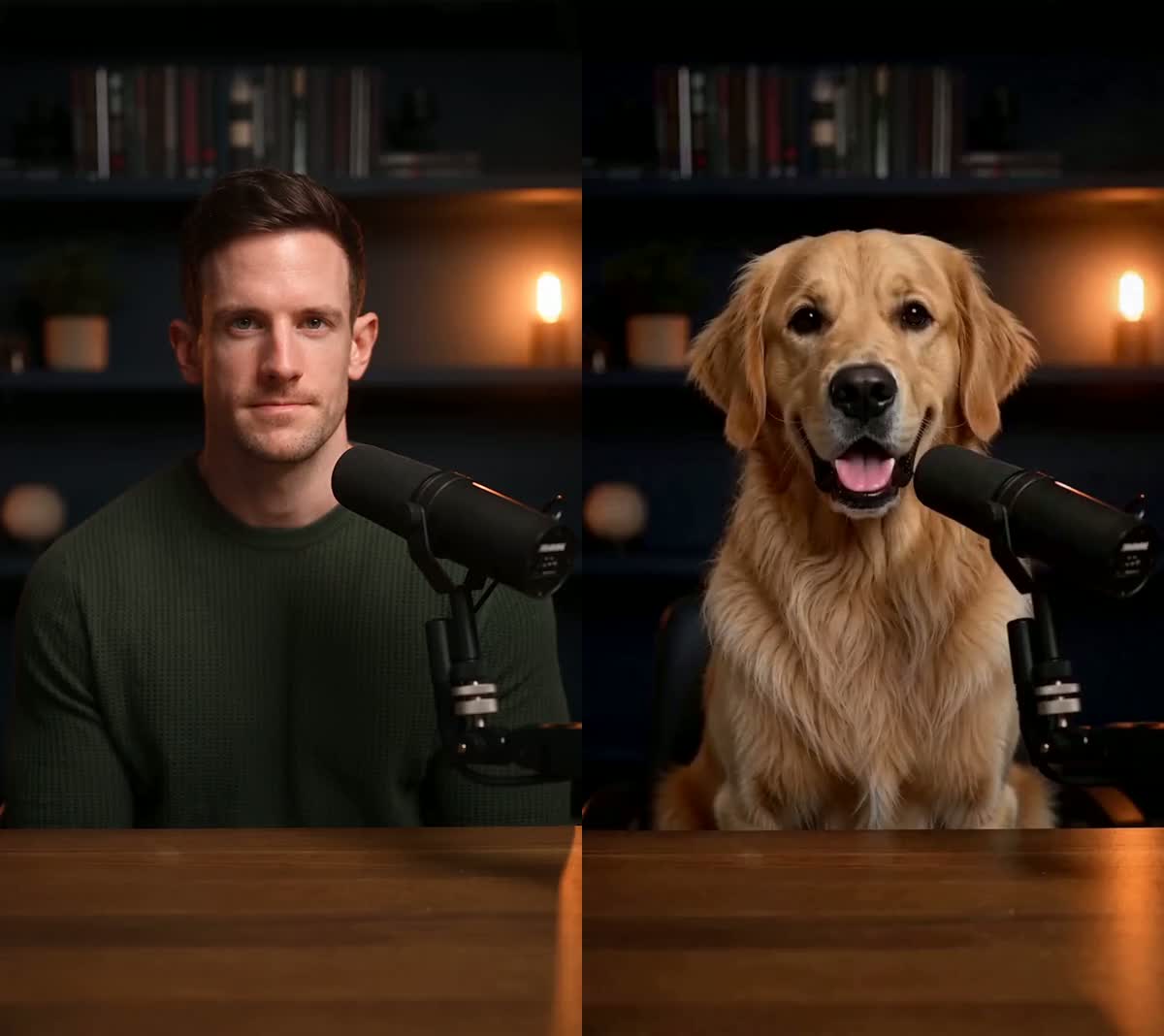
Yes. Upload one image of the character; the reference clip's action, camera and timing carry over, and you can keep its original sound.
What would a 10- or 15-second video cost in dollars?
A 10-second result uses 4,500 credits; the one-time $9.99 pack adds 7,000 credits. A 15-second result uses 6,750 credits; the one-time $9.99 pack adds 7,000. Your existing balance counts toward either result, so the tool shows the exact shortfall and the smallest single pack that covers it after you select your clip.
Is this only a face swap?
Recreate is for changing the main visible character while using the reference for the action, camera and timing — not just overlaying a new face. It works best with one clear subject. It does not let you independently replace every person in a crowded uploaded clip, and generative details can vary; review the result before publishing.
Related tutorials
Go straight to the tool: AI character swap · Replace a person in a video
Ready to try it?
The files, lengths, output format, sound choices and per-second price for replacing the main character in a video.
Open Recreate