The output follows the reference action and its overall timing closely.
Recreate · 4 min read
How to recreate a video with your own character
Bring a character you own into a ready-made performance, or upload a short reference clip you are authorized to use.
Recreate with your characterUpdated 2026-10-19
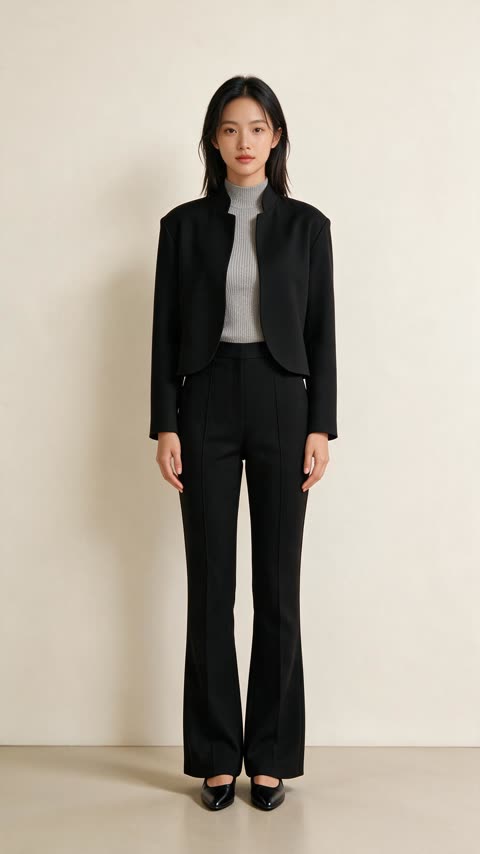
Selected template
Recreated output
The short answer
Choose a ready template or upload a 4–15-second reference video you are authorized to use, then add one authorized character image. The reference guides motion, camera and timing; the image guides who appears on screen. If the reference has sound, choose “Keep the original sound” to request audio preservation, or choose “No sound” for a silent video; listen to the result before publishing. There is no prompt to invent the action. Recreate costs 700 credits per output second, so a 6-second result is 4,200 credits; the exact total appears before you submit.
Listen to a real reference and result
The hero above is a silent visual comparison. This separate Rockstar Entrance example has sound in both the original template and an existing Recreate result made with one AI character image. Press play on each clip to compare them.
Play one at a time with sound on. The generated clip is about half a second longer than the reference. This example does not guarantee exact audio transfer or perfect synchronization for other clips; review your own result before publishing.
Step by step
- Understand the two inputs
The reference clip is the performance — motion, framing and timing are driven by it. Your character image is the casting. Because the motion is not invented from a text description, the result tends to look consistent rather than dreamlike.
- Choose a reference that suits your character
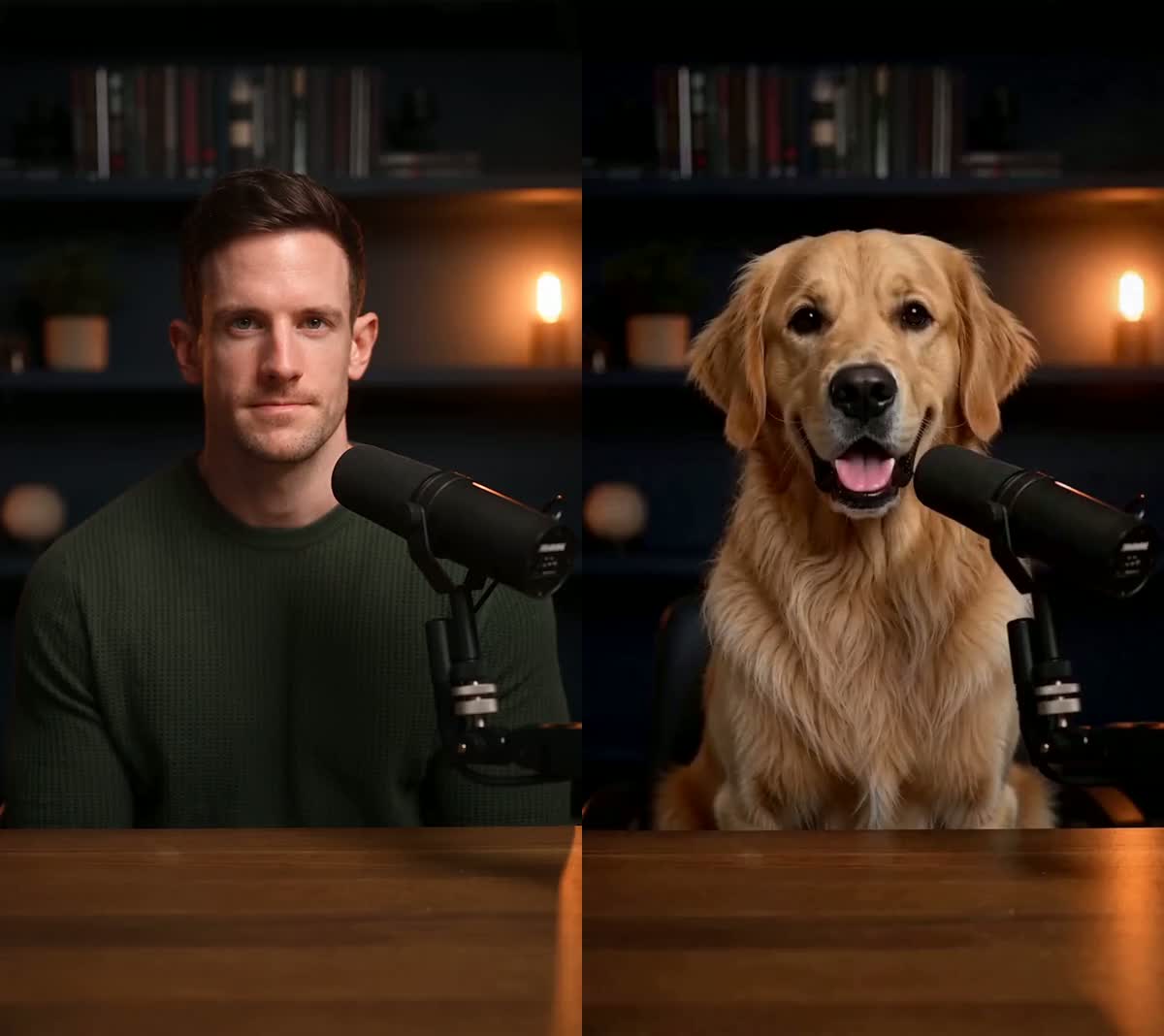
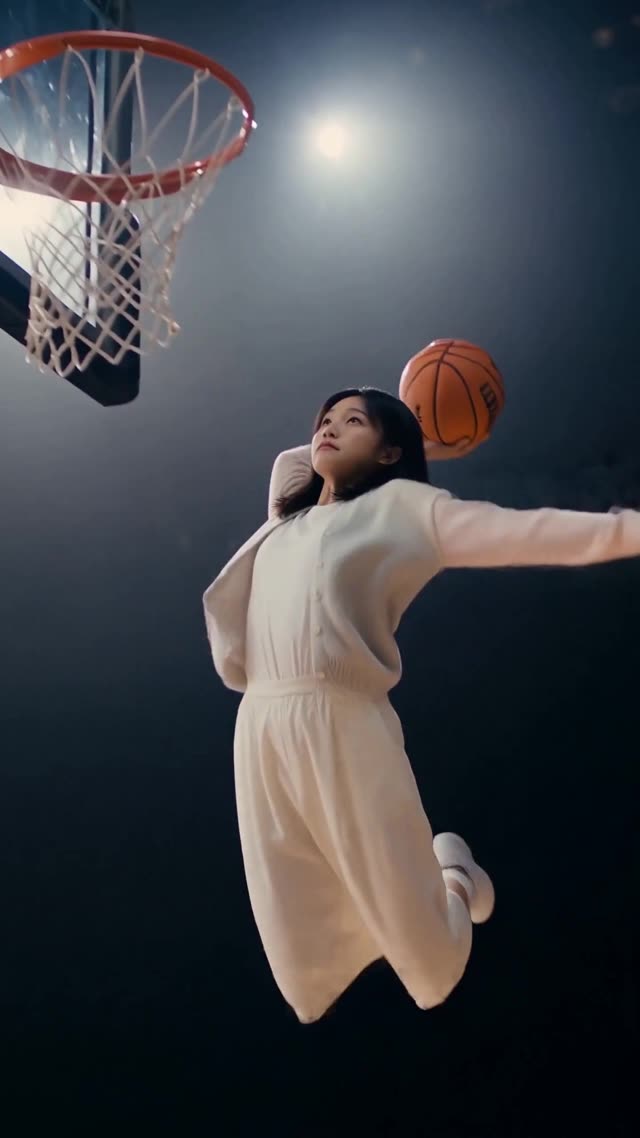
A whole-body action like a dunk or a runway walk needs a character with a readable silhouette. A seated speaker suits a head-and-shoulders image. Matching the two is the difference between a clean transfer and a stylised one.
- Prepare the character image
One subject, front-facing, evenly lit, nothing covering the face. Illustrated and 3D characters work as well as photos, as long as the subject is clearly separable from the background. You must own or be authorised to use the character.
- Generate, then reuse the same character
Once a character works well, run it through other templates. The character image is the reusable asset — the same photo can go on a stage, a runway and a red carpet without the logistics of a full reshoot.
What the reference controls
Framing and camera movement are driven by the reference clip, not re-invented.
The output duration follows the reference duration, and key beats are designed to stay aligned.
“Keep the original sound” asks the model to retain reference audio when available. Listen to the finished result: sound and timing can still differ.
Burned-in captions and stickers are generally preserved with the reference, but generative output can vary — review the final result before publishing.
UI, product shots and price badges are designed to stay in place. Small text and fine detail are worth checking on the result.
What actually makes a difference
A four-legged pet on a human walk cycle reads as deliberate and stylised, not broken — but know that going in rather than being surprised by it.
A busy background makes your character harder to separate. A plain wall or a clean studio shot gives the cleanest transfer.
Every second costs credits. Prove the character works on a 6-second reference before committing to a 15-second one.
Mascots, brand characters and AI characters are fine if they're yours. Do not cast a real person you have no permission to depict, and do not imply an endorsement.
Questions
Is there a prompt box?
No. The reference clip is the instruction. That gives the model a visible performance to follow instead of leaving the action open to interpretation from text alone.
Can I use an illustrated or 3D character?
Yes. Illustrations, mascots and 3D renders all work, provided the subject is clearly separable from the background.
Can I use my own footage as the reference?
Yes. Switch to “Upload your own video” and bring an MP4 or MOV between 4 and 15 seconds, up to 50MB, that you have the rights to use.
How many templates can one character image be used in?
As many as you like. The image is reusable; each generation is billed separately by output duration.
What does it cost?
Recreate costs 700 credits per output second. A 6-second result is 4,200 credits, and the exact total is shown before generation.
What would a 10- or 15-second video cost in dollars?
A 10-second result uses 7,000 credits; the one-time $9.99 pack adds 7,000 credits. A 15-second result uses 10,500 credits; the one-time $15 pack adds 11,000. Your existing balance counts toward either result, so the tool shows the exact shortfall and the smallest single pack that covers it after you select your clip.
Is this only a face swap?
Recreate is for changing the main visible character while using the reference for the action, camera and timing — not just overlaying a new face. It works best with one clear subject. It does not let you independently replace every person in a crowded uploaded clip, and generative details can vary; review the result before publishing.
Related tutorials
Ready to try it?
Bring a character you own into a ready-made performance, or upload a short reference clip you are authorized to use.
Recreate with your character