you want to try character swaps for free first and a watermark is fine while you test, your clip has several people and you want to swap more than one, or you need longer uploads or a real-time swap for live streaming.
Recreate · 5 min read
A Viggle alternative for replacing a person in a video
Both tools cast a new character into existing motion from one photo. They differ in free use, clip length, how many people they swap, and how you pay.
Replace a person in your clipUpdated Nov 13, 2026
On this page
Short answer
If you want to replace the main person in a short video you already have, and see the exact price before anything is generated, UseLipSync Recreate is a pay-as-you-go alternative to Viggle. Viggle has a free tier with daily credits, can track several characters in one clip, and accepts longer uploads. Recreate swaps one main subject in a 4–15-second result, quotes the exact credits first, and sells one-time credit packs that never expire. We have not run a side-by-side quality test, so compare the real examples on each site before you pay.
Listen to a real reference and result
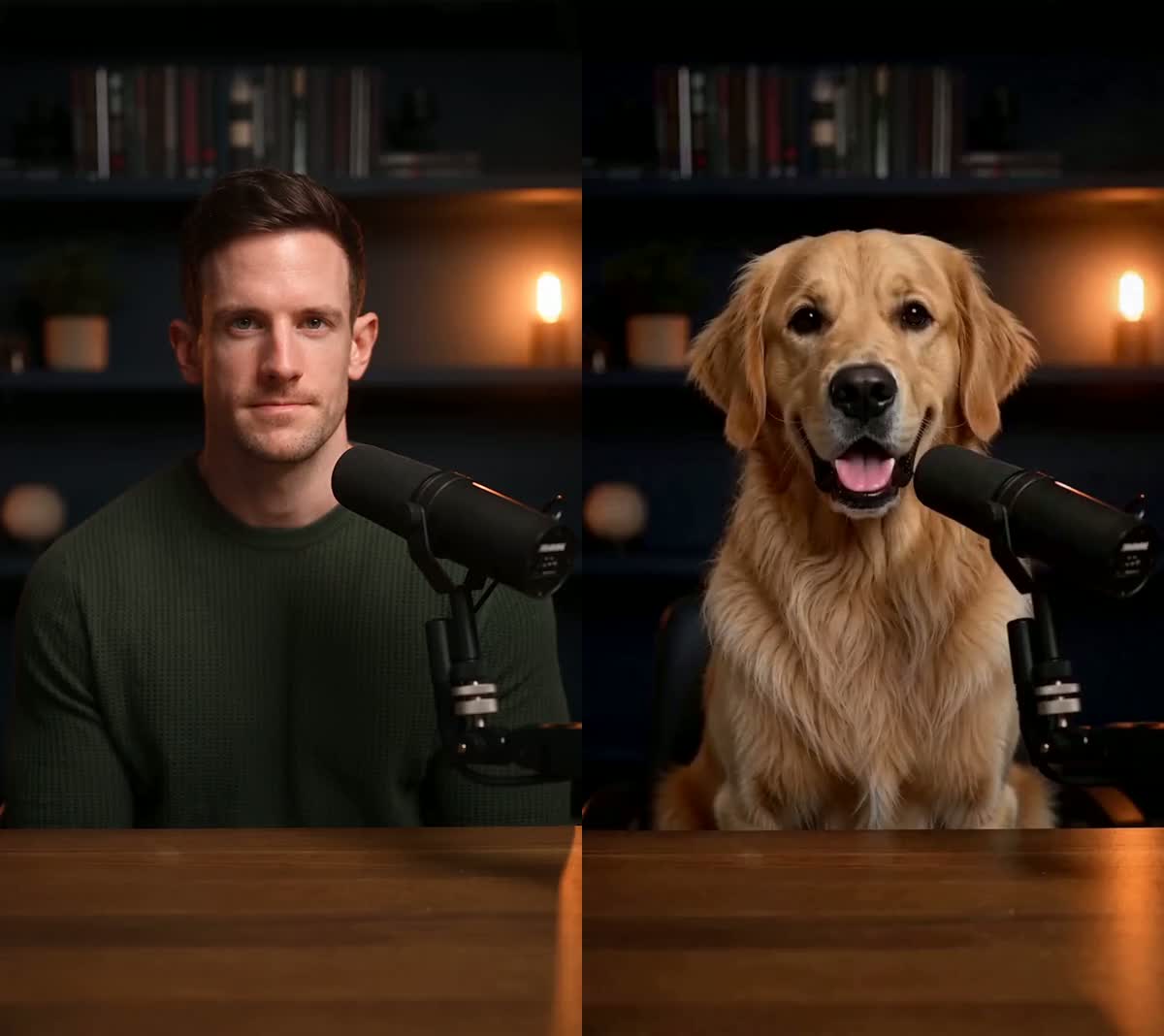
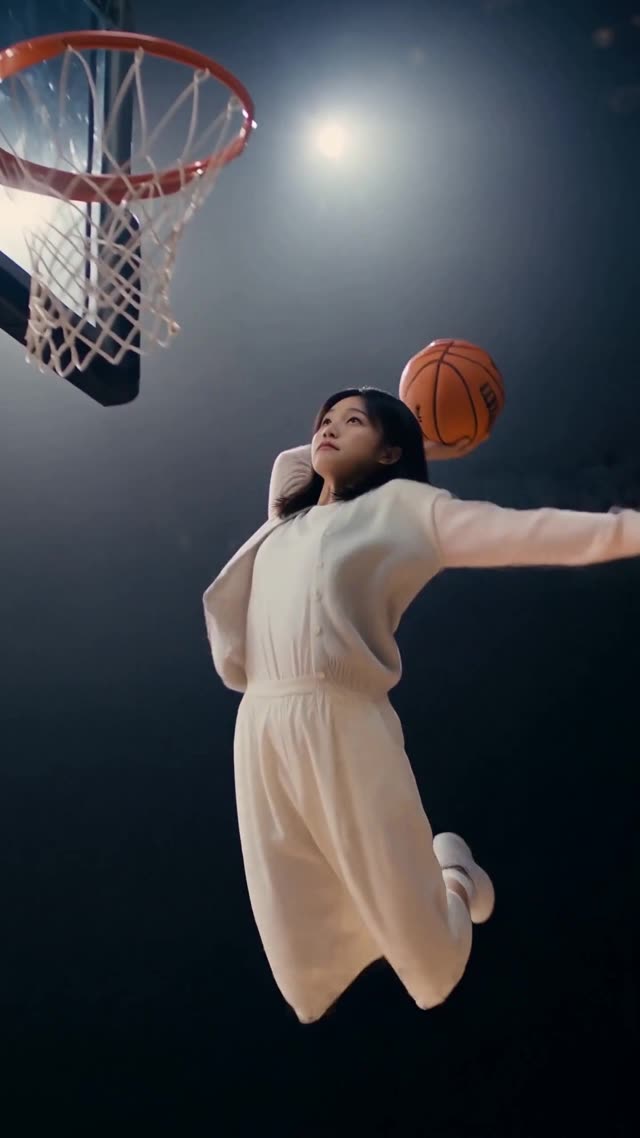
The hero above is a silent visual comparison. This separate Rockstar Entrance example has sound in both the original template and an existing Recreate result made with one AI character image. Press play on each clip to compare them.
Reference
Result
Play one at a time with sound on. The result keeps the template's own soundtrack; no new voice or music is generated. Review your own result before publishing.
- Reference file
- 6.048 seconds · 720 × 1280 · H.264 video with AAC audio.
- Generated file
- 6.583 seconds · 768 × 1344 · H.264 video with AAC audio.
- Measured change
- The result is 0.535 seconds longer and its frame dimensions differ. Compare the character, stage, camera movement and soundtrack yourself.
- What this example covers
- One existing Rockstar Entrance template result. It is not a test of your upload or a guarantee for other subjects, clips or sounds. Review the quote and finished result for your own clip.
Use this template with your character Choose your image and review the exact quote before generating.
Which one fits your clip
you have a short clip with one clear main person, want to know the exact cost of this clip before anything is generated, and want to pay once without a subscription. You can also ask the result to keep the clip's original sound, or keep it silent to dub it yourself.
The same credit balance covers Video Lip Sync for new speech on the same person, and Product Swap for a handheld product.
Step by step
- Choose a template or upload your clip
Open Recreate and pick a ready template, or upload your own 4–15-second MP4 or MOV within 50 MB. For a longer source, sign in and select one 4–15-second moment from up to 5 minutes / 200 MB.
- Add one clear photo
One JPG, PNG or WebP up to 10 MB of the person, pet or character you want in the shot. One subject, evenly lit, nobody else in the frame.
- Choose the sound
“Keep the original sound” keeps the clip's own speech or music — no new voice is generated. “No sound” gives you a silent result to dub.
- Check the task price, then generate
Confirm the two rights statements and press Check task price. The server quotes the exact credits for your clip — 2,700 for a 6-second result at 450 credits per second — without reserving anything. Then press Generate for the quoted amount. Technical failures release the reserved credits.
Viggle and Recreate side by side
Viggle: one character image plus a template or your own clip. Recreate: one character image (JPG, PNG or WebP, up to 10 MB) plus a template or your own clip.
Viggle: up to 1 minute on Free and up to 10 minutes on paid plans. Recreate: a 4–15-second clip, or one selected moment from a source up to 5 minutes.
Viggle: up to 7 characters with Multi-Track. Recreate: one main subject per uploaded clip; one two-role template is a separate exception.
Viggle: daily free credits, and Free-plan Mix videos are watermarked. Recreate: Eligible new visitors receive 1,800 one-time starter credits, enough for a 4-second Recreate at the current rate if those credits are unspent. A free account and confirmation of the exact quote are required; this is not unlimited free generation.
Viggle: monthly plans listed at $7.99 (Pro), $15.99 (Live) and $63.99 (Max); the credit cost per feature is not published. Recreate: 450 credits per output second; one-time packs from $6.99 for 4,000 credits to $15 for 11,000, or monthly from $19 for 15,000.
Viggle: a per-clip quote is not stated; monthly credits expire on the billing date and purchased credits need an active plan. Recreate: the server quotes your clip before you generate, and credits never expire.
What actually makes a difference
Recreate does not swap several people independently. Crop or choose a moment where one person is clearly the subject.
Results are 4–15 seconds. Longer sources are trimmed to one selected moment.
Watch the real examples and check the quote for your clip before you buy credits.
“Keep the original sound” keeps the reference audio. Recreate does not generate a new voice.
The reference guides motion, camera and timing, but generated details can differ. Check faces, hands and on-screen text.
Questions
Is UseLipSync free like Viggle?
Eligible new visitors receive 1,800 one-time starter credits, enough for a 4-second Recreate at the current rate if those credits are unspent. A free account and confirmation of the exact quote are required; this is not unlimited free generation.
Can I swap more than one person?
Uploaded clips are limited to one main subject. Viggle's Multi-Track can track up to 7 characters, according to its website.
How much does a 6-second swap cost?
2,700 credits (6 × 450). The smallest one-time pack that covers it is $6.99 for 4,000 credits, with credits left over. The 450-credit rate is a limited-time price until Dec 31, 2026 (regular rate: 700 credits per second).
Can I use the result commercially?
Work made with purchased credits may be used commercially, with no extra licence fee. You must own or be authorised to use the clip and the character image.
Is this a face swap?
Recreate is for changing the main visible character while using the reference for the action, camera and timing — not just overlaying a new face. It works best with one clear subject. It does not let you independently replace every person in a crowded uploaded clip, and generative details can vary; review the result before publishing.
Is UseLipSync affiliated with Viggle?
No. Viggle is a trademark of its owner. Facts about Viggle on this page come from its public website on Nov 4, 2026 (viggle.ai/pricing and viggle.ai/tools/ai-body-swap) and may have changed, so check its site for current details.
Related tutorials
Go straight to the tool: AI character swap · Replace a person in a video
Ready to try it?
Both tools cast a new character into existing motion from one photo. They differ in free use, clip length, how many people they swap, and how you pay.
Replace a person in your clip