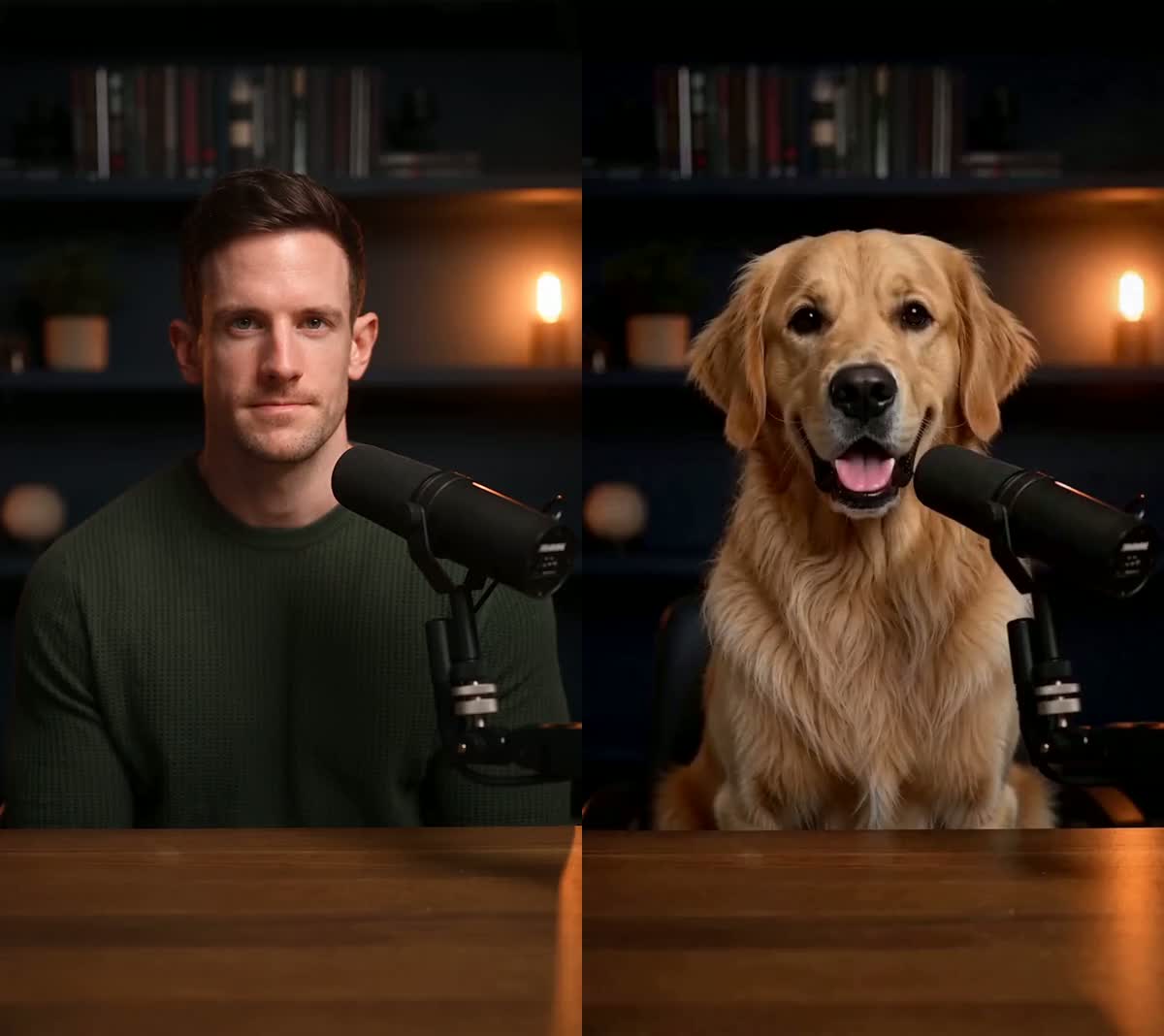
The output follows the reference action and its overall timing closely.
Recreate · 4 min read
How to replace a person in a video with AI
Swap the main character for someone else from a single photo, and keep the original motion, camera, timing and audio.
Replace a person in your videoUpdated 2026-10-15
ReferenceRecreated
The short answer
Open Recreate and upload your own 4–15 second MP4 or MOV as the reference, then add one clear photo of the authorized person, pet, mascot or character you want on screen. You can also start from a ready template. The result replaces the main subject while following the reference motion, camera, timing and — when selected — original audio. Pricing is shown before submission at 700 credits per output second.
Step by step
- Pick the performance you want to keep
Upload an MP4 or MOV you own, or choose a ready template. Recreate handles one clear main subject and reference clips between 4 and 15 seconds. A steady camera and an unobstructed subject transfer best.
- Upload one character image
A single JPG, PNG or WebP up to 10MB. One subject, facing the camera, evenly lit. This is the step that decides whether the result looks right, so it is worth picking a good photo rather than the first one you find.
- Choose whether the result keeps its sound
“Keep the original sound” carries the reference clip's speech, music and timing straight through. “No sound” gives you a silent video to dub yourself. Then confirm both rights statements — you need permission for the footage and the character.
- Generate and collect the result
The Generate button shows the exact price before you commit — 4,200 credits for a 6-second result, billed per second of output. Credits are reserved when the job starts and released automatically if it fails. You can leave the page; progress stays in your Library.
What the reference controls
Framing and camera movement are driven by the reference clip, not re-invented.
The output duration follows the reference duration, and key beats are designed to stay aligned.
With “Keep the original sound” selected, the reference audio is carried into the result.
Burned-in captions and stickers are generally preserved with the reference, but generative output can vary — review the final result before publishing.
UI, product shots and price badges are designed to stay in place. Small text and fine detail are worth checking on the result.
What actually makes a difference
A photo where the face or head is turned toward camera transfers far better than a profile or a three-quarter shot with hair across the face.
The reference already supplies its own lighting and shadows. A flatly-lit source photo lets that lighting land on your character instead of fighting shadows baked into the photo.
A second person or pet in the frame gives the model two candidates for “the main subject”. Crop before uploading.
A 6-second clip holds identity better than a 15-second one. Longer output means more frames in which the subject can drift.
Sunglasses, a mask, a mug in front of the mouth — anything covering the face removes information the model needs to keep identity stable.
Questions
Do I need a video of the person I'm adding?
No. One still photo is enough. The motion comes entirely from the reference clip.
Can I use a pet or a cartoon character instead of a person?
Yes. People, pets, mascots, AI characters and illustrations all work. Pick the one that matches your photo when you submit.
Does the audio change?
Not unless you ask for it. “Keep the original sound” preserves the reference clip's audio and its timing. Choose “No sound” if you plan to add your own.
What does it cost?
Recreate is billed per second of output at 700 credits per second, so a 6-second result is 4,200 credits. The price is shown on the Generate button before you commit.
What would a 10- or 15-second video cost in dollars?
A 10-second result uses 7,000 credits; the one-time $9.99 pack adds 7,000 credits. A 15-second result uses 10,500 credits; the one-time $15 pack adds 11,000. Your existing balance counts toward either result, so the tool shows the exact shortfall and the smallest single pack that covers it after you select your clip.
Is this only a face swap?
Recreate is for changing the main visible character while using the reference for the action, camera and timing — not just overlaying a new face. It works best with one clear subject. It does not let you independently replace every person in a crowded uploaded clip, and generative details can vary; review the result before publishing.
What happens if the generation fails?
Reserved credits are released automatically. You are not charged for a technical failure.
Related tutorials
Ready to try it?
Swap the main character for someone else from a single photo, and keep the original motion, camera, timing and audio.
Replace a person in your video