Recreate template
Red Carpet Arrival
Cast your subject from one photo into a red-carpet arrival. The reference guides the flashbulbs, slow turn and on-screen text; review the generated details.
6.05s reference · billed as 6s · 9:16 · 768P4,200 creditsOne image is all you add
What the reference guides
- The slow turn to camera
- Flashbulbs and press-line lighting
- The THE STAR HAS ARRIVED on-screen text
- The red carpet setting
The reference guides these elements, but generative details can vary. Review the result before publishing.
The photo to upload
- Front-facing or slight three-quarter angle
- Head and shoulders at minimum
- Even light — flashbulbs in the reference already add contrast
- One subject only
JPG, PNG or WebP up to 10MB each. You must own or be authorised to use the character.
How it works
- Pick this templateIt supplies the motion, camera and timing and audio.
- Add one character imageA person, pet, mascot or AI character you have the rights to.
- Generate4,200 credits for this 6-second result. Failed jobs release reserved credits.
Questions about this template
- Is the on-screen text editable?
- Not in this step. The model aims to carry through text from the reference, but small text can vary and should be reviewed.
- Does this work for a mascot or brand character?
- Yes, as long as you own or are authorised to use the character.
- Can I make it silent?
- Yes. Pick “No sound” before generating.
Related templates
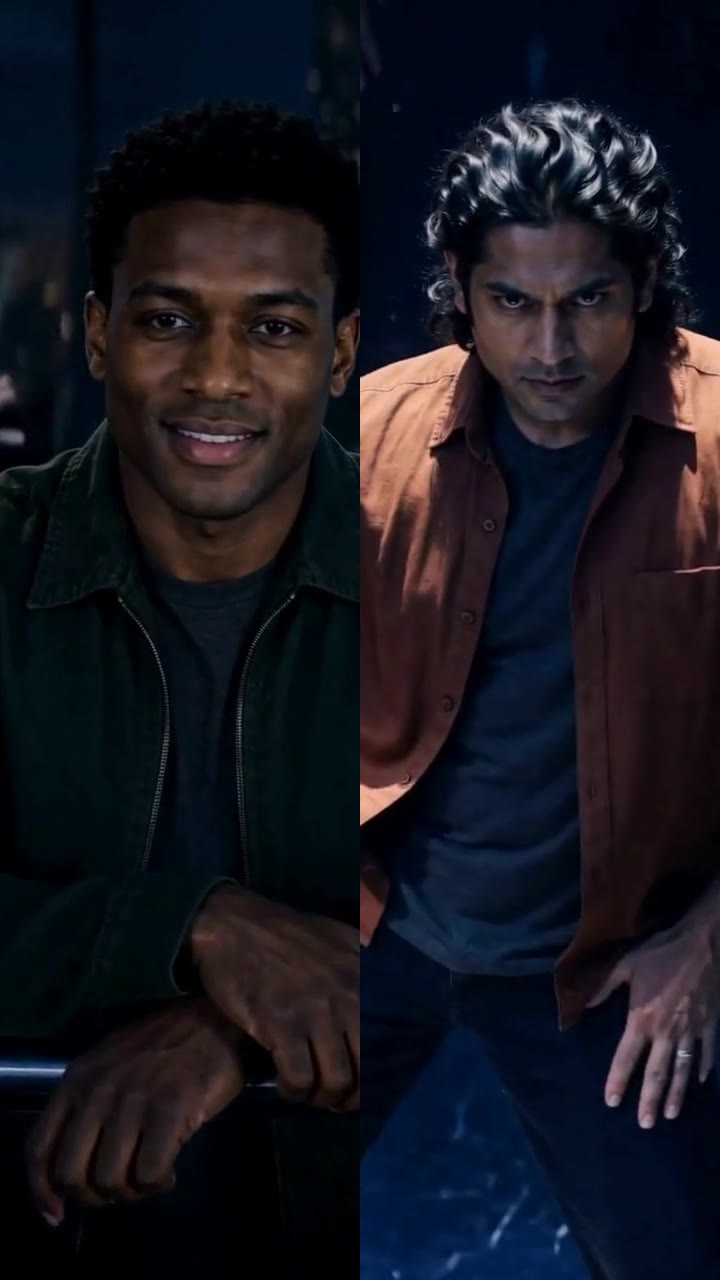 Fateful GazeTwo rivals lock eyes across a crowded arena before the dance begins. Replace both roles with your own characters.
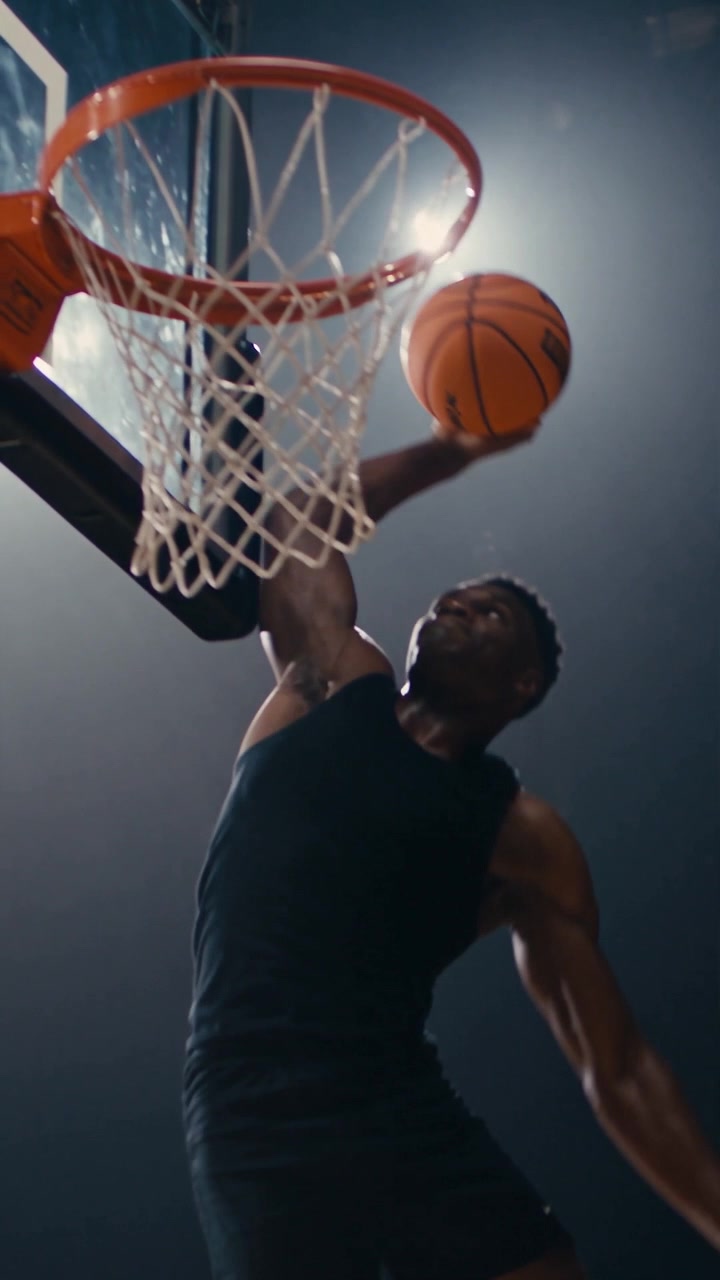 Tomahawk DunkA full-draw slam in a packed arena. Works for people, pets and mascots.
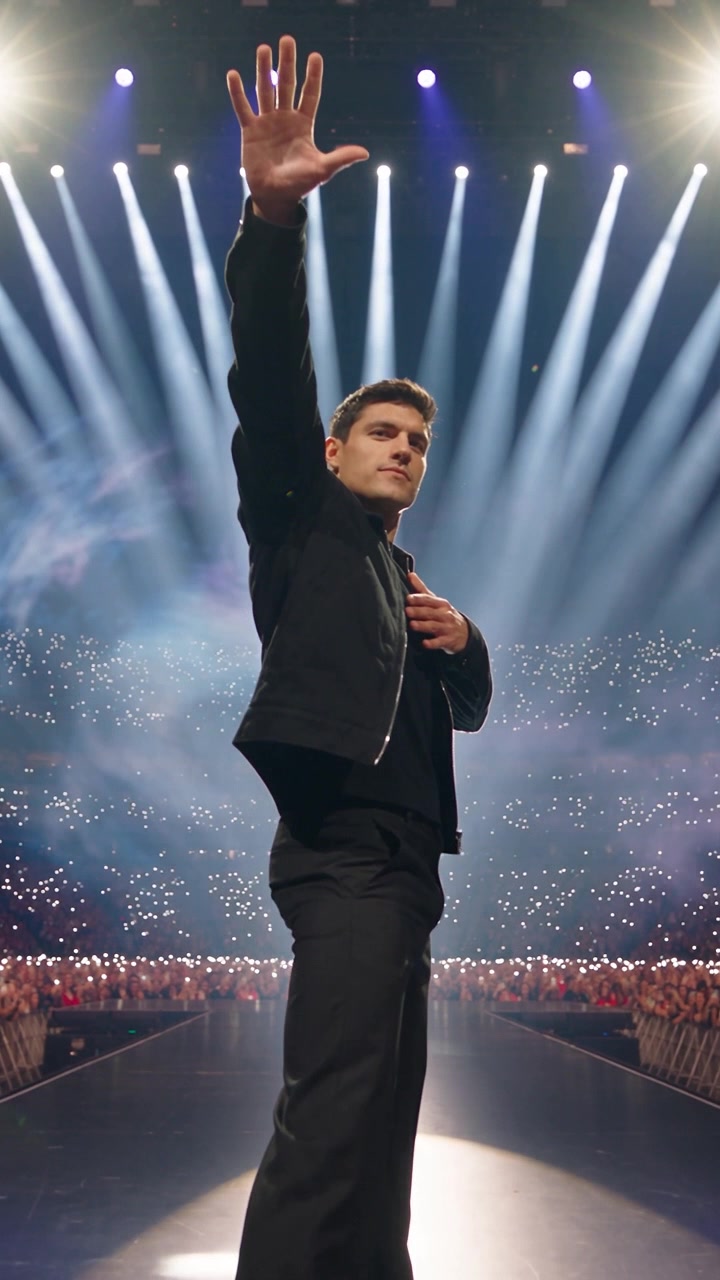 Rockstar EntranceStage lights, phone lights, a crowd waiting. Strong for any confident subject.